A software that allows people with normal color vision to understand what the world looks like for people with various types of color blindness. It converts images and video into simulations of different color vision deficiencies.
What is Colour Blindness Simulator?
The Colour Blindness Simulator is a software that creates simulations of various types of color vision deficiency, allowing people with normal color vision to understand the experiences of those with color blindness. It works by processing images and video through filters that simulate the vision of people with protanopia, deuteranopia, tritanopia, and other conditions that affect color perception.
By converting digital media into versions approximating different types of color vision, the software provides important perspective and builds empathy. It brings awareness to accessibility issues faced by the color blind community. The simulations let users toggle between normal vision and various color blind perspectives, highlighting the sometimes subtle but impactful ways that reduced color distinction affects everyday perception.
In addition to still images, the Colour Blindness Simulator can process video in real time. This makes it a unique tool for understanding how color blindness affects things like graphic design, data visualization, education materials, wayfinding signage, and more. Whether used for personal education or evaluating accessibility of projects, it offers insight that can lead to more inclusive experiences for all visual abilities.
Colour Blindness Simulator Features
Features
Simulate different types of color blindness (protanopia, deuteranopia, tritanopia)
Apply color blindness filters to images and videos
Adjust the severity of the color vision deficiency
Compare original and simulated images side-by-side
Support for various file formats (JPEG, PNG, GIF, MP4, etc.)
Ability to save and share simulated images
Pricing
Free
Pros
Helps people with normal color vision understand the challenges faced by those with color blindness
Raises awareness and promotes empathy towards color blindness
Can be used by designers, educators, and researchers to improve accessibility and inclusivity
Easy to use and intuitive interface
Cons
Limited to simulating color blindness, does not provide tools for color blindness correction
May not accurately represent the exact visual experience of individuals with color blindness
Requires users to have access to a computer or mobile device to use the software
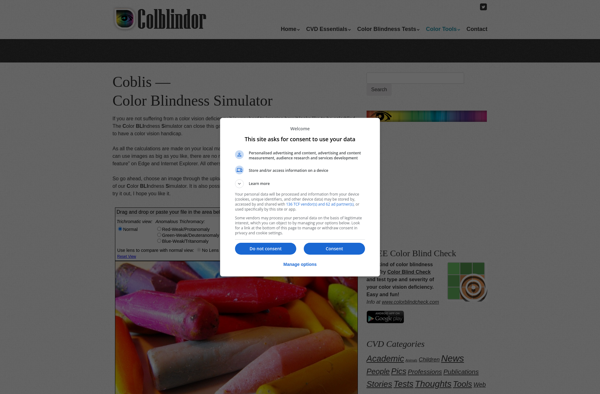
Coblis is a comprehensive, cloud-based medical practice management and medical billing solution designed for small to mid-sized medical practices, billing services, and medical specialty groups. It combines practice management, EHR, and medical billing tools into a single platform.Key features include:Patient scheduling and intakeElectronic health records (EHR) and clinical documentationInsurance claim...
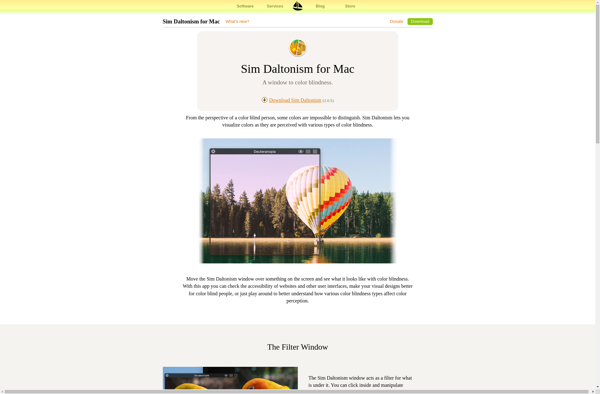
Sim Daltonism is a free application for macOS that allows users to simulate different types of color vision deficiency, also known as color blindness. It was developed by Michel Fortin in 2020 as an easy way for those with normal color vision to understand what the world looks like to...
CanvasFlip Colorblind Simulator is a free web-based application that enables users to upload images and apply different colorblindness filters to preview how the images would be perceived by people with various types of color vision deficiencies such as protanopia, deuteranopia, tritanopia, and more. It is an invaluable accessibility testing tool...
Color Blind Vision is assistive software designed to help people with color vision deficiency (color blindness) see digital content more accurately. It works by processing images and video in real-time to enhance colors, adjust contrast, and compensate for color confusion.The software uses advanced computer vision algorithms to analyze each pixel...
The Colorblind Web Page Filter is a browser extension available for Chrome, Firefox, and Edge that helps make web pages more accessible for people with color vision deficiencies. It works by applying color filters and other visual effects to pages to increase the contrast between elements and make them easier...
Colorblinding is a free Chrome extension that allows web designers, developers, and content creators to simulate different types of color vision deficiencies on web pages. This enables them to experience how their content appears for people with color blindness and ensure it is inclusive and accessible for people with vision...
RGBlind is an open-source screen reader program designed to help blind and visually impaired users interact with their computers. It works by reading aloud text content on the screen using text-to-speech technology and allowing navigation via the keyboard. Some key features of RGBlind include:Text-to-speech with natural sounding voices.Customizable verbal feedback...