TypingMaster
TypingMaster: Learn Touch Typing
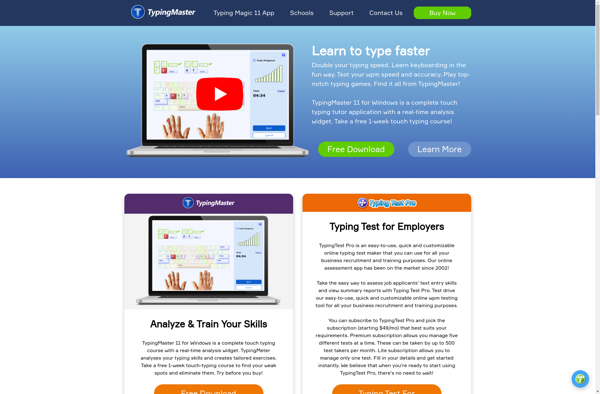
TypingMaster is a typing tutor program that helps users learn touch typing and improve their typing speed and accuracy. It provides typing lessons, tests, and games for practice.
What is TypingMaster?
TypingMaster is a typing tutor software designed to help users master touch typing and improve their typing speed and accuracy. It includes features such as:
- Interactive typing lessons that teach proper finger placement and typing techniques
- Personalized typing tests that measure words per minute (WPM) and accuracy
- Statistics and progress tracking to monitor typing improvement over time
- Typing games and challenges to make practice more engaging
- Support for multiple keyboard layouts including QWERTY, DVORAK and AZERTY
- Useful visualization tools like finger position guides and key highlights to reinforce proper typing
- Customizable features to set target typing speed, difficulty levels etc.
TypingMaster has various difficulty levels making it useful for beginners, intermediate typists as well as professionals. The software is available for Windows and Mac operating systems. Overall, TypingMaster is one of the most comprehensive typing tutors with features to make learning fast and fun.
TypingMaster Features
Features
- Lessons to learn touch typing
- Typing speed tests to track progress
- Games and challenges to make practice fun
- Customizable lessons and difficulty levels
- Analytics to identify weak spots and improve
- Supports multiple languages and keyboard layouts
Pricing
- Freemium
- Subscription-Based
Pros
Cons
Official Links
Reviews & Ratings
Login to Review48 reviews
Rating Breakdown
Recent Reviews
Anna King
May 22, 2026Clunky and Outdated, a Frustrating Experience
The interface feels like it's from the early 2000s and is not at all intuitive. The lessons are repetitive and the error sound effects are incredibly grating, making practice sessions more annoying than productive. For a paid program, I expected …
Avery Smith
May 19, 2026Gets the job done, but feels a bit dated
TypingMaster's lessons are effective and really helped me break my bad typing habits. The progress tracking is solid and the tests are useful. However, the interface and practice games feel very old-fashioned and repetitive, which made the grind to higher …
Marcus White
May 17, 2026Surprisingly effective and keeps you motivated
I've tried a few typing tutors over the years, and TypingMaster is the one that finally made touch typing 'click' for me. The structured lessons are logical, the real-time feedback on accuracy and speed is invaluable, and the progress tracking …
Elena Taylor
May 16, 2026Feels Stuck in the 90s
The interface is incredibly dated and clunky, making even simple navigation a chore. The drills are repetitive to the point of being mind-numbing, with no adaptive learning to skip skills you've already mastered. For a paid program, it lacks the …
Anna Wilson
May 14, 2026Great for fundamentals, feels outdated and repetitive
TypingMaster's structured lessons really helped me break my bad typing habits and learn proper finger placement. However, the interface looks like it hasn't been updated in a decade, and the practice games get boring quickly. It's effective for the basics, …
Rating Distribution
The Best TypingMaster Alternatives
View all TypingMaster alternatives with detailed comparison →
Top Education & Reference and Typing Tutors and other similar apps like TypingMaster
Here are some alternatives to TypingMaster:
Suggest an alternative ❐
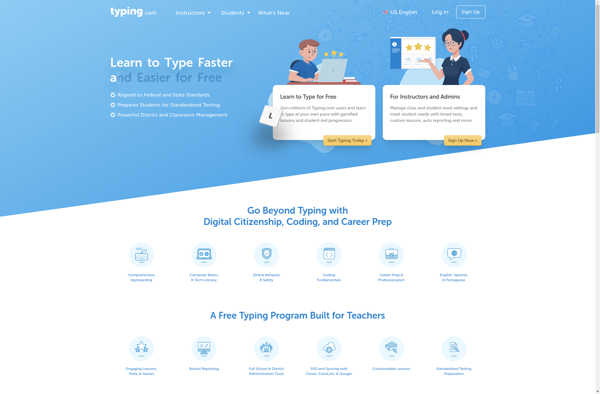
Mavis Beacon Teaches Typing


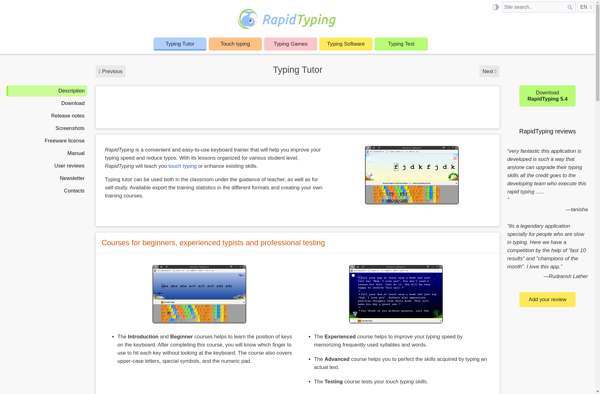
Rapid Typing Tutor
Monkeytype

Typing Club

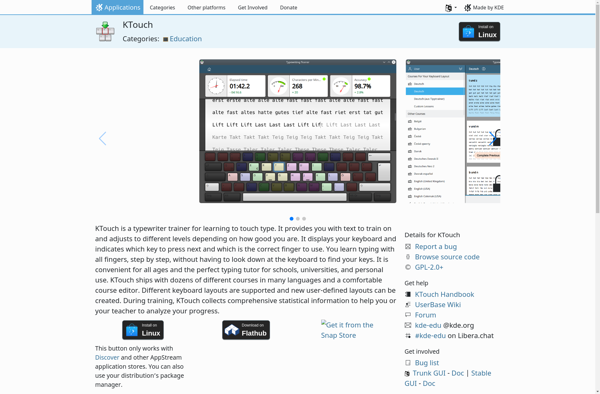
KTouch

Type to Learn 4
Keybr

TypeLit.io

Tux Typing
KeyKey

TIPP10

Stamina

Klavaro

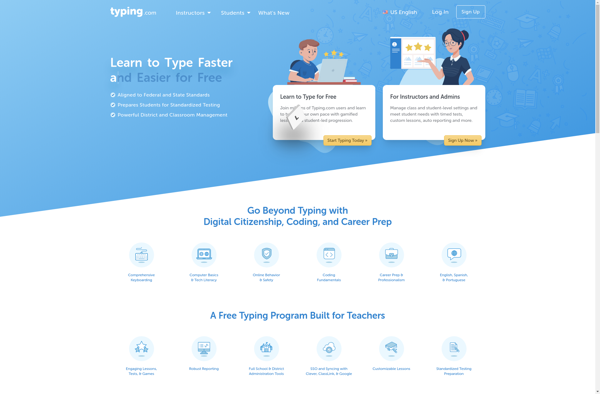
Typing.com
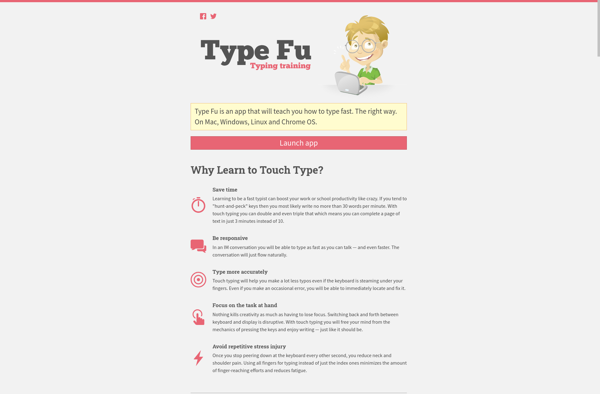
Type Fu

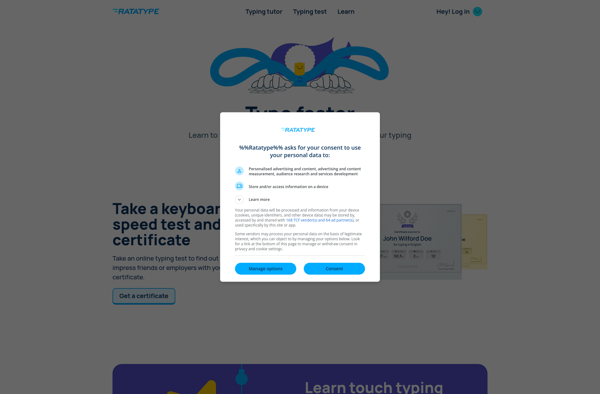
RataType

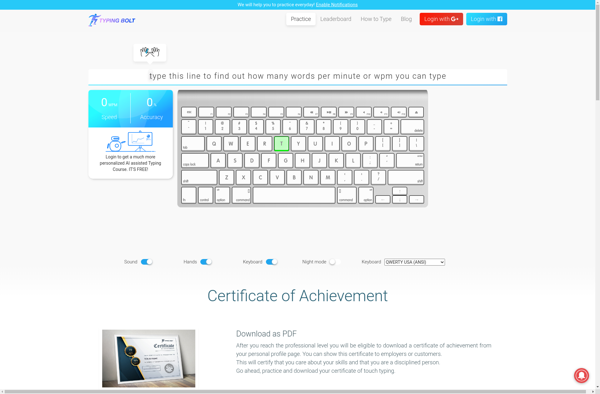
Typing Bolt

SOLO: Touch Typing Course
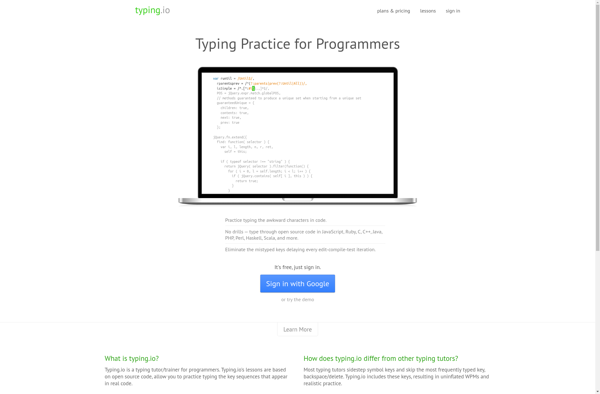
Typing.io

ATypeTrainer4Mac

TypeFaster Typing Tutor
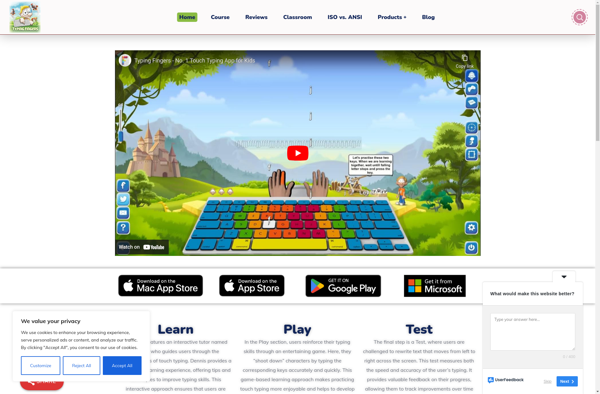
Typing Fingers

JustType
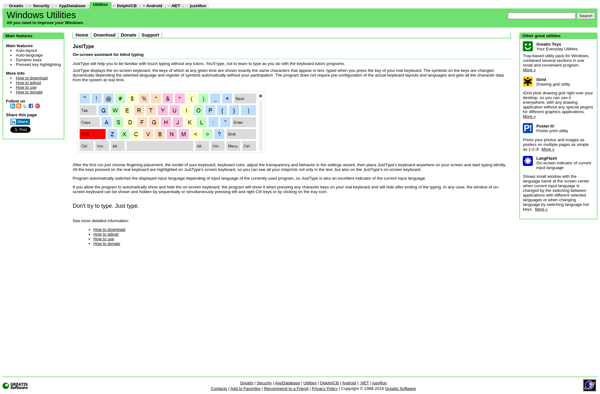

Tach Typing Tutor

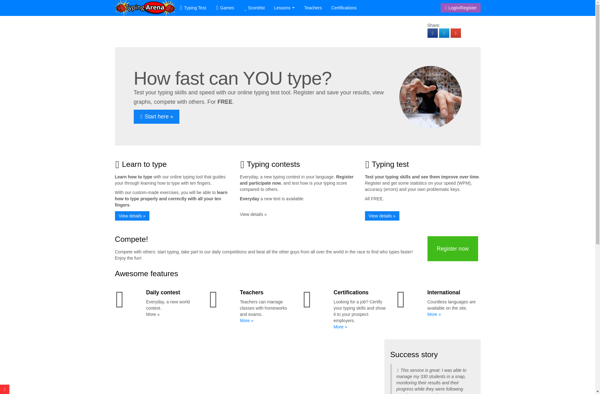
TypingArena

KeyBlaze Typing Tutor Software
Amphetype

KeyWe

Typingweb