
CopyPop
CopyPop: Clipboard Manager Software
Clipboard manager software allowing easy access to clipboard history, storing copied texts, images, links, files, and more
What is CopyPop?
CopyPop is a feature-rich yet easy-to-use clipboard manager for Windows. It runs smoothly in the background and records everything that has been copied, allowing for quick and convenient access to clipboard history.
Some of the key features of CopyPop include:
- Saves unlimited clipboard items - text, images, links, files etc.
- Powerful search and filters to quickly find clips
- Pinning important clips for permanent storage
- Editing and merging clipboard contents
- Configurable hotkeys for fast access and workflow
- Cross-device syncing with Google Drive or Dropbox
- Portable version available requiring no installation
CopyPop boasts robust privacy controls, allowing users to blacklist sensitive clips or disable cloud sync. An ad-supported free version is available, along with affordable paid tiers unlocking premium capabilities. Overall, CopyPop delivers an exceptional clipboard management experience through a polished and intuitive interface.
CopyPop Features
Features
- Stores unlimited clipboard history
- Syncs clipboard history across devices
- Search through clipboard history
- Pin important clips
- Edit clipboard items
- Customizable keyboard shortcuts
- Cross-platform support
Pricing
- Free
- Freemium
Pros
Cons
Reviews & Ratings
Login to ReviewThe Best CopyPop Alternatives
View all CopyPop alternatives with detailed comparison →
Top Productivity and Clipboard Manager and other similar apps like CopyPop
Here are some alternatives to CopyPop:
Suggest an alternative ❐
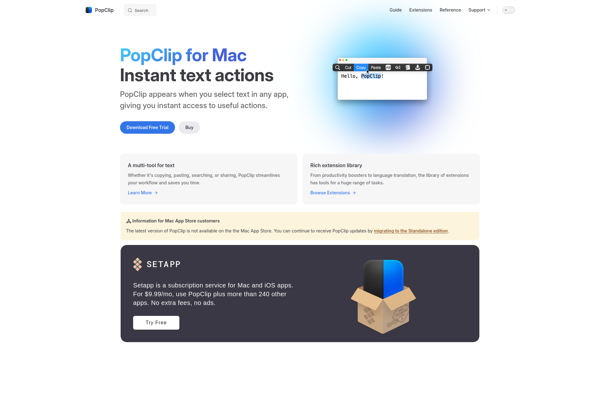
Popclip

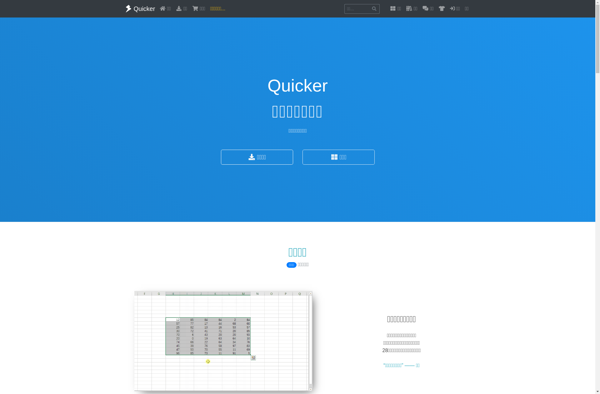
Quicker

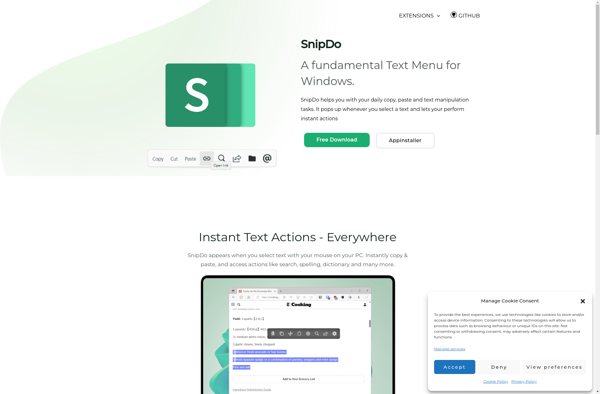
SnipDo

Universal Tip

Click.to