
CRAX Commander
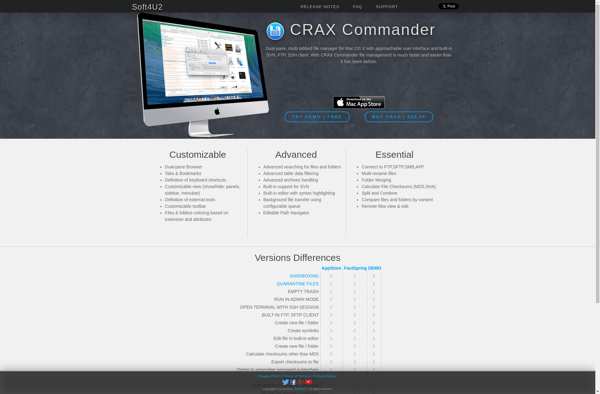
CRAX Commander: Powerful Dual-Panel File Manager
CRAX Commander is a powerful dual-panel file manager for Windows. It provides advanced tools like archives support, plugins, customization options, and keyboard shortcuts for efficient file operations.
What is CRAX Commander?
CRAX Commander is a advanced, open-source dual-panel file manager and explorer replacement for Windows. It offers a familiar dual-pane interface with extensive file management capabilities beyond the standard Windows File Explorer.
Key features of CRAX Commander include:
- Dual-pane interface for easy copy/move operations
- Tabs for accessing multiple folders
- Archive file support (ZIP, 7Z, RAR, ISO, etc.)
- Advanced search functions
- Customizable keyboard shortcuts
- Plugins and extensions for added functionality
- Themes and color schemes for GUI personalization
- Backup tools, file synchronization, checksum verification
- Portable and installer versions available
CRAX Commander aims to provide Windows users with a convenient power-user tool for managing files and folders. Its versatile feature set and keyboard-driven efficiency makes file operations fast and productive for any workflow. The open-source program is free to install and use even in commercial environments.
CRAX Commander Features
Features
- Dual-panel interface
- Tabbed browsing
- Archive support (zip, rar, 7z, iso, etc.)
- Advanced search tools
- Customizable keyboard shortcuts
- Plugins and extensions support
- Themes and skins
- Portable version available
Pricing
- Free
- Open Source
Pros
Cons
Official Links
Reviews & Ratings
Login to ReviewThe Best CRAX Commander Alternatives
View all CRAX Commander alternatives with detailed comparison →
Top File Management and File Manager and other similar apps like CRAX Commander
No alternatives found for CRAX Commander. Why not suggest an alternative?







