WinZip

WinZip: Zip, Unzip, Compress
A popular file archiver and compressor software for Windows, reducing file sizes for easier sharing and storage, with an easy-to-use interface and integration with Windows File Explorer.
What is WinZip?
WinZip is one of the most widely used file archiver and compressor programs for Windows. First released in 1991, WinZip pioneered the concept of zip files, which allows users to compress one or more files into a single compressed archive that takes up less storage space and is easier to share and transfer.
A key feature of WinZip is its compression algorithms, which analyze file contents and structure to determine the most efficient way to compress them. The latest versions of WinZip offer enhanced compression methods that can shrink some file types by as much as 50%. Compressing files with WinZip reduces the storage space they require and makes them faster to transfer over the internet or share via email attachments.
In addition to compression, WinZip also makes it easy for users to archive multiple files together into a single zip file. This saves time over compressing each file individually. WinZip seamlessly integrates with Windows File Explorer so users can simply right-click files and folders to quickly zip or unzip them.
As an established standard over decades of use, the zip format used by WinZip is compatible with every major operating system, including Windows, Mac, Linux, Android, and iOS. Files compressed by WinZip can be opened and extracted by virtually any device. This cross-platform support has helped cement WinZip's popularity worldwide.
WinZip offers a user-friendly wizard-based interface that makes it simple even for novices to compress and archive files. More advanced users can fine-tune compression settings for optimal file size reduction. WinZip also includes advanced tools like encryption, automatic backups, file sharing, and integration with cloud services like Google Drive and Dropbox.
WinZip Features
Features
- Compress and decompress files to reduce file sizes
- Support for common compression formats like ZIP, RAR, 7Z
- Integration with Windows File Explorer for easy access
- Encrypt and password protect zip files
- Split large files across multiple volumes
- Preview files before extracting
- Schedule backups
- Share zipped files via email or cloud services
Pricing
- One-time Purchase
- Subscription-Based
Pros
Cons
Official Links
Reviews & Ratings
Login to Review29 reviews
Rating Breakdown
Recent Reviews
Avery Smith
May 31, 2026A Trusty Tool for Everyday File Management
WinZip makes handling compressed files a breeze. The right-click integration with File Explorer is a huge time-saver, and the interface is intuitive enough for anyone to pick up quickly. It's reliable, fast, and essential for sharing large batches of photos …
Noah Harris
May 28, 2026Reliable but Showing Its Age
WinZip does exactly what it says on the tin—zipping and unzipping files is straightforward and the Windows Explorer integration is seamless. However, it feels bloated with features I never use, and for a paid program, it's hard to justify when …
Sage Jackson
May 26, 2026Still the Gold Standard for File Compression
I've used WinZip for years, and it's still my go-to for zipping and unzipping files. It's incredibly simple to use—just right-click in File Explorer to compress or extract anything. While there are free alternatives, WinZip's reliability, speed, and seamless integration …
Avery Moore
May 22, 2026Tried and True, But Starting to Feel Outdated
WinZip gets the job done for basic zipping and unzipping, and its integration with Windows Explorer is very convenient. However, it feels bloated with features I never use, and the nagging upgrade prompts for the paid version are annoying. For …
Michael Allen
May 18, 2026A Classic Tool, But Feeling Outpaced
WinZip is incredibly easy to use and its seamless integration with Windows Explorer makes zipping files a breeze. However, I'm increasingly frustrated that many of its most useful features, like advanced PDF conversion or cloud backup, are locked behind a …
Rating Distribution
The Best WinZip Alternatives
View all WinZip alternatives with detailed comparison →
Top File Management and Compression and other similar apps like WinZip
Here are some alternatives to WinZip:
Suggest an alternative ❐
7-Zip


PeaZip


The Unarchiver


Keka


BetterZip


IZArc


File Roller


ExtractNow


FreeArc


The Archive Browser


Zipeg

7z SFX-Creator

Universal Extractor

UnRarX

Bandizip X


P7zip


B1 Free Archiver

AndroZip


7-Zip ZS

WobZIP

Express Zip
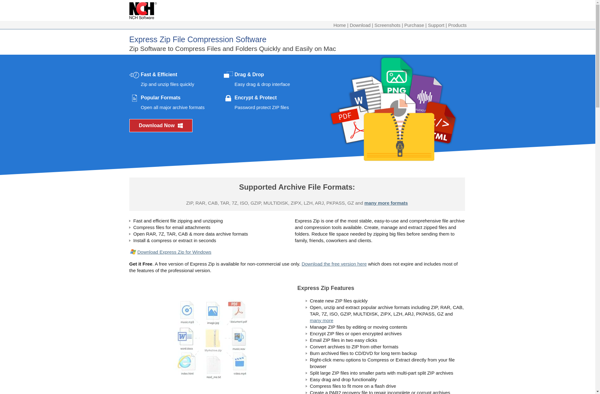

Zipware

SimplyRar


NanaZip


UHARC/GUI

BreeZip


EzyZip

Archive Utility


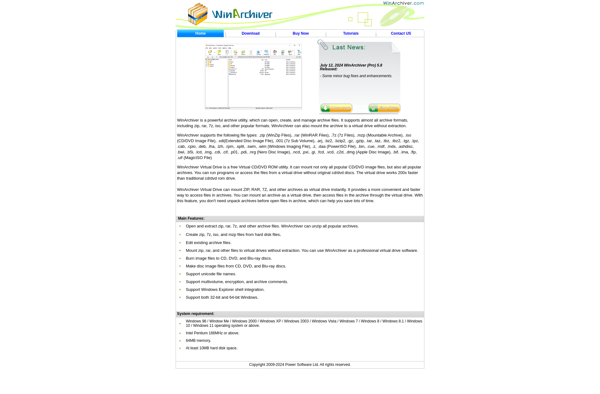
WinArchiver

Engrampa


ALZip


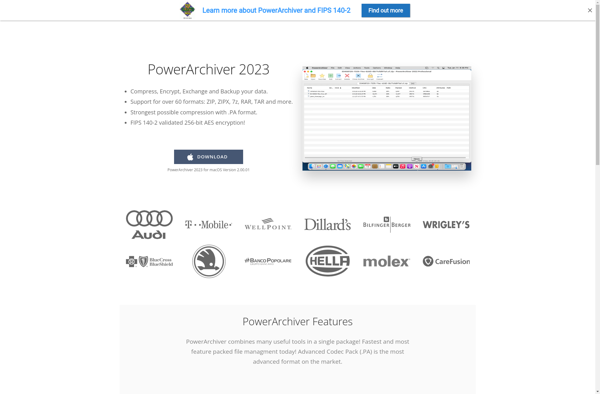
PowerArchiver

SecureZIP


Rucksack


Bitser


Free ARC NEXT


BitZipper


WinAce

StuffIt


PKZIP


Entropy

ArchiDroid


TUGZip


Beezer


Springy


EBinderFM

7zX


Justzipit

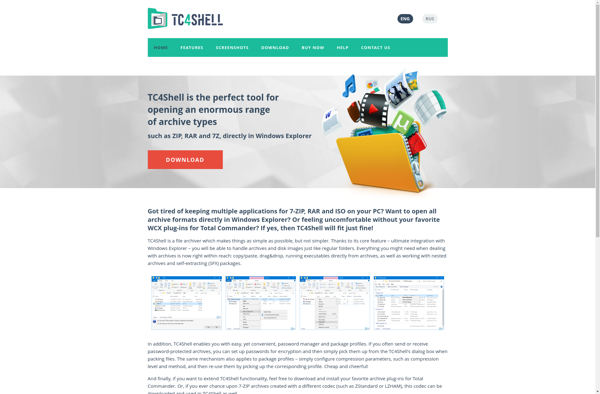
TC4Shell

Smart Zipper


Create Zip Files


ZIP Self Extractor Maker


KuaiZip


NX Free Zip Archiver


WinUHA


AutoUnpack


Unzipper

Ipackr


AutoWinRarZip


Easy 7-Zip


HaoZip

ArcThemAll!

Hamster ZIP Archiver


Ashampoo ZIP

Pigz


ZIPcrypt

Yemuzip

Free RAR Extract Frog

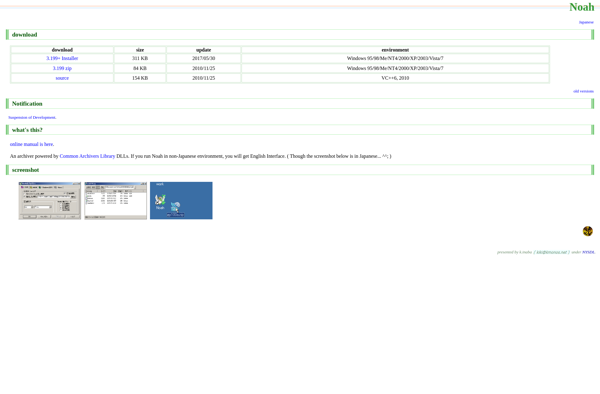
Noah

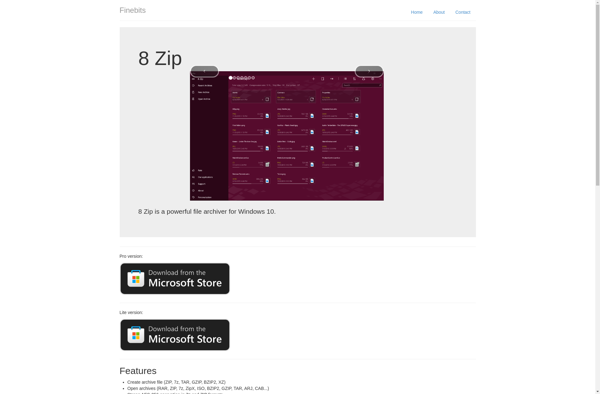
8 Zip

ZipItFree


JZip


CabPack


Ultimate Extract and Recover


9 ZIP


UltimateZip

ICEOWS

Bandizip


GUI Tar


Xarchiver


Explzh for Windows

Info-ZIP


ZipGenius


Mr Zipper


ZipX


WinRAR


Google drive open source ZIP EXTRACTOR


KGB Archiver

GNU tar

File Compression


Archive collectively operation utility


SpinZip


ArKiwi


Oka Unarchiver


Elimisoft RAR Extractor