Keka
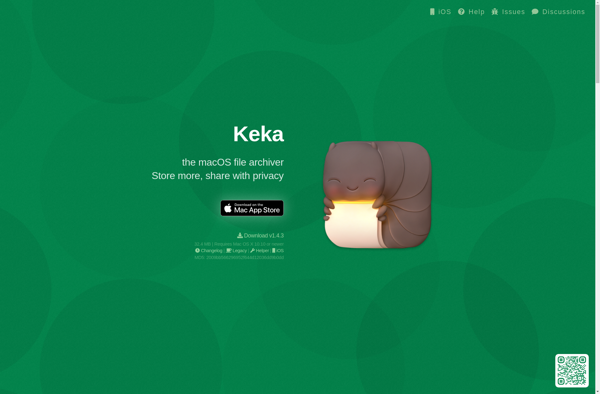
Keka: Free File Archiver for macOSs
Keka is a free and open source file archiver for macOS. It supports various popular archive formats like 7Z, RAR, ZIP and more. Integrates well into Finder for easy compression and decompression via menu bar, contextual menu or drag and drop.
What is Keka?
What Is Keka?
Keka is a file archiver for macOS that handles compression and extraction of ZIP, 7z, TAR, GZ, RAR, and many other archive formats. It fills the gap left by macOS's built-in Archive Utility, which only handles basic ZIP files.
Key Features
Keka creates 7z, ZIP, TAR, GZ, BZ2, XZ, and DMG archives with adjustable compression levels and AES-256 encryption. It extracts from over 30 formats including RAR, 7z, ISO, CAB, and MSI. Drag-and-drop operation and Finder integration make it simple to use.
The app supports splitting archives into volumes, excluding macOS resource forks (.DS_Store files), and setting passwords on archives. It is lightweight and fast, with a clean native macOS interface.
Pricing
Keka is free when downloaded from the official website. A paid version is available on the Mac App Store (approximately 5 dollars) to support development. Both versions are identical in features.
Keka Features
Features
- Supports 7Z, ZIP, GZIP, BZIP2, TAR, DMG and ISO formats
- Integrates with Finder for easy file compression/decompression
- Drag and drop support
- Context menu integration
- Split archives feature
- Password protection
- Encryption support
- Preserves original file permissions and attributes
Pricing
- Free
- Open Source
Pros
Cons
Official Links
Reviews & Ratings
Login to Review42 reviews
Rating Breakdown
Recent Reviews
Noah Lopez
May 27, 2026Solid for basics, but some quirks hold it back
Keka is my go-to for quick compression and extraction on my Mac, especially since it's free and integrates perfectly with Finder via drag and drop. However, I've had a few random crashes when dealing with very large or password-protected archives, …
Sophia Wright
May 22, 2026Great Features, But Bugs Make It Unreliable
Keka's format support and seamless Finder integration are exactly what I needed, but the frequent crashes while extracting some RAR archives make it frustrating to depend on. The interface is simple, but these stability issues have forced me to keep …
Olivia Jackson
May 19, 2026Essential, Simple, and Completely Free
As someone who frequently needs to unpack various file formats received from Windows users, Keka has been a lifesaver. It integrates perfectly into the Finder context menu, so I can right-click any archive and extract it instantly. The ability to …
Anna Garcia
May 18, 2026Frustratingly unreliable for basic tasks
While the concept of a free macOS archiver is appealing, Keka consistently fails with simple operations. It frequently crashes when dealing with password-protected ZIP files, and extracting large RAR archives often stalls at random percentages. The Finder integration is spotty …
Michael Allen
May 14, 2026Essential macOS tool that just works
After years of frustration with other archiving tools on macOS, Keka has become my go-to solution. It integrates perfectly into Finder's context menu and handles every format I encounter without issues. The free price point makes it an incredible value …
Rating Distribution
The Best Keka Alternatives
View all Keka alternatives with detailed comparison →
Top File Management and Compression and other similar apps like Keka
Here are some alternatives to Keka:
Suggest an alternative ❐
7-Zip


WinZip


The Unarchiver


BetterZip

IZArc


File Roller


The Archive Browser

7z SFX-Creator

UnRarX

P7zip


B1 Free Archiver


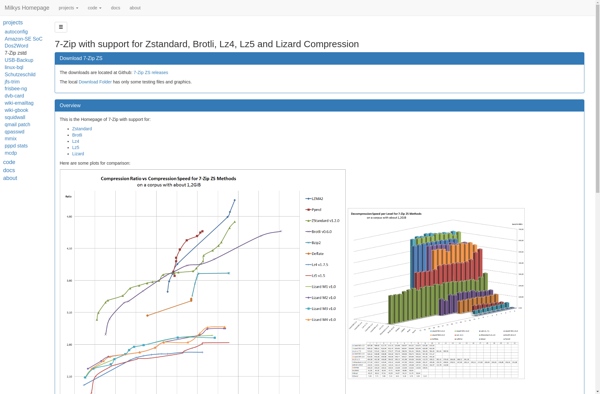
7-Zip ZS

Zipware

NanaZip


UHARC/GUI

Archive Utility


Engrampa

ALZip


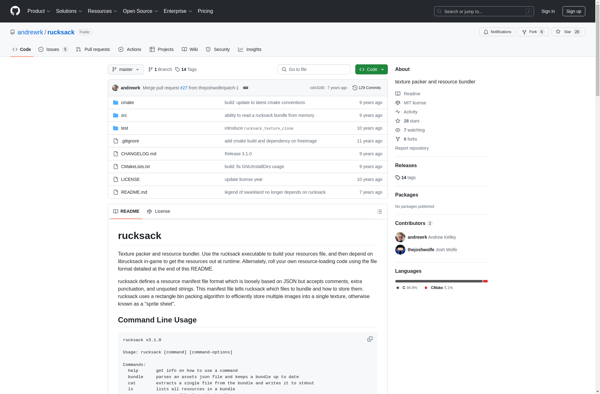
Rucksack

Bitser


StuffIt


PKZIP


Entropy

ArchiDroid


Springy


EBinderFM

7zX


Justzipit

TC4Shell

Smart Zipper


Create Zip Files


ZIP Self Extractor Maker


WinUHA


Unzipper

Ipackr


Ashampoo ZIP

ZIPcrypt

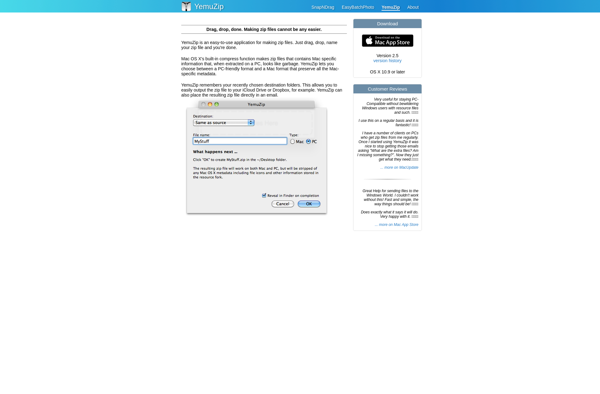
Yemuzip

Free RAR Extract Frog

CabPack


9 ZIP


GUI Tar


Xarchiver

Explzh for Windows

Info-ZIP


Mr Zipper


ZipX

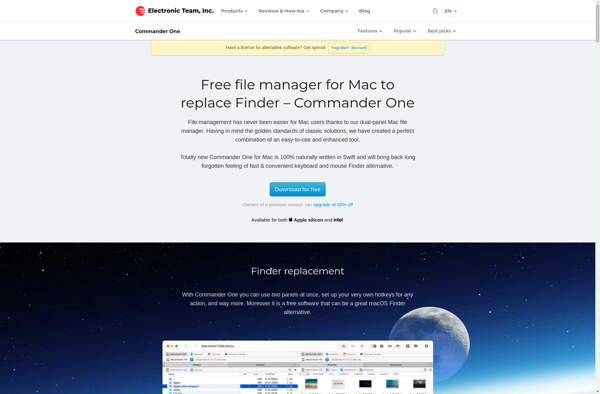
Commander One

Google drive open source ZIP EXTRACTOR


Dr. Unarchiver

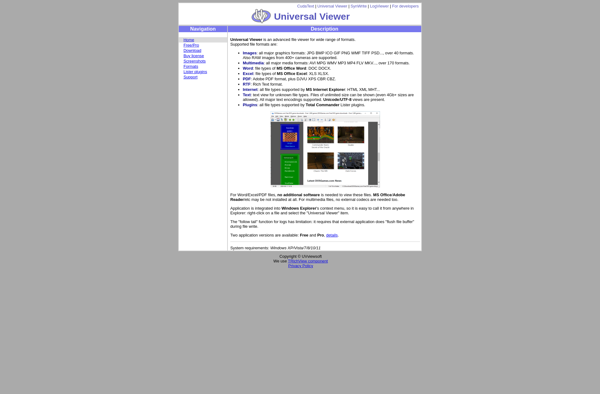
Universal Viewer

ArKiwi


Oka Unarchiver


Elimisoft RAR Extractor


Opfin