PeaZip is a free and open source file archiver and file manager for Windows, Linux, and macOS. It supports a wide variety of compression formats, has a simple user interface, and includes security features like file encryption and two factor authentication.
PeaZip: Free and Open Source File Archiver and Manager
PeaZip supports a wide variety of compression formats, has a simple user interface, and includes security features like file encryption and two factor authentication.
What is PeaZip?
PeaZip is a popular open source file archiver and file manager application available for Windows, Linux, and macOS operating systems. Developed with portability and security in mind, PeaZip supports over 200 file formats including ZIP, 7Z, RAR, ARJ, and TAR. It can create encrypted archives using AES-256 bit encryption to ensure personal files remain confidential.
The intuitive user interface makes PeaZip easy to use for compressing files to save disk space or protect important documents. Beyond archiving, it also includes additional tools for file conversion, splitting, and secure deletion using methods approved by government agencies. Users can process multiple files simultaneously to improve workflow speed.
Designed for interoperability, PeaZip enables exchanging compressed files across different platforms and devices. It integrates tightly with the operating system to compress or extract files without needing to open the PeaZip application itself. Lightweight without unnecessary bloat, PeaZip delivers excellent compression capabilities in a portable package that respects user privacy.
It's incredible that PeaZip is free and handles so many obscure formats, which is invaluable for my work. However, the interface looks and feels like it's from the early 2000s, and I find the workflow less intuitive than some modern …
While PeaZip's free and open-source nature is appealing, its user interface feels outdated and cluttered. Even basic tasks like creating a simple archive take too many clicks and navigating the options is confusing. For someone just needing to unzip a …
Powerful but Confusing - A Capable Tool with a Learning Curve
PeaZip is incredibly powerful for a free tool, supporting almost every archive format I've thrown at it and the encryption features are a genuine plus. However, the interface feels cluttered and outdated, making simple tasks more complicated than they should …
My Go-To Free Archiver, Handles Everything I Throw at It
I've been using PeaZip for years now, and it has completely replaced paid alternatives for me. It opens every archive format I've ever encountered, from common ZIP files to more obscure ones, without any fuss. The interface is clean and …
While I appreciate that PeaZip is free and supports many formats, the user interface feels outdated and clunky. Basic tasks like creating an archive take more steps than they should, and the interface can be confusing for new users. For …
7-Zip is a powerful and free file archiver and compressor for Windows, Linux and macOS. It has very high compression ratios compared to other popular archivers like WinRAR and WinZIP, sometimes reducing files by up to 80%.7-Zip supports most common archive formats including ZIP, GZIP, BZIP2, TAR, 7z, ARJ, CAB,...
WinZip is one of the most widely used file archiver and compressor programs for Windows. First released in 1991, WinZip pioneered the concept of zip files, which allows users to compress one or more files into a single compressed archive that takes up less storage space and is easier to...
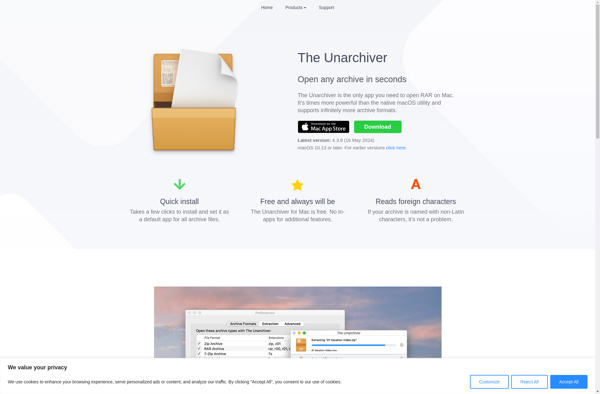
What Is The Unarchiver?The Unarchiver is a free archive extraction tool for macOS that handles virtually every archive format you might encounter. It is the most popular archive utility on the Mac App Store, serving as a replacement for macOS's limited built-in Archive Utility.Key FeaturesThe Unarchiver extracts ZIP, RAR, 7z,...
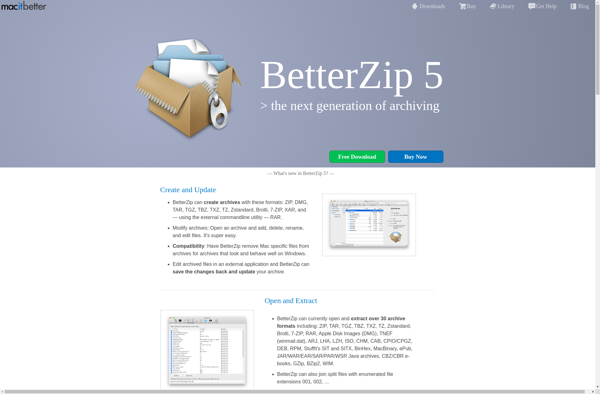
BetterZip is a file archiver and compressor software application designed specifically for macOS. It supports creating and extracting archives in popular formats including ZIP, TAR, GZIP, BZIP2, 7Z, RAR, and more.Some key features of BetterZip include:Intuitive interface with support for drag-and-drop, file previews, and customizable toolbarPassword protection and AES-256 encryption...
IZArc is a free file archiving utility for Windows that allows users to create and extract archives in various formats including 7z, ZIP, RAR, ARJ, LZH, TAR, GZip, ISO, and more. First released in 2007, IZArc aims to be a convenient and easy-to-use alternative to paid archiving software.Some key features...
File Roller is a free and open source archive manager application designed for the GNOME desktop environment. It serves as the default archive utility included with GNOME. File Roller provides an intuitive graphical user interface that allows users to easily create, view, extract, and modify archive files without needing to...
FreeArc is an open-source, cross-platform file archiver and data compression utility. It can create, view, and extract archive files in various formats including 7z, ZIP, gzip, bzip2 as well as its own highly optimized FAR format.Some key features of FreeArc include:High compression ratios - it uses powerful data compression algorithms...
The Archive Browser is an open-source web application designed specifically for browsing and discovering content in digital archives and special collections. It provides an intuitive, user-friendly interface that allows researchers, students, and the general public to explore archives in an engaging way.Some key features of The Archive Browser include:Faceted searching...
Zipeg is a free and open-source file archiver and file compression software for Windows. It provides an easy-to-use graphical interface to work with various archive file formats.Some of the key features of Zipeg include:Support for creating and extracting ZIP, 7z, BZ2, GZ, TAR, XZ, WIM, RPM, and ISO archivesDrag and...
7z SFX-Creator is a lightweight Windows application that allows users to easily create self-extracting archives using the free and open source 7-Zip compression program. With 7z SFX-Creator, you can select files and folders, compress them into a 7z archive, and then wrap that archive into a self-extracting executable file.The advantage...
Universal Extractor is a powerful, free software that can unpack and extract files from virtually any type of archive format. It supports popular archive types like ZIP, RAR, 7z, tar, gzip, ISO, CAB, ARJ, LZH, ACE, UUE, BZ2, JAR, ISO, and many more obscure formats.One of the main advantages of...
UnRarX is a lightweight, open-source RAR file extraction utility designed specifically for macOS. It enables macOS users to easily unpack RAR archives without the need to install other software or additional codecs.One of the key benefits of UnRarX is its simplicity. With just a couple clicks, users can quickly extract...
Bandizip X is a free and lightweight file archiver and compressor software for Windows. Developed by Bandisoft, it supports creating and extracting various popular archive formats including ZIP, 7Z, RAR, CAB, ISO, and TAR. It also creates self-extracting EXE files.Some key features of Bandizip X:Provides fast compression and decompression speeds...
p7zip is an open source file archiver utility that provides very high compression ratios compared to programs like WinRAR and WinZip. It supports 7z, ZIP, GZIP, BZIP2 and TAR formats with LZMA, LZMA2, PPMD, BZIP2, DEFLATE and COPY codecs.Some key features of p7zip:High compression ratiosSecure AES-256 encryptionIntegration with file managers...
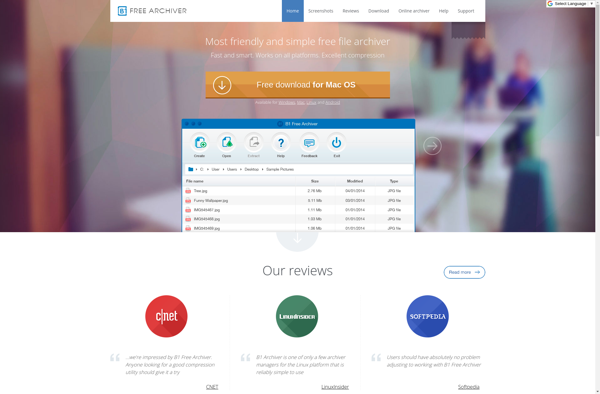
B1 Free Archiver is a versatile, multi-format archiving tool for Windows that allows compressing and decompressing files and folders in various archive formats. It is free, open-source software distributed under the GNU GPL license.With B1 Archiver, users can create archive files such as 7z, ZIP, GZIP, BZIP2, TAR, ISO, and...
AndroZip is a versatile and user-friendly file archiving and management app for Android devices. As a full-featured file manager, AndroZip makes it easy to organize, browse, move, copy and delete your files.When it comes to compressing files, AndroZip supports all major compression and archive formats including ZIP, RAR, 7Z, TAR,...
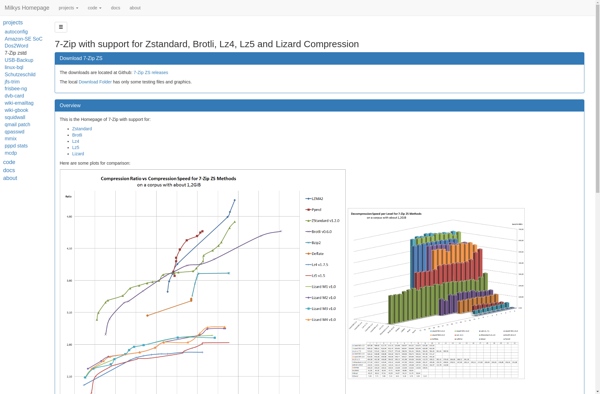
7-Zip ZS is a powerful and free file archiving solution for compressing and encrypting files and folders. It supports a wide range of popular compression formats including 7z, ZIP, GZIP, BZIP2, TAR and more. Some key features include:Open source software available for Windows, Linux and macOSHigh compression ratios to reduce...
WobZIP is a file archiver and compressor program for Microsoft Windows designed to handle a variety of compression formats and make working with compressed files simple. Some of the key features of WobZIP include:Intuitive interface for quickly zipping and unzipping files and foldersSupports creating and extracting ZIP, 7Z, RAR, TAR,...
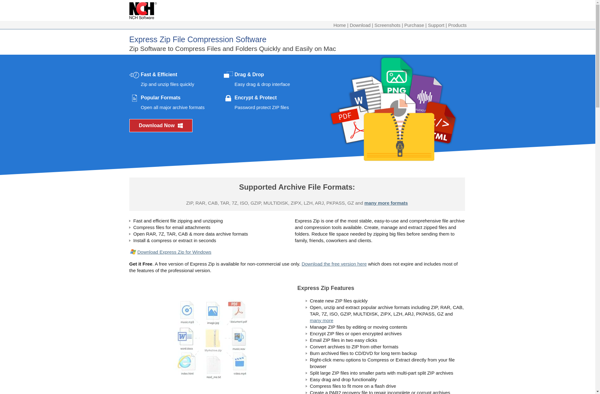
Express Zip is a popular file archiver and compressor software for Windows. It provides an easy way for users to quickly zip or unzip files and folders. Some key features of Express Zip include:Intuitive interface for fast and simple zipping/unzipping of filesSupport for common compression formats like ZIP, 7Z, RAR,...
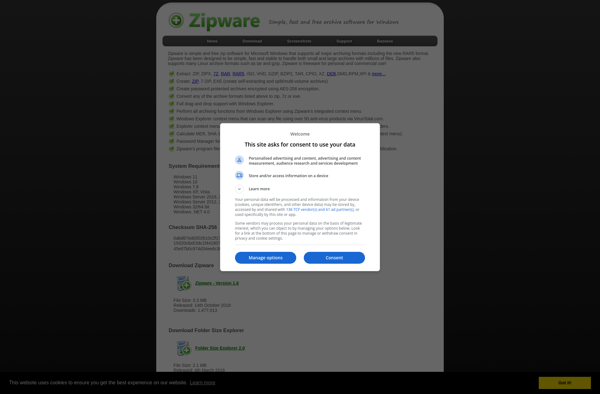
Zipware is a free and easy-to-use file compression software that enables users to quickly zip multiple files into compressed ZIP archive format to save disk space or reduce file transfer sizes. It has an intuitive drag-and-drop interface that makes it easy to add files or even entire folders for compression...
SimplyRar is a lightweight yet full-featured file archiving tool for Windows. Developed as a free and open-source alternative to WinRAR, SimplyRar allows users to easily create, open and manage RAR and ZIP archives.Some of the key features of SimplyRar include:Intuitive and easy-to-use interface with support for drag & drop operationsCreate...
NanaZip is a free, open source file archiving and compression software for Windows. It provides an intuitive and easy to use interface for handling ZIP, 7Z, RAR, LHA, ISO and other common archive formats.Some of the key features of NanaZip include:Support for creating and extracting a wide variety of archive...
UHARC/GUI is a free, open-source file archiver and compressor software for Windows operating systems. It provides an easy-to-use graphical user interface for creating and extracting archives in various popular formats.Key features of UHARC/GUI include:Supports creating and extracting ZIP, 7z, RAR, CAB, LZH, ARJ and many other archive formatsIntegrates support for...
What Is BreeZip?BreeZip is a free file archiver for Windows available through the Microsoft Store. It handles ZIP, RAR, 7z, TAR, GZ, and many other archive formats with a modern, clean interface designed for Windows 10 and 11.Key FeaturesBreeZip supports creating ZIP and 7z archives with adjustable compression levels and...
ezyZip is a free and open-source file archiver software for Windows. It provides an easy way to compress and decompress files and folders into various popular archive formats including ZIP, RAR, 7Z, BZ2, GZ, TAR, ISO, and EXE. Some key features of ezyZip include:Intuitive and easy-to-use interface with support for...
Archive Utility is a file archiving application developed by Apple Inc. and included with macOS. It allows users to create, open, and extract common archive formats including zip, tar, gzip, bzip2, rar, and 7z.Some key features of Archive Utility include:Intuitive graphical interface to easily compress or decompress files and foldersSupport...
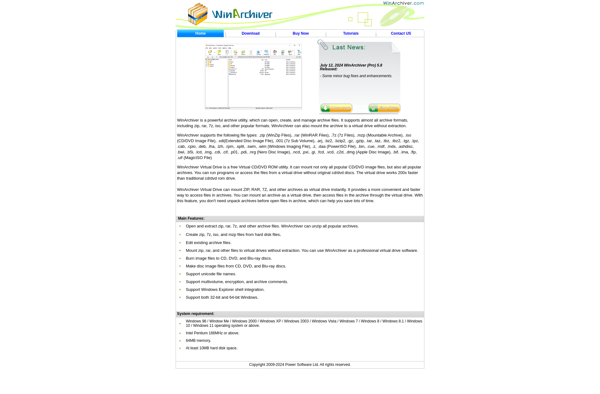
WinArchiver is a lightweight, free file archiving application for Windows designed to handle numerous archive formats including ZIP, RAR, 7Z and more. It provides an intuitive and easy-to-use interface to quickly compress files into various archive file types to save space or bundle multiple files together and extract archives to...
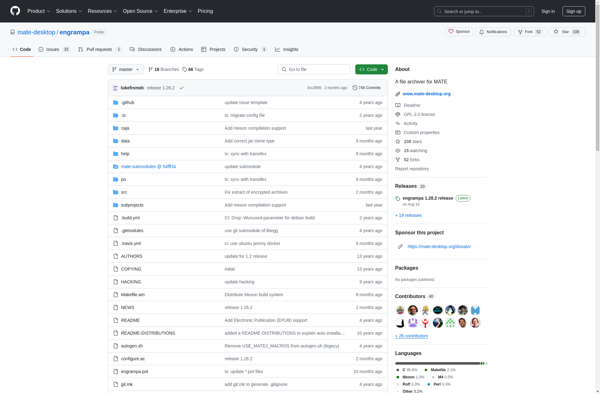
Engrampa is a free and open source archive manager application designed for the GNOME desktop environment. It provides an intuitive graphical user interface for managing various archive file formats including tar, 7z, zip, rar, etc.Some key features of Engrampa include:Open, create and modify common archive file types such as 7z,...
ALZip is a free, open-source file archiver and data compression software for Windows. It can create, view and extract popular archive formats including 7z, ZIP, RAR, CAB and ISO images.Some of the key features of ALZip include:File encryption - Secure archives with 256-bit AES encryptionStorage optimization - Compress files to...
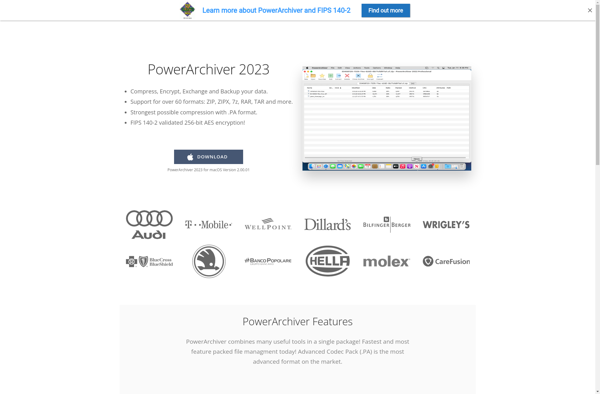
PowerArchiver is a lightweight, yet full-featured compression utility for Windows that allows you to create, open, and extract a wide variety of archive formats. It supports all the most common compression types including ZIP, 7Z, RAR, ISO, and TAR among others.Despite having extensive format support, PowerArchiver has a simple and...
SecureZIP is a powerful, easy-to-use file compression and encryption software for Windows. It allows users to quickly zip and encrypt files and folders using industry-standard AES-256 bit encryption. Some key features of SecureZIP include:Strong AES-256 bit encryption to securely protect files and prevent unauthorized accessCreate encrypted self-extracting EXE files that...
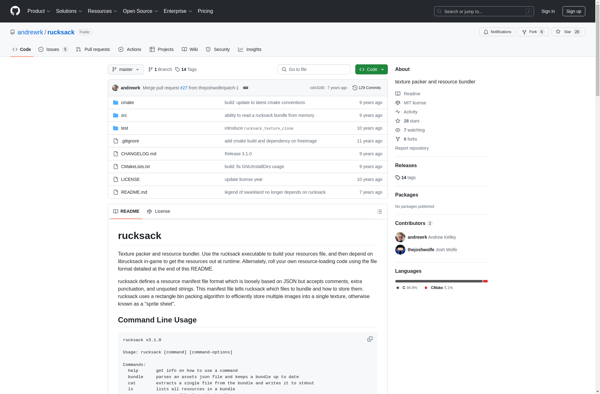
Rucksack is a lightweight Node.js-based CSS bundling tool designed to improve website performance. It analyzes CSS files and finds @import rules, then bundles all the imported files into a single CSS file. This helps reduce the number of HTTP requests made by the browser.Key features of Rucksack:Bundles CSS files by...
Bitser is a free and open-source cryptocurrency wallet designed for Bitcoin. Available on both Android and iOS, Bitser provides an intuitive interface that makes sending, receiving, and managing Bitcoin simple and secure.Some key features of Bitser include:Open-source code that has been audited and verified by third parties for securityHierarchical Deterministic...
Free ARC NEXT is a powerful, free and open-source PDF editor for Windows, Linux and Mac. It provides a wide range of tools for creating, viewing, editing, converting, annotating, and securing PDF documents.Some of the key features of Free ARC NEXT include:Intuitive user interface for easy PDF editingMerge and split...
BitZipper is a free and open-source file archiver software for Windows, Mac, and Linux operating systems. It allows users to easily compress and decompress digital files and folders into smaller archived formats to save disk space or for transfer over the internet.Some of the key features of BitZipper include:Supports common...
WinAce is a free, open-source archive manager program for Windows. It provides an easy way to create, extract, and manage archive files like ZIP, RAR, 7Z, CAB, ISO, and other formats.Some key features of WinAce include:Intuitive explorer-style interface to easily manage archivesCreate archives in formats like ZIP, 7Z, RAR, ISO,...
StuffIt is a proprietary file compression and archiving software for Mac OS that has been around since the 1990s. It provides an easy way for Mac users to compress and archive files into smaller packages, saving disk space or making it easier to email or transfer archives over the internet.Some...
PKZIP is one of the original and most popular file archiver and compression utilities for Windows, macOS, and Linux operating systems. First released in the 1980s by Phil Katz, PKZIP pioneered many data compression techniques and file archive formats that are still in use today.PKZIP allows combining multiple files and...
Entropy is an open-source password manager application developed for Linux and BSD operating systems. It allows users to securely generate, store, and manage passwords, sensitive information, notes, and other data.Some key features of Entropy include:AES 256-bit encryption for securing all stored dataGraphical user interface for easy access and managementBrowser integration...
ArchiDroid is a free and open-source Android application designed specifically for architects, engineers, construction professionals, and others involved in the design and construction of buildings. It provides a range of tools to help users plan, design, and visualize both residential and commercial structures.Some of the key features of ArchiDroid include:Intuitive...
TUGZip is a free and open-source file archiver software for Windows that allows users to easily create, open, and modify ZIP compressed archives. It comes with an intuitive user interface that makes working with ZIP files simple even for beginners.Some of the key features of TUGZip include:Creating and extracting ZIP...
Springy is an open-source Java-based web application framework designed for building enterprise-level applications. It was first released in 2002 and has since become one of the most popular Java frameworks.Some key capabilities and benefits of Springy include:Dependency Injection - Configuration of application components and lifecycle management is handled by the...
eBinderFM is a powerful yet easy-to-use document management and file organization software solution. It enables individuals and teams to efficiently scan paper documents, categorize and tag digital files, and manage all their information assets from one simple web-based platform.Key capabilities and benefits of eBinderFM include:Intelligent document capture & automated indexing...
7zX is a free, open source file archiver and file manager utility for Windows that supports a wide range of compression and archive file formats including 7z, XZ, BZIP2, GZIP, WIM, TAR, ISO, and ZIP.It provides an easy-to-use graphical interface for compressing and decompressing files and folders into various archive...
Justzipit is a free file archiving and compression software for Windows. It allows users to easily create ZIP archives to compress and organize files and folders. Some of the key features of Justzipit include:Intuitive and easy-to-use interface for quick zipping and unzipping of files and foldersOptions to password protect ZIP...
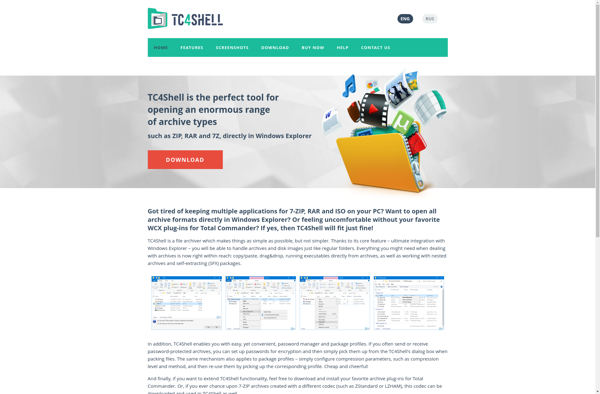
TC4Shell is an open-source, cross-platform command shell and scripting language that provides easy access to TC/Server functions. It allows you to automate tasks, integrate with other tools, and build customized solutions.Some key features of TC4Shell include:Scripting language for automating tasks and workflowsAccess to all TC/Server configuration, management, and monitoring functionsExtensible...
Smart Zipper is an innovative compression software that leverages artificial intelligence to optimize files for faster transmission over networks and smaller storage footprint. Unlike traditional zip utilities that use generic algorithms, Smart Zipper analyzes the type and contents of files to apply custom compression tailored to that data.At the core...
Create Zip Files is a lightweight, easy-to-use archiving software that enables you to quickly zip or unzip files and folders on your Windows PC. With its simple drag-and-drop interface, you can easily select multiple files or folders to compress into a zip archive in just a few clicks.Some key features...
ZIP Self Extractor Maker is a lightweight Windows application used to create self-extracting executable (.exe) files from regular ZIP archives. It provides an easy way to bundle files into a single EXE that will automatically unpack itself when run, without needing separate zip software installed.The interface allows users to add...
KuaiZip is a free and open-source file archiver software for Windows. It can create, open, and extract various archive formats including ZIP, 7Z, RAR, CAB, ISO, and Tar. Some of the key features of KuaiZip include:Intuitive and easy-to-use interface for compressing and decompressing files. Allows drag-and-drop of files.Options for archive...
NX Free Zip Archiver is a free and lightweight file archiving utility for Windows that can handle numerous archive file types. It is developed by Nexus and released under the GNU General Public License.Some key features of NX Free Zip Archiver include:Opens archive files like ZIP, 7Z, RAR, ISO, CAB,...
WinUHA is a free, open-source universal hardware analyzer software for Windows. It enables capturing, analyzing and generating electronic signals using a PC sound card or USB oscilloscope.Some key features of WinUHA:Supports a wide range of input hardware like sound cards, USB oscilloscopes, logic analyzers, etc. for signal capture and analysis.Provides...
AutoUnpack is a free and open source Windows software that provides an easy and automatic way to extract/unpack compressed archive files like ZIP, RAR, 7Z, ACE, ARJ, BZ2, CAB, GZ, ISO, LZH, TAR, XZ, Z etc. without requiring any other archiving software installed.It has a simple drag-and-drop user interface. You...
Unzipper is an open-source, cross-platform software used for extracting compressed files in .zip and other archive formats such as .rar, .7z, .tar, etc. It is implemented in JavaScript and provides a simple interface through command line or programmatic usage for unzipping archives without needing other external software.Some key features of...
AutoWinRarZip is a powerful and versatile file archiver and data compression software for Windows. It supports a wide range of compression and archive formats including ZIP, RAR, 7Z, ISO, CAB, TAR, ARJ and many more.Some of the key features of AutoWinRarZip include:Intuitive and modern user interface with support for drag...
Easy 7-Zip is a free, open source file archiver for Windows that makes working with compressed file formats simple and easy. It supports all popular compression formats including 7z, ZIP, RAR, ARJ, GZIP, BZIP2, TAR, CPIO, RPM and ISO. The program provides an intuitive graphical user interface that allows you...
HaoZip is a free, open-source file archiver and compressor for Windows developed by China-based Hao Software. It is based on the popular 7-Zip archiver and uses the same compression formats and algorithms including 7Z, ZIP, RAR, ARJ, GZIP, BZIP2, TAR and more.Some of the key features of HaoZip include:Intuitive and...
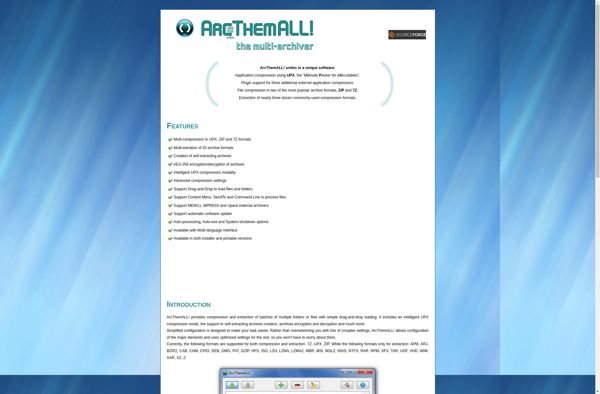
ArcThemAll! is a free, open-source web archiving software that allows users to archive entire websites and save them locally to their computer for offline browsing. It works by recursively crawling and downloading all pages of a website the user inputs, capturing HTML pages, images, CSS files, JS files, and more.Some...
Hamster ZIP Archiver is a free and open source file archiving software designed to compress and decompress files and folders into ZIP archives. With its clean and intuitive interface, it makes it easy for anyone to quickly zip and unzip files to save space or share them more conveniently.Some key...
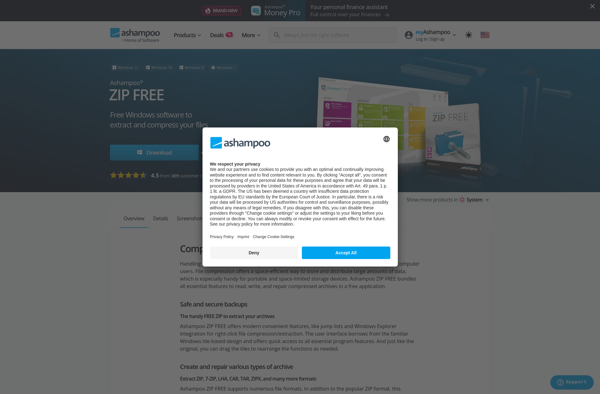
Ashampoo ZIP is a file compression and archiving application for Windows developed by Ashampoo GmbH & Co. KG. It provides an intuitive interface for creating, extracting, and managing ZIP archives as well as other archive formats including 7Z, CAB, RAR, and more.Some key features of Ashampoo ZIP include:Support for creating...
What Is pigz?pigz (Parallel Implementation of GZip) is a fully functional replacement for gzip that exploits multiple processors and cores when compressing data. It was written by Mark Adler, who co-authored the zlib compression library and the gzip format specification.Key Featurespigz divides the input into 128KB blocks and compresses each...
ZIPcrypt is a free and open source file encryption software for Windows. It provides an easy way to encrypt files and folders into standard ZIP archives protected by passwords and strong encryption like AES-256 or Blowfish.Some key features of ZIPcrypt include:Drag-and-drop encryption of files/folders into password protected ZIP archivesSupport for...
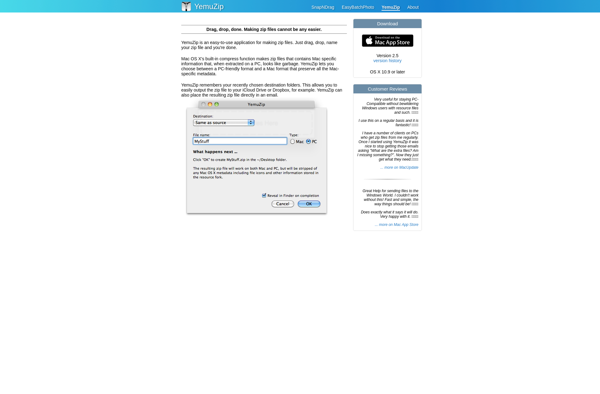
Yemuzip is an open-source, cross-platform file archiving utility that allows users to create and access ZIP archives. Developed as a lightweight alternative to more complex archiving software, Yemuzip provides a simple user interface specifically for working with the popular ZIP file format.Some key features of Yemuzip include:Creating new ZIP archives...
Free RAR Extract Frog is a lightweight, easy-to-use program for extracting files from RAR archives. As an alternative to paid software like WinRAR, it provides a free way to open and access files compressed in RAR format on your Windows computer.Some key features of Free RAR Extract Frog include:Intuitive interface...
Noah is an open-source note taking and knowledge management application for Windows, Linux, macOS, iOS and Android. It allows users to create, organize, tag, search and share notes, attach files, images, links, and more. Noah stores all data locally by default, ensuring privacy, but also allows syncing notes across devices...
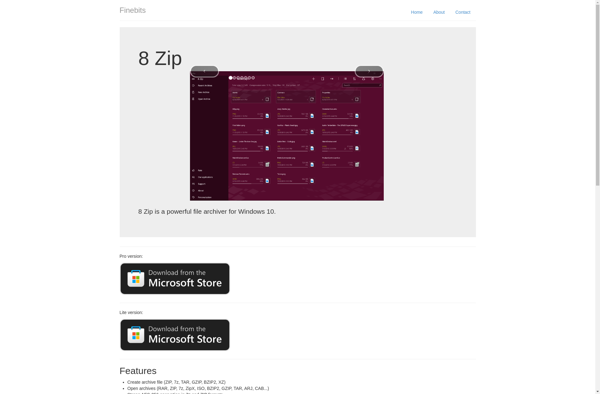
8 Zip is a popular file archiving and compression utility for Windows. Developed by Igor Pavlov, 8 Zip offers powerful compression capabilities through the use of various algorithms such as LZMA, BZIP2, PPMd, and others. Some key features of 8 Zip include:High compression ratios to significantly reduce file sizesSupport for...
ZipItFree is a free and easy-to-use file archiver for Windows that allows you to quickly zip and unzip files on your computer. Developed by Pixelab, ZipItFree provides a simple interface for compressing files into ZIP archives in order to save disk space or create email attachments, as well as for...
jZip is a free and open source file archiver and compressor software for Windows. It provides an easy way to work with many popular archive formats including ZIP, RAR, 7Z, CAB, ARJ, LZH, TAR, GZip, ACE and UUE.Some of the key features of jZip include:Compressing files into ZIP, 7Z, RAR...
CabPack is a free, open-source file archiver for Windows that can create and extract archives in various formats including ZIP, RAR, 7Z, BZIP2, GZIP, TAR, ISO, and more. It provides an easy-to-use interface for compressing and decompressing files to save disk space or bundle multiple files together.Key features of CabPack...
Ultimate Extract and Recover is a powerful data recovery application designed to retrieve files, documents, media, and other data that have been accidentally deleted, formatted, or lost on your Windows computer. It provides an easy-to-use interface for both basic and advanced recovery operations.The software thoroughly scans your selected hard drives...
9 ZIP is a free and open-source file archiver software for Windows that allows users to easily compress and decompress files and folders in various popular formats including ZIP, RAR, 7Z, BZ2, GZ, TAR, XZ, and more. It aims to provide an easy-to-use alternative to heavyweight archiving solutions with a...
UltimateZip is a popular file compression and archiving software for Windows and Mac operating systems. It provides an easy way to work with many compression formats including ZIP, RAR, 7Z, GZ, TAR, BZ2, XZ, CAB, IS0, ARJ and many more.Some of the key features of UltimateZip include:Intuitive interface for compressing...
ICEOWS (Internet Cartographic Editor for Open Web Services) is an open-source web mapping application built using OpenLayers and GeoExt JavaScript libraries. It allows users to view, edit, analyze and publish geospatial data through a standard web browser without requiring any additional client software.Some of the key features of ICEOWS include:Interactive...
Bandizip is a free file archiver and compressor software for Windows. Developed by Bandisoft, it aims to be a fast, lightweight, and easy-to-use alternative to other archive managers.Bandizip supports all common archive formats including ZIP, RAR, 7z, ISO, CAB, TAR, and more. It utilizes multiple compression engines like ZIP, 7z,...
GUI Tar is a graphical frontend for the Tar archiving utility on Linux and UNIX systems. It provides an intuitive graphical interface that allows users to create, extract, and manipulate Tar archives without needing to use the command line Tar tool.With GUI Tar, users can:Create new Tar archives by simply...
Xarchiver is a free, open source archive manager for the Xfce desktop environment on Linux systems. It provides an easy to use graphical interface for managing compressed archives, allowing users to view, create, and extract a variety of archive formats including: 7z, ARJ, bzip2, gzip, lzip, PAQ, PEA, tar, zip,...
Explzh is a free, open-source file explorer for Windows that provides an alternative to the default Windows File Explorer. Some key features of Explzh include:Tabbed interface for opening multiple folders in the same windowDual panel view to easily copy/move files between foldersHighly customizable via skins, icon sets, toolbar customizationAdvanced searching...
Info-ZIP is an open source software suite that provides utilities for handling ZIP compressed archives. It includes several commonly used programs:zip - Package and compress files into a ZIP archiveunzip - Extract and decompress files from a ZIP archivezipinfo - Show detailed information about a ZIP archivezipgrep - Search for...
ZipGenius is a free zip file manager and archive tool for Windows. It provides full access to view and manage the contents inside zip archives through an intuitive, explorer-style interface.With ZipGenius, you can easily:Open and extract files and folders from ZIP archivesCreate new ZIP files and add or remove filesEdit...
Mr Zipper is a free, open-source file archiver and compressor software for Windows. It allows users to easily create and open archives in various popular formats including ZIP, RAR, 7Z, BZ2, GZ, TAR, ISO, and more.Some key features of Mr Zipper include:Intuitive and easy-to-use interface for fast file compression and...
ZipX is a free, open-source file archiver that provides compression and decompression functionality for various file formats. It works similarly to popular proprietary options like WinZip or WinRAR, but is entirely free to use.Key features of ZipX include:Cross-platform support - works on Windows, Mac, Linux, and Unix operating systemsOpen source...
What Is WinRAR?WinRAR is one of the most widely used file compression and archiving utilities for Windows. It creates and extracts RAR and ZIP archives, and can unpack dozens of other formats including 7z, TAR, GZ, ISO, and CAB.Key FeaturesWinRAR's RAR format typically achieves better compression ratios than ZIP, especially...
A Google Drive open source zip extractor is a software that enables users to unzip and extract zip archive files stored in their Google Drive, directly within the cloud. This eliminates the need to first download the zip files before extracting them.It is an open source tool that can be...
KGB Archiver is a free and open source file archiving software for Windows. Developed by Tomasz Pawlak, it aims to provide an easy-to-use archiving solution while delivering high compression ratios through its use of algorithms optimized for text, executable, and database files.Some key features of KGB Archiver include:Supports creating and...
File compression utilities allow users to reduce the size of files and folders to save disk space and enable easier transferring of data. There are several popular file compression programs to choose from:7-Zip - Open source file archiver that handles many compression formats like 7z, ZIP, RAR, etc. Provides high...
Archive collectively operation utility is a powerful yet easy-to-use digital asset management and archiving software. It enables teams and organizations to securely store, organize, search, share, and track their digital content in one centralized platform.Key features include:Intuitive drag-and-drop interface to upload, tag and organize filesCustomizable metadata and automated tagging capabilitiesRobust...
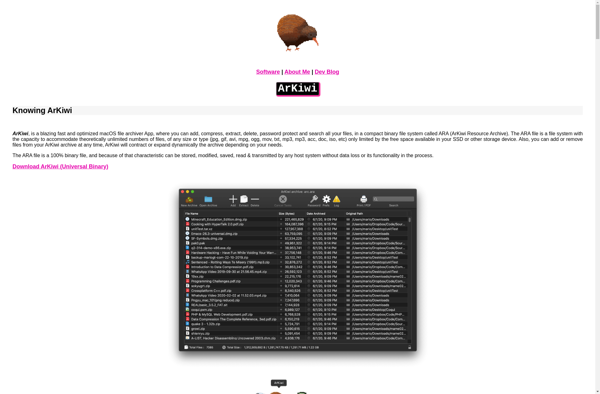
ArKiwi is an open-source, self-hosted alternative to Evernote that allows users to take notes and organize information. Developed by an independent team of developers, ArKiwi provides many of the same note-taking capabilities as Evernote in an open-source, privacy-focused package.Like Evernote, ArKiwi lets you create formatted text notes using rich text,...
Oka Unarchiver is a free, open-source file archiver and decompression tool for Windows. Developed as an alternative to paid software like WinRAR and WinZip, it can handle over 70 archive file types including popular formats such as ZIP, RAR, 7Z, ISO, CAB and TAR.Despite being free, Oka Unarchiver comes packed...
Elimisoft RAR Extractor is a lightweight and easy-to-use application designed specifically for extracting files from RAR archives. As an alternative to paid options like WinRAR, Elimisoft RAR Extractor provides core RAR extraction capabilities completely free of charge.With its streamlined and intuitive interface, users can quickly open and extract files from...