Ctrlpanel is an open-source control panel for managing web servers. It provides a graphical interface and automation tools for hosting, managing domains, email, databases, and more. Ctrlpanel aims to simplify server administration.
Ctrlpanel: Open-Source Control Panel for Web Server Management
A graphical interface and automation tools for hosting, managing domains, email, databases, and more, aiming to simplify server administration.
What is Ctrlpanel?
Ctrlpanel is a free, open source web hosting control panel that allows web hosting providers, IT professionals, and web developers to easily manage websites, servers, domains, databases, email services, and more. Ctrlpanel provides a user-friendly graphical interface to administer Linux or Windows servers, enabling automation and simplification of common administrative tasks.
Some key features of Ctrlpanel include:
Automated installation and configuration of popular web platforms like WordPress, Drupal, Joomla etc.
Domain management tools for registering, transferring, managing multiple domains
Email tools like unlimited mailboxes, spam filters, mailing lists manager
Database management with MySQL and PostgreSQL database admin tools
Server security tools like SSL certificates, firewall configuration, security alerts
One click installers for web apps like WordPress, ownCloud, NextCloud etc.
Resource usage statistics, monitoring and analytics
Multi-server and WHMCS support for hosting providers
An open architecture that can be customized and integrated via modules and an API
With its simplicity, open source availability, and modular architecture, Ctrlpanel effectively handles common hosting management tasks for SMBs, web developers, agencies, and hosting businesses.
Ctrlpanel Features
Features
Graphical user interface for server management
Automation tools for hosting, domains, email, and databases
Server administration simplification
Open-source and customizable
Supports multiple web servers (Apache, Nginx, etc.)
Manages DNS, SSL/TLS certificates, and other server components
Pricing
Open Source
Pros
Simplifies server administration tasks
Provides a user-friendly interface
Offers automation and scripting capabilities
Customizable and open-source
Supports a wide range of server technologies
Cons
May have a steeper learning curve for beginners
Limited support and community compared to commercial alternatives
Potential compatibility issues with specific server configurations
Bitwarden is an open source password manager used by both individuals and businesses to store, generate, and manage passwords securely. It utilizes AES-256 bit encryption along with salted hashing to protect user data before it leaves a device. This type of end-to-end encryption ensures that no one, including the Bitwarden...
What Is LastPass?LastPass is a password manager that stores encrypted login credentials, credit cards, secure notes, and other sensitive data in a cloud-synced vault. It auto-fills passwords across browsers and devices, eliminating the need to remember or reuse passwords.Key FeaturesLastPass generates strong unique passwords for every account and auto-fills them...
1Password is a popular password manager developed by AgileBits that provides robust security and convenience features to help individuals, families, and businesses store sensitive information like passwords, credit cards, identities, notes, and documents digitally. It has native apps for all major desktop and mobile platforms including Windows, Mac, iOS, and...
KeePass is a free, open source, light-weight and easy-to-use password manager for Windows, Linux and macOS. It allows users to securely store all of their passwords and other sensitive information like credit card numbers, PINs, TANs, notes and attachments in one heavily encrypted database, locked with one master key.KeePass uses...
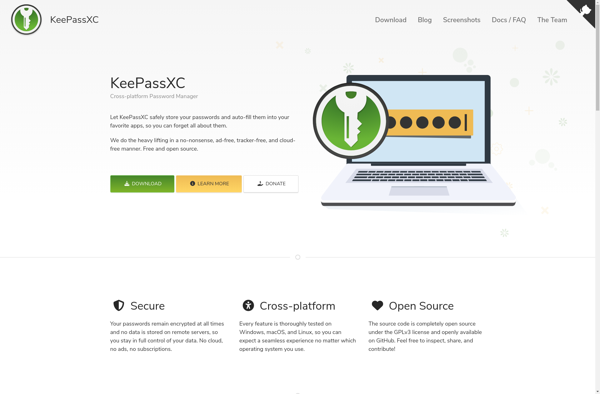
KeePassXC is a free and open source password manager that enables users to securely store passwords, records, and notes in an encrypted database. It is a cross-platform application that works on Windows, MacOS, Linux, iOS, and Android.With KeePassXC, all sensitive data is stored in an encrypted database that is protected...
Dashlane is a popular, award-winning password manager and digital wallet application. It enables users to generate strong, unique passwords for all their online accounts, store them securely in an encrypted digital vault and log into their accounts with a single click on any device.Core features of Dashlane include:Password Management -...
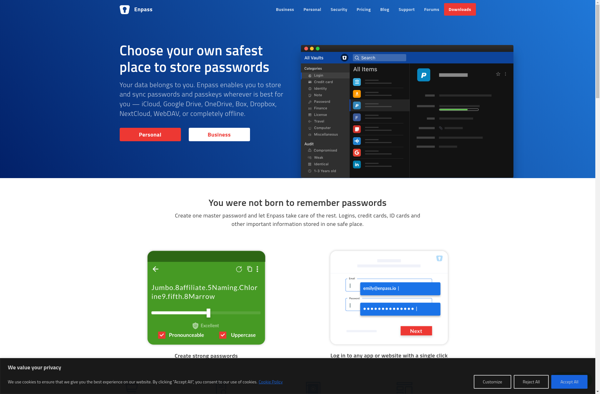
Enpass is a feature-rich cross-platform password manager designed to help you store your login credentials and other private information securely. Here are some key things to know about Enpass:Available on Windows, Mac, Linux, iOS, Android, and as a browser extension. Syncs between devices using cloud storage services like Dropbox or...
KeePassDroid is a free, open source password manager application developed specifically for Android devices. It allows you to securely store website usernames, passwords, notes, and other sensitive information in an encrypted database protected by one master password.KeePassDroid uses the trusted KeePass password database format and AES encryption to protect your...
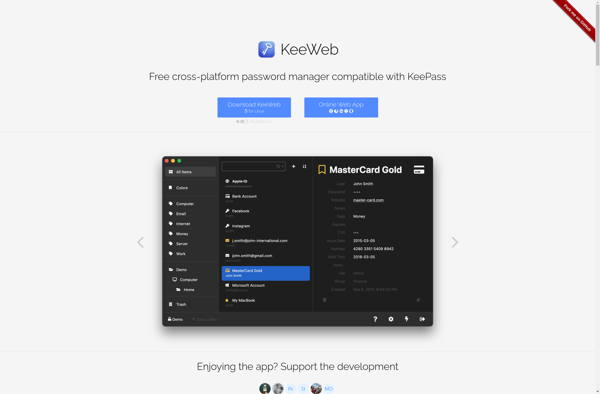
KeeWeb is a free, open-source password manager and vault that allows users to securely store passwords, notes, and other sensitive information in an encrypted database protected by a master password. It has an intuitive, easy-to-use interface with support for extensive keyboard shortcuts for fast navigation.Some of the key features of...
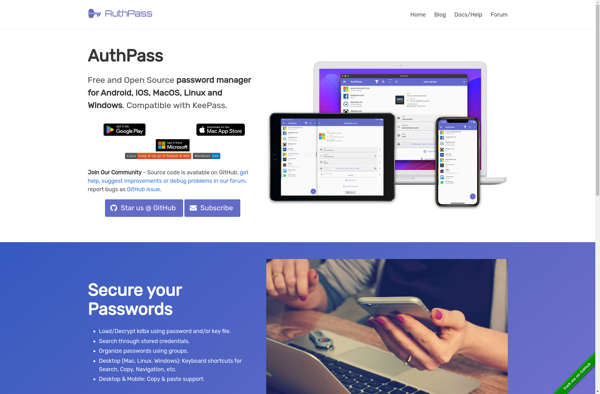
AuthPass is an open-source password manager and generator that focuses on security and simplicity. It stores all your passwords encrypted using AES-256 encryption to keep them protected. AuthPass has an intuitive user interface that makes it easy to add, edit, search, organize and access your login credentials.Some key features of...