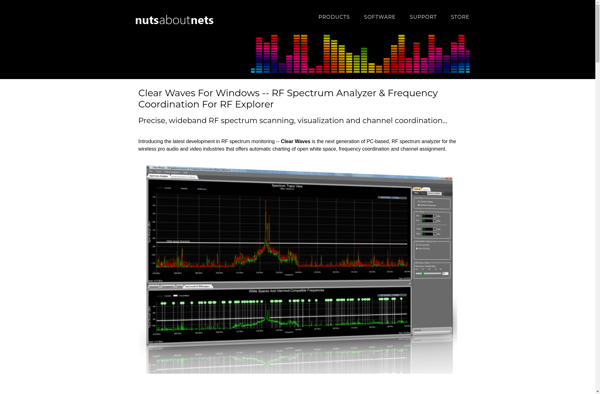
DeepView
DeepView: Free Deep Learning Model Viewer & Visual Debugger
Visualize deep learning models, inspect data flow, and gain insights with a free, open-source tool - upload your model and explore its architecture with DeepView.
What is DeepView?
DeepView is an open-source tool for visualizing and debugging deep learning models. It provides an intuitive graphical interface that allows users to easily upload their models built with frameworks like TensorFlow, PyTorch, and Keras.
Some key features of DeepView include:
- Model architecture visualization - See a graphical overview of your model's layers and connections between them to understand the full topology.
- Activation visualization - Visualize the activation outputs for different layers to see which features the network is learning.
- Gradient visualization - Inspect gradient values flowing backward through the network during training to debug issues.
- Data visualization - Sample data batches flowing through the neural network to ensure the model is processing data correctly.
- Layer inspection - Investigate detailed parameters and outputs for each layer in the model.
- Shareable model graphs and visualizations - Export diagrams and activation maps for documentation and analysis.
By uploading their models into DeepView, users can gain intuitions for how their models work under the hood, identify potential problems areas, and improve model performance. Its visual interface makes it easy for anyone to understand what’s happening inside deep neural networks.
DeepView Features
Features
- Visualize neural network architectures
- Inspect data flowing through the network
- Visualize activations and gradients
- Gain insights into model performance and training
Pricing
- Open Source
Pros
Cons
Reviews & Ratings
Login to ReviewThe Best DeepView Alternatives
View all DeepView alternatives with detailed comparison →
Top Ai Tools & Services and Model Debugging and other similar apps like DeepView
HackRF

WaveTower

Clear Waves