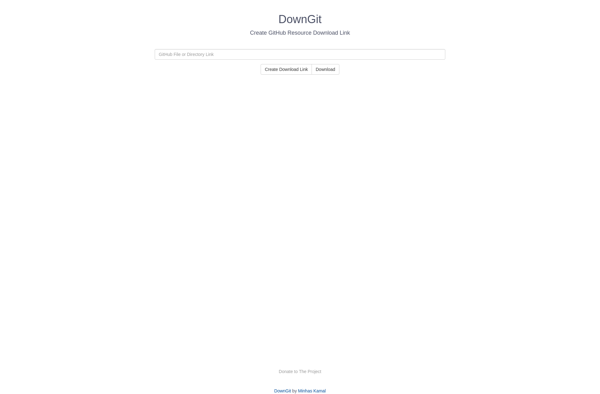
DownGit is a free web app that allows users to easily download GitHub repositories, gists, and archives without having to clone the Git repository. It provides a simple interface to grab ZIP or TAR files of code hosted on GitHub.
Free web app to download GitHub repositories, gists, and archives without cloning the Git repository, with simple ZIP or TAR file export.
What is DownGit?
DownGit is a free web application that makes it easy for users to download the contents of public GitHub repositories, gists, and archives without having to clone the actual Git repository. It works by providing a simple interface where you enter the URL of the GitHub resource you want to download, and DownGit will generate a ZIP or TAR archive containing the contents.
Some key features and benefits of DownGit include:
Simple, intuitive interface - just enter a GitHub URL and click download. No need to deal with Git clones or commands.
Works with public GitHub repos, gists, and archives.
Lets you download as a ZIP or TAR file for easy offline use and portability.
Lightweight and fast - being built as a client-side web app, there are no servers involved.
Open source and free to use without limits.
Helpful for quickly grabbing code samples, templates, plugins, themes etc from GitHub.
Great for users who want to download GitHub projects for reuse but don't need to contribute back or work with the repo's commit history.
Overall, DownGit makes it super easy for both developers and non-developers to download materials from public GitHub repositories without the overhead of Git. It removes friction and makes GitHub an even more useful resource for code snippets, templates, learning, and offline use.
DownGit Features
Features
Allows downloading GitHub repositories, gists, and archives without cloning
Provides options to download as ZIP, TAR, TAR.GZ, or TAR.BZ2
Supports downloading release assets and specific folders/paths
Simple and easy-to-use interface
Works directly from the GitHub website using a browser extension
Standalone web app also available without extension
Open source and self-hostable
Pricing
Open Source
Pros
Easy and convenient way to download GitHub code
Avoids needing to clone large repositories just to access specific files
Lightweight alternative to cloning Git repositories
Browser extension integrates smoothly with GitHub interface
Standalone web app provides platform-independent access
Open source allows customization and self-hosting
Cons
Lacks advanced Git features like commit history, branching, etc.
Only works for public GitHub repositories and gists
Standalone web app requires manual URL entry
Browser extension only available for Chrome currently
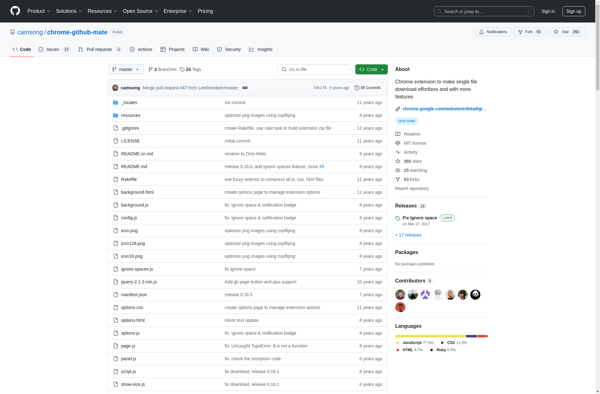
Octo Mate is a browser extension available for Google Chrome and Firefox that aims to improve the GitHub interface and workflow. It provides a number of features and enhancements for GitHub power users:Bulk and scheduled commenting - Easily add comments to multiple issues or pull requests at once or schedule...
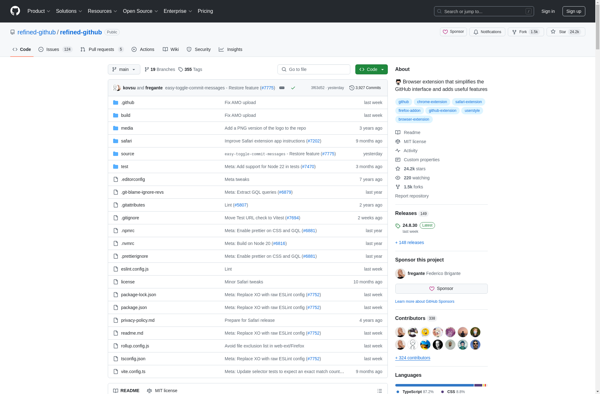
Refined GitHub is an open-source browser extension available for Google Chrome, Mozilla Firefox, and Microsoft Edge. It aims to enhance the GitHub interface and streamline workflows for developers and project collaborators.Some of the key features of Refined GitHub include:Collapsable diffs - Long diffs are collapsed by default making it easier...
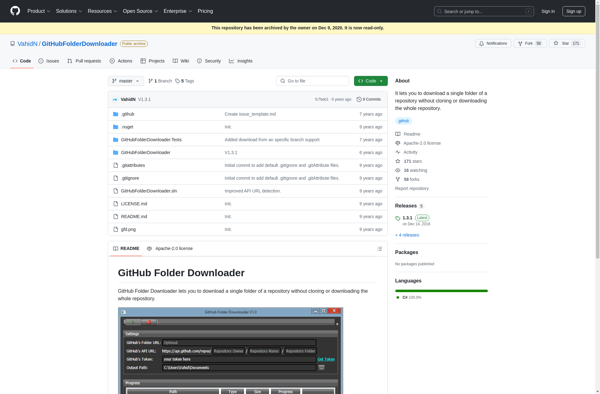
GitHub Folder Downloader is a free and open source software tool that provides users with a simple way to download entire folders or repositories from GitHub with a single click. This eliminates the tedious process of manually downloading individual files from a GitHub repository.Some key features of GitHub Folder Downloader...
GitZip is a free desktop application for Windows, Mac and Linux that allows users to easily download GitHub repositories as zip files. It provides an alternative way to clone GitHub repos for offline use without having to use the command line and Git.Some key features of GitZip include:Intuitive search interface...
OctoLinker is a free, open-source browser extension for GitHub that aims to improve developers' productivity and code navigation when working with GitHub repositories.It works by scanning the code when viewing a file on GitHub and detecting import statements, package names, variable names that match filenames, etc. When it finds these,...
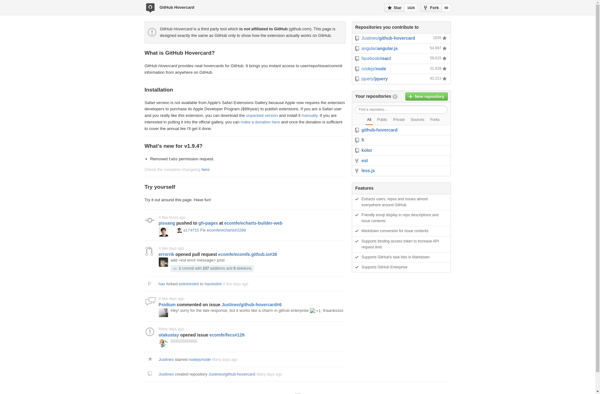
GitHub Hovercard is a free open source browser extension available for Google Chrome, Mozilla Firefox, and Microsoft Edge. It enhances the GitHub interface by displaying pop-up user profile cards when hovering over usernames, repository names, issue and pull request references, and other GitHub identifiers.The hovercards provide quick access to information...
Enhanced GitHub is a feature-rich browser extension that augments the GitHub interface with additional capabilities to improve productivity and customize the user experience.Some of the key features of Enhanced GitHub include:Enhanced filtering, searching and sorting of issues, pull requests, comments and repository contentsKeyboard shortcuts for faster navigation and management of...
Awesome Autocomplete for GitHub is a browser extension that aims to improve the search and discovery experience on GitHub. It utilizes a powerful AI code search engine to provide intelligent autocomplete suggestions as you type in the GitHub search bar.The extension taps into Codex, an AI assistant designed specifically for...