
DSync - File Synchronizer
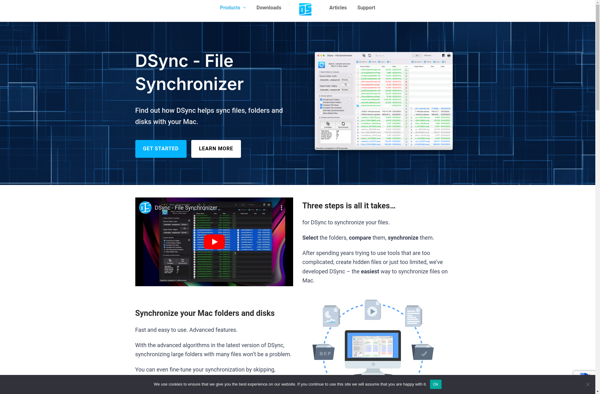
DSync: File Synchronizer
DSync is a file synchronization program that allows you to sync files and folders between computers and drives. It supports two-way sync, checksum verification, conflict resolution, scheduling, and encryption.
What is DSync - File Synchronizer?
DSync is a multi-platform file synchronization application designed to help users easily sync and back up files and folders across devices. It provides an intuitive graphical interface to set up synchronization jobs between folders on your local computer, external drives, remote servers, or other PCs on your network.
Key features of DSync include:
- Two-way sync - Files are copied both ways to keep everything identical on both sync folders
- Checksum verification - Ensures file integrity during transfer and detects changes to synchronized files
- Conflict resolution - Offers customizable options for dealing with clashing file names or version conflicts
- Scheduling - Set up timed automatic syncs as often as needed
- Encryption - Secure your data transfers with industry-standard AES encryption
- Cross-platform - Works across Windows, Mac, and Linux operating systems
DSync aims to make synchronizing files easy and reliable for home users as well as small businesses. Whether you want to back up important documents between desktops or synchronize team folders across offices, DSync has the sync and automation tools you need.
DSync - File Synchronizer Features
Features
- Two-way sync
- Checksum verification
- Conflict resolution
- Scheduling
- Encryption
Pricing
- Open Source
- Free
Pros
Cons
Official Links
Reviews & Ratings
Login to ReviewNo reviews yet
Be the first to share your experience with DSync - File Synchronizer!
Login to ReviewThe Best DSync - File Synchronizer Alternatives
View all DSync - File Synchronizer alternatives with detailed comparison →
Top Backup & Sync and File Synchronization and other similar apps like DSync - File Synchronizer

SyncTime