
Editor.Pho.to
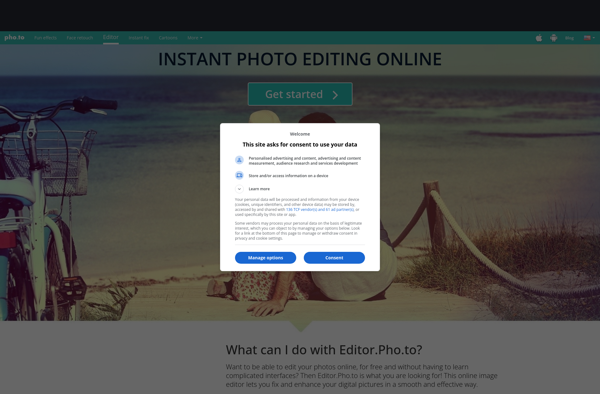
Editor.Pho.to: Online Photo Editor
Editor.Pho.to is an easy-to-use online photo editor that allows users to quickly edit their photos without installing any software. It provides basic editing tools like cropping, resizing, filters, text, stickers, frames, and more.
What is Editor.Pho.to?
Editor.Pho.to is a free online photo editor that allows users to edit images directly in the browser without needing to install any software. It provides a simple, intuitive interface and a good selection of basic photo editing tools to crop, resize, rotate, flip, add filters, textures, frames, stickers, text, and drawings to images.
Some key features of Editor.Pho.to include:
- Intuitive drag and drop interface
- Cropping, resizing, rotating, and flipping
- Filters like black and white, sepia, blur, sharpen, pixelate, and more
- Text boxes with control over font, size, color, etc.
- Stickers and clipart images
- Frames and borders
- Paint brush for freehand drawings
- Undo/redo buttons for easy edits
Editor.Pho.to is great for basic image editing and adding some quick enhancements to photos before sharing on social media or using for other purposes. It works right in the browser so no software installs are required. The interface is simple enough for casual users to pick up quickly. Advanced photographers may want more sophisticated editing capabilities, but Editor.Pho.to is a handy free online editor for fast, basic edits.
Editor.Pho.to Features
Features
- Photo editing tools like crop, resize, rotate, flip, filters, exposure, saturation
- Add text, stickers, frames, shapes, emojis
- Remove objects and blemishes
- Collage maker
- Batch editing
- Social media templates
Pricing
- Freemium
Pros
Cons
Official Links
Reviews & Ratings
Login to ReviewThe Best Editor.Pho.to Alternatives
View all Editor.Pho.to alternatives with detailed comparison →
Top Photos & Graphics and Photo Editing and other similar apps like Editor.Pho.to
No alternatives found for Editor.Pho.to. Why not suggest an alternative?







