Elcomsoft Explorer for WhatsApp is a tool that allows you to access, view, and extract chat messages, photos, videos, and other files from local or cloud WhatsApp backups without rooting or jailbreaking the device. It works by parsing WhatsApp database files extracted from device
Elcomsoft Explorer for WhatsApp: Access & Extract WhatsApp Data
Discover Elcomsoft Explorer for WhatsApp, a powerful tool to access and extract chat messages, photos, videos, and other files from local or cloud WhatsApp backups without rooting or jailbreaking the device.
What is Elcomsoft Explorer for WhatsApp?
Elcomsoft Explorer for WhatsApp is a powerful tool for accessing, viewing and extracting data from local or cloud WhatsApp backups without needing to root or jailbreak the device. It works by parsing WhatsApp database files extracted from logical or physical backups of Android, iOS and Windows Phone devices.
Some key features include:
Access chat messages, photos, videos and other files in WhatsApp backups
View and export contacts, messages, calls history, files, media
Works with local and cloud backups from Android, iOS and Windows Phone
No need to root or jailbreak device to access cloud backups
Advanced filtering to find specific messages/media
Preserves original timestamp information and media filenames
Exports data to HTML, JSON or CSV formats
Whether you need to recover lost WhatsApp data from an old device backup or access messages for legal purposes, Elcomsoft Explorer provides an easy way to view and extract that data without altering the original backup files. It supports the latest WhatsApp backup formats and works on Windows 7 or later.
Elcomsoft Explorer for WhatsApp Features
Features
View and extract chats, photos, videos and other files from WhatsApp backups
Works with local and cloud backups for Android and iOS devices
Does not require rooting or jailbreaking the device
Supports end-to-end encrypted WhatsApp backups
Filters chats by sender/recipient and exports them
Exports media files to various formats
View basic metadata like date, time, sender/recipient
Pricing
One-time Purchase
Pros
Easy extraction of WhatsApp data without rooting or jailbreaking
Supports both local and cloud backups
Can view end-to-end encrypted backups
Filters and exports specific chats and media files
Works on Windows and macOS
Cons
Paid software with no free trial
Limited to WhatsApp data only
Does not decrypt end-to-end encrypted chat content
No mobile or web version
Requires backup files to work, cannot directly access WhatsApp data on a device
Wondershare dr.fone is a versatile software suite developed by Wondershare Software for managing data on iOS and Android mobile devices. Some key features include:Data Recovery - Retrieve lost or deleted contacts, messages, photos, notes and more from iOS and Android devices.System Repair - Fix over 50 different iOS system issues...
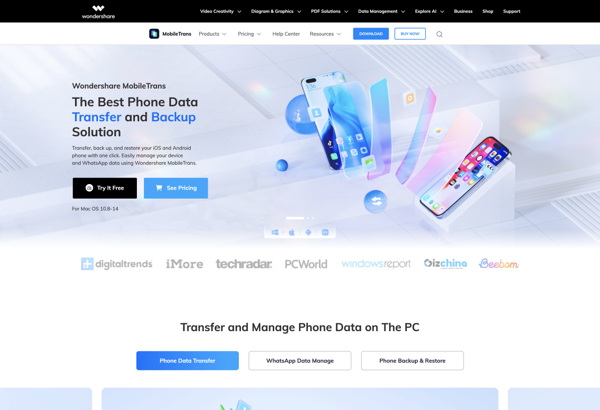
Wondershare MobileTrans is a comprehensive software solution designed to transfer data between mobile phones and devices. It allows you to easily move your contacts, messages, call logs, photos, music, videos, calendars, app data, and more from one phone to another, or back up that data to your computer.MobileTrans supports transfer...
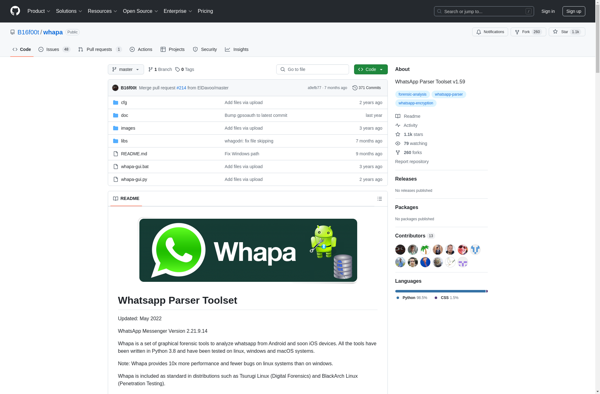
Whapa is a desktop application used to view, extract, and analyze data from WhatsApp databases on Android, iOS, and other platforms. It parses WhatsApp database files (.crypt12 or .crypt14) and displays chat messages, media files, contacts, and other information in an easy-to-read format.Key features of Whapa include:Extracting and displaying chat...
iMyFone iTransor for WhatsApp is a desktop software application designed specifically for managing and transferring WhatsApp data between different devices and platforms. It works on Windows and macOS.Some key features of iMyFone iTransor for WhatsApp include:Transfer WhatsApp messages, attachments, photos, videos, audio files, call logs and more from Android to...
Tenorshare WhatsApp Transfer is a software application designed to help users easily transfer their WhatsApp data from one phone to another. It supports transferring WhatsApp messages, photos, videos, and other attachments between Android, iPhone, Windows Phone, BlackBerry, Nokia Symbian, and feature phones.Some key features of Tenorshare WhatsApp Transfer include:Transfers WhatsApp...
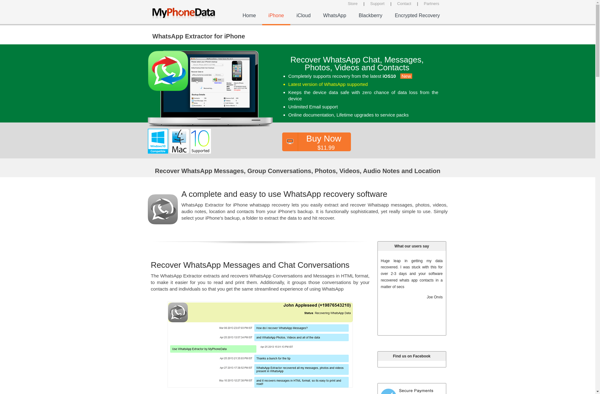
WhatsApp Extractor is a desktop application designed to help users easily back up and export their WhatsApp chat history from their Android or iPhone devices. It provides an easy way to save your WhatsApp conversations, photos, videos and other media so you have a copy on your computer.Some key features...
Jihosoft WhatsMate is a comprehensive WhatsApp transfer and backup solution designed for iOS and Android devices. It enables users to seamlessly transfer, backup and restore WhatsApp data between an iPhone and an Android phone.Key features of Jihosoft WhatsMate include:Transfer WhatsApp messages, photos, videos, attachments, call logs and chat history from...
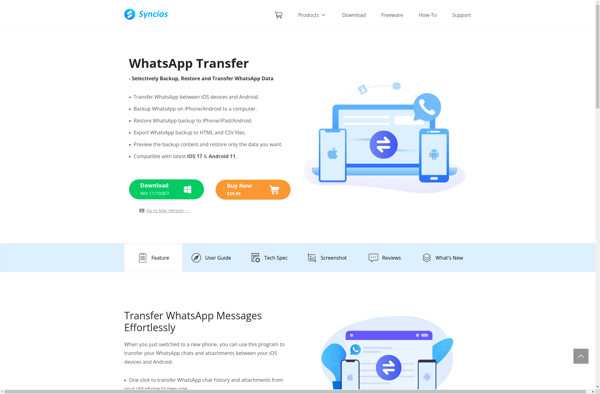
Syncios WhatsApp Transfer is a versatile software solution for managing and transferring WhatsApp data across different devices and platforms. It works on Windows and macOS.Some key features include:Transfer WhatsApp messages, contacts, photos, videos between Android, iPhone and Computer.Backup WhatsApp data from phone to computer and restore backup files to phone.Supports...
Backuptrans Android iPhone WhatsApp Transfer+ is an application designed to transfer WhatsApp data between Android and iPhone devices. It provides an easy way to move your WhatsApp chat history when switching between the two platforms.Some key features of Backuptrans Android iPhone WhatsApp Transfer+:Transfers WhatsApp messages, photos, videos, attachments, call logs,...