eXtrigo is a no-code automation platform that allows anyone to build workflow automations and bots without coding. It has a drag-and-drop interface to design workflows, integrate with various apps and services, schedule automations, and deploy bots. eXtrigo aims to democratize au
Build workflow automations and bots without coding with eXtrigo's drag-and-drop interface, integrating with various apps and services, scheduling automations, and deploying bots.
What is EXtrigo?
eXtrigo is a no-code automation platform that enables anyone in an organization to build workflow automations and bots without writing any code. It features an intuitive drag-and-drop interface to design workflows that connect various applications, data sources, and services.
With eXtrigo, users can automate repetitive manual processes, integrate siloed systems, schedule automations to run at set times or based on triggers, and deploy chatbots. Its key capabilities include:
Connecting to cloud apps like G Suite, Office 365, Salesforce, Slack, etc. via pre-built connectors
Building logic using a visual workflow builder with a library of pre-built automation tasks/actions
Scheduling automations to run at specific times or based on event triggers
Deploying chatbots and interacting with them via Slack, Teams, and other business messaging apps
Monitoring automation runs and analyzing usage analytics
eXtrigo aims to make automation accessible for every employee. With its no-code platform, it allows teams to improve productivity, efficiency, and focus more on innovation and strategic work. The eXtrigo Automation Cloud scales as your needs grow while ensuring robustness, availability, and security.
EXtrigo Features
Features
Drag-and-drop workflow designer
Integration with various apps and services
Scheduling of automations
Deployment of bots
Collaboration and team management features
Reporting and analytics
Pricing
Freemium
Subscription-Based
Pros
No-code approach makes it accessible to non-technical users
Wide range of integrations to connect different tools
Enables automation of repetitive tasks and processes
Collaborative features for teamwork
Scalable and customizable to fit different business needs
Cons
Limited customization options compared to more advanced automation tools
Potential learning curve for users unfamiliar with no-code platforms
Reliance on integrations may limit functionality for some use cases
Pricing may be higher for larger organizations or complex workflows
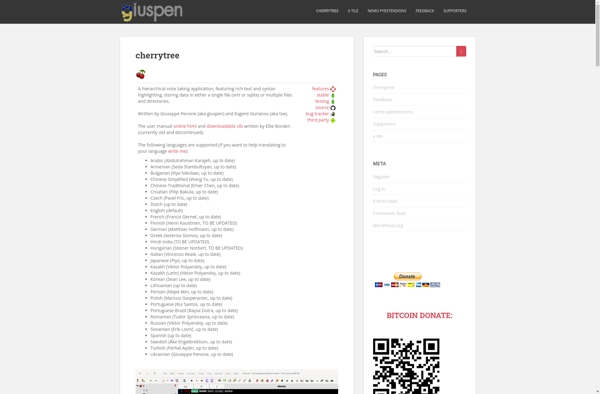
What Is CherryTree?CherryTree is a free, open-source hierarchical note-taking application for Linux and Windows. It organizes notes in a tree structure with rich text formatting, code highlighting, images, tables, and links between nodes.Key FeaturesNotes are organized in a tree hierarchy where each node can contain rich text, plain text, or...
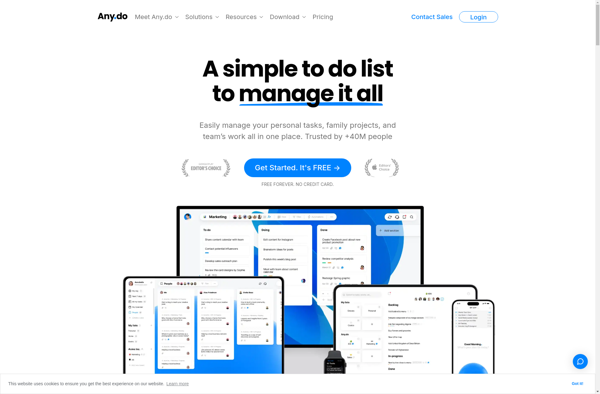
Any.do is a feature-rich task management and productivity app used by millions of people worldwide. It is available on all major platforms including iOS, Android, Mac, Windows and as a fully-functional web app.Some key features of Any.do include:Intuitive interface for easily creating to-do lists and tasksAbility to set due dates,...
Taskade is a modern and versatile team productivity software designed to help teams collaborate effectively on projects and tasks. Its main features include:Interactive task lists, mind maps, and project outlines for task managementReal-time collaborative notes and checklistsBuilt-in video calls and messaging for easy team communicationIntuitive web and mobile apps with...
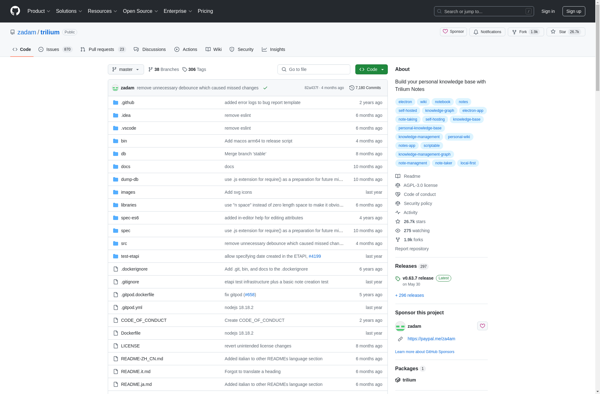
Trilium Notes is an open-source, hierarchical note taking application designed for building large personal knowledge bases. It uses a tree structure for organizing notes, allowing users to create nested topics and subtopics for easy linkage of related ideas.Some key features of Trilium Notes include:Tree-structured notes - Notes are organized in...
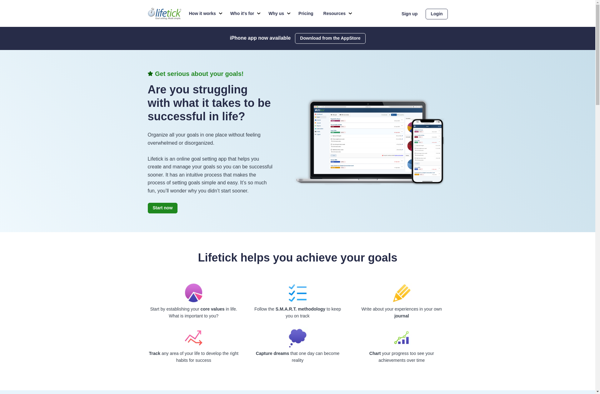
Lifetick is a user-friendly goal setting and tracking software designed to help people plan out and achieve their life goals. It provides an intuitive interface for users to articulate their ideal future across different categories like career, relationships, personal growth, health, finance, experiences and more.One of the key features of...
Remember The Milk is a widely-used online task management and to-do list application. Launched in 2004, it enables users to create tasks, set due dates, add notes and tags, set reminders, organize tasks in flexible lists and hierarchies, and collaborate with others by sharing lists.Key features of Remember The Milk...
Cryptee is an privacy-focused online service for securely storing, sharing and viewing photos and videos. It employs end-to-end encryption to ensure only you can access your content.When you upload content to Cryptee, it is encrypted on your device before being sent to Cryptee's servers. The encryption keys remain solely in...
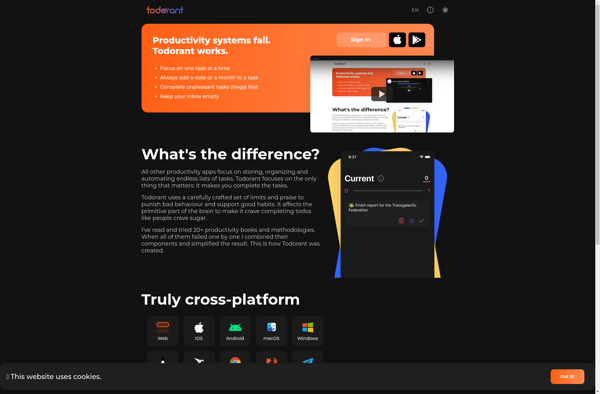
Todorant is a free, open-source to-do list and task management application designed specifically for Windows. With its simple and intuitive interface, Todorant makes it easy to organize your tasks and boost your productivity.Some of the key features of Todorant include:Create tasks and sub-tasks with descriptions, notes, tags, due dates and...
Passfindr is a free, open source password manager and generator designed to help you create and manage strong, unique passwords for all of your online accounts. It allows you to securely store passwords encrypted behind one master password, so you only have to remember one strong password instead of many.Some...
Idea Notebook is a free, open-source note taking application designed for easily capturing thoughts, ideas, and to-do lists. It provides a simple, clean interface for writing notes without distracting formatting options.With Idea Notebook, you can create text notes with basic formatting like bold, italics, highlights, and URLs. It also allows...