
FlickrSync CLI
FlickrSync CLI: Command Line Interface Tool
A command line interface tool for synchronizing photos between a local folder and a Flickr account, allowing uploading, downloading, and deleting photos programmatically.
What is FlickrSync CLI?
FlickrSync CLI is a command line interface application for synchronizing photos between a local folder on your computer and a Flickr account. It provides an easy way to programmatically upload new photos to Flickr, download existing Flickr photos to your computer, and delete photos to keep sets in sync.
Some key features of FlickrSync CLI include:
- Cross-platform support for Windows, MacOS and Linux
- Upload new photos in local folders to Flickr automatically
- Selectively download Flickr photo sets to keep an offline backup
- Delete local copies of photos that were deleted on Flickr
- Configure syncing rules to control which folders and sets to synchronize
- Run scheduled syncing jobs using cron jobs or similar
- Open source tool with no restrictions on usage
FlickrSync CLI provides a simple scripting interface to manage your Flickr library without manually downloading and uploading each photo. It's useful for photographers who shoot on local SD cards but want their photos auto-synced to Flickr as a cloud backup. The command line interface allows scripting complex syncing tasks.
FlickrSync CLI Features
Features
- Command line interface for automation
- Sync photos between local folder and Flickr
- Upload, download and delete photos programmatically
- Set privacy levels and add tags/descriptions
- Simple configuration using config file
Pricing
- Open Source
Pros
Cons
Official Links
Reviews & Ratings
Login to ReviewThe Best FlickrSync CLI Alternatives
View all FlickrSync CLI alternatives with detailed comparison →
Top Photos & Graphics and Photo Management and other similar apps like FlickrSync CLI
Here are some alternatives to FlickrSync CLI:
Suggest an alternative ❐
Bulkr


55Photos


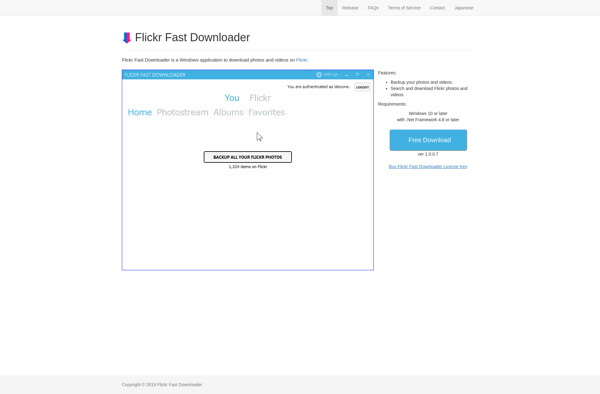
Flickr Fast Downloader

MyFlickrBackup

Photo Grabbr