FlowMattic
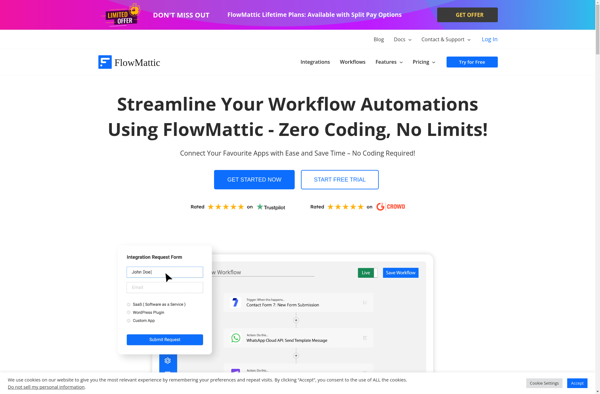
FlowMattic: No-Code Business Process Automation
Build, run and optimize workflows and business processes with a drag-and-drop interface, no coding required - FlowMattic
What is FlowMattic?
FlowMattic is a powerful yet easy-to-use no-code business process automation and workflow software. With an intuitive drag-and-drop interface, FlowMattic makes it simple for anyone to build, manage and optimize workflows and business processes, with no coding required.
Key features include:
- Visual workflow designer to map out processes step-by-step
- Connectors to integrate with popular software like Salesforce, Slack, Dropbox etc
- Forms and approvals to easily collect data and sign-offs
- Robust workflow management with scheduling, conditions, variables etc
- Process analytics to identify bottlenecks and improve workflows
- Flexible deployment options - desktop, mobile, web and server-based
FlowMattic speeds up digital transformation initiatives by enabling greater business agility, faster process automation and continuous optimization. With an intuitive interface that empowers non-technical users, it makes it easy for businesses to simplify complex procedures, eliminate redundant tasks, reduce errors and cut costs.
FlowMattic Features
Features
- Drag-and-drop workflow builder
- No-code automation
- Business process management
- Customizable templates
- Real-time analytics and reporting
- Integrations with popular apps and services
- Mobile-friendly interface
- Collaboration and team management tools
Pricing
- Subscription-Based
Pros
Cons
Official Links
Reviews & Ratings
Login to ReviewThe Best FlowMattic Alternatives
View all FlowMattic alternatives with detailed comparison →
Top Business & Commerce and Business Process Automation and other similar apps like FlowMattic
Here are some alternatives to FlowMattic:
Suggest an alternative ❐
N8n.io


Zapier

Make.com


Activepieces


Automate.io