Folder Color
Folder Color: Customize Folder Colors
Free software to easily change folder colors, organizing files and folders visually in Windows File Explorer
What is Folder Color?
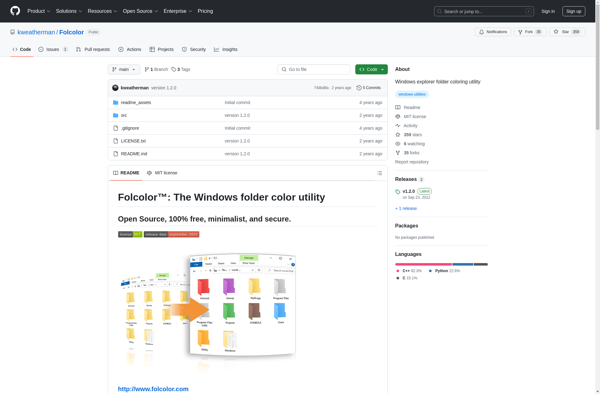
Folder Color is a lightweight, easy-to-use software for Windows that enables users to customize the color of folders in File Explorer. With Folder Color, you can assign different colors to your folders based on category, project, type, or any other system that makes sense for your filing needs.
This visual organization allows you to identify folders at a glance, making it faster to navigate your file system. You can color code folders for work projects, personal categories, file types, clients, or anything else. The intuitive interface makes it simple to pick colors and apply them to any folder you want.
As you add more custom colored folders, you'll be able to see patterns emerge in your filing system. Related folders become easier to spot so you can find what you need more efficiently. Folder Color integrates seamlessly into File Explorer without needing to open a separate app.
Folder Color is free to use with no ads or annoying upgrades. It's a useful tool for any Windows user looking to visually organize their file system for improved productivity and ease of use.
Folder Color Features
Features
- Customize folder colors
- Set custom icons for folders
- Save color schemes for reuse
- Set rules to auto-color folders
- Support for folder shortcuts
- Portable version available
- Lightweight and easy to use
Pricing
- Freeware
Pros
Cons
Official Links
Reviews & Ratings
Login to ReviewThe Best Folder Color Alternatives
View all Folder Color alternatives with detailed comparison →
Top File Management and Folder Organization and other similar apps like Folder Color
Here are some alternatives to Folder Color:
Suggest an alternative ❐
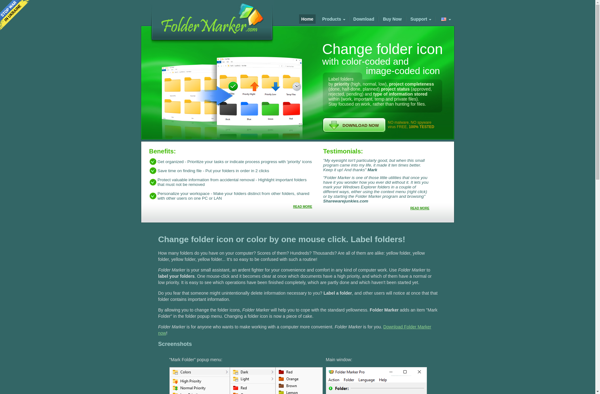
Folder Marker

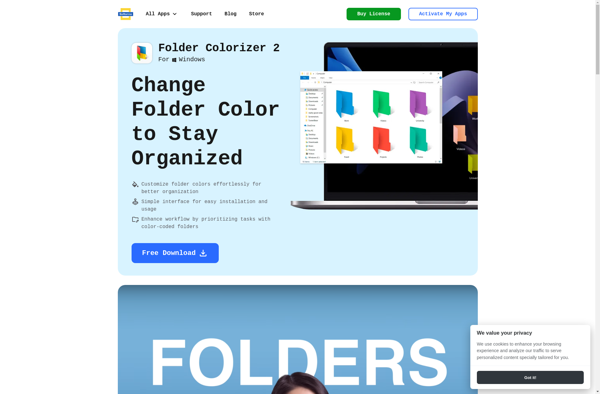
Folder Colorizer

Folcolor™

IColorFolder