
Frame Image Viewer
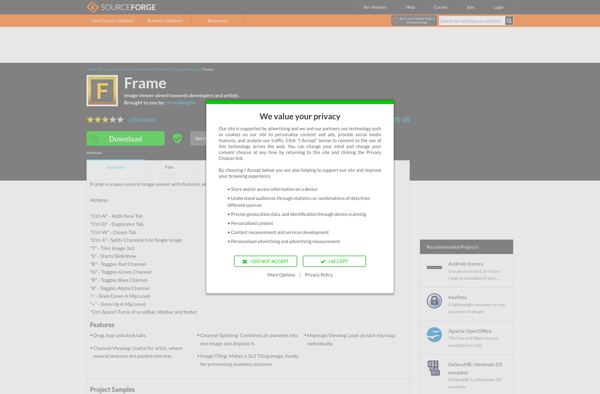
Frame Image Viewer: Free Open Source Image Viewer for Windows
Free, open source image viewer with basic features like zoom, rotate, flip, and slideshow for quickly viewing images in bulk.
What is Frame Image Viewer?
Frame Image Viewer is a free, open source image viewer application for Windows. It provides a simple and intuitive interface for viewing images in bulk.
Some of the key features of Frame Image Viewer include:
- Quickly open thousands of image files in tabs
- Zoom, rotate, flip, and resize images
- View images in full screen slideshow mode
- Compare images side-by-side
- Support for common image formats like JPG, PNG, GIF, BMP, TIFF, and more
- EXIF data reader
- Basic image editing tools like crop, resize, exposure, filters, etc.
- Portable app that doesn't require installation
Frame Image Viewer is useful for photographers, designers, or anyone who needs to quickly view a lot of images on their Windows PC. It launches quickly even with thousands of images open. The intuitive interface and keyboard shortcuts make navigating large image collections very easy.
While it lacks some advanced image editing tools of paid software, Frame Image Viewer is a great free alternative for simply viewing and comparing images in bulk.
Frame Image Viewer Features
Features
- View images in fullscreen
- Zoom and pan images
- Rotate and flip images
- Slideshow mode
- Basic image editing
- Support for common image formats
- Minimalist interface
Pricing
- Free
- Open Source
Pros
Cons
Official Links
Reviews & Ratings
Login to ReviewThe Best Frame Image Viewer Alternatives
View all Frame Image Viewer alternatives with detailed comparison →
Top Photos & Graphics and Image Viewing and other similar apps like Frame Image Viewer
No alternatives found for Frame Image Viewer. Why not suggest an alternative?







