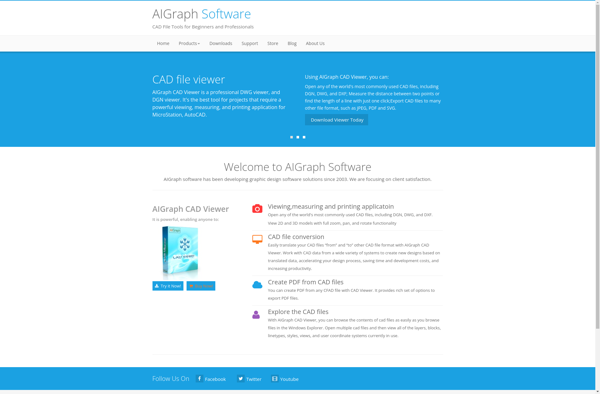
Free DWG Viewer
Free DWG Viewer: View CAD Files Without AutoCAD
A free, standalone CAD file viewer for opening, viewing, and printing DWG, DXF, and DWF files on Windows systems.
What is Free DWG Viewer?
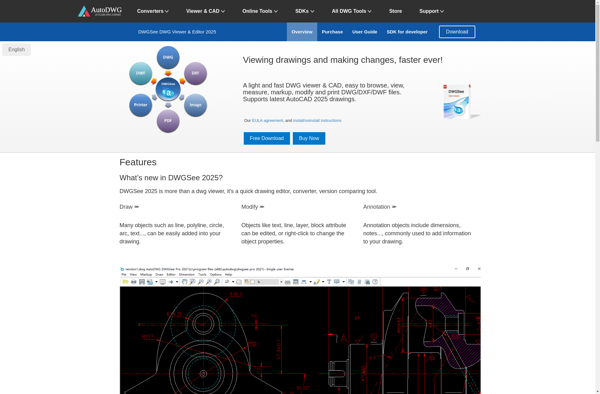
Free DWG Viewer is a lightweight, easy-to-use CAD file viewer that enables you to open, view, and print DWG, DXF, and DWF files without needing to have AutoCAD or any other CAD software installed. It works by converting the CAD drawings into raster images, so you can quickly review the designs without requiring complex CAD software and expertise.
Free DWG Viewer supports a wide range of AutoCAD DWG file versions including AutoCAD 2021/2022/2023 DWG as well as older DWG formats. It allows you to zoom, pan, print, and convert the DWG/DXF drawings. You can add annotations and embed images in the CAD drawings. Measurement tools and object snap functions make it easier to inspect the details in the drawings.
As a standalone viewer app, Free DWG Viewer works on Windows operating systems without needing any additional software or plugins. It lets you share CAD drawings by saving the drawings as image formats like BMP, JPG, GIF, TIFF, and PNG. You don't need any CAD expertise to use Free DWG Viewer to quickly review or share DWG/DXF/DWF drawings.
Free DWG Viewer Features
Features
- Supports latest DWG and DXF file formats
- Allows viewing and printing of DWG, DXF and DWF files
- Standalone viewer, does not require AutoCAD
- Measurement and markup tools
- Zoom, pan and rotate tools
- Print preview
- Batch printing
Pricing
- Free
Pros
Cons
Reviews & Ratings
Login to ReviewThe Best Free DWG Viewer Alternatives
View all Free DWG Viewer alternatives with detailed comparison →
Top Office & Productivity and Cad Viewers and other similar apps like Free DWG Viewer

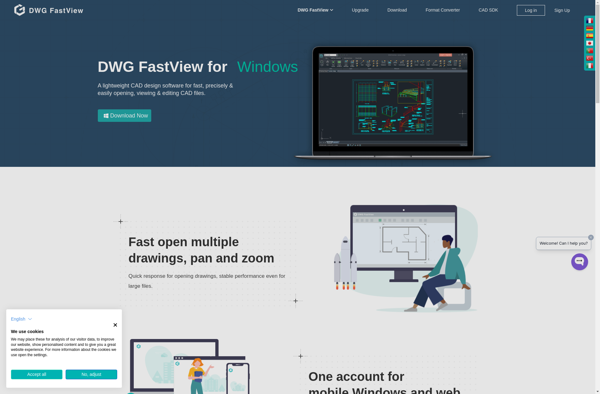
DWG FastView

EDrawings Viewer


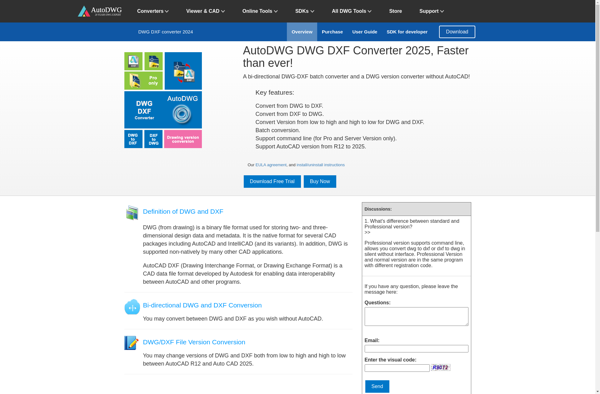
AutoDWG DWG DXF Converter

De·caff DXF Viewer
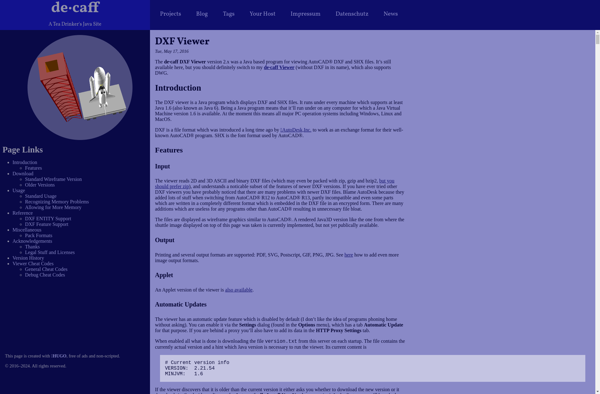

ODA Viewer


Autodesk DWG TrueView


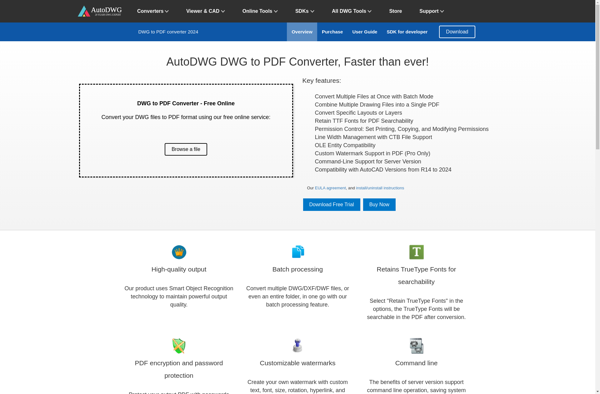
AutoDWG DWG to PDF Converter

ZWCAD Viewer

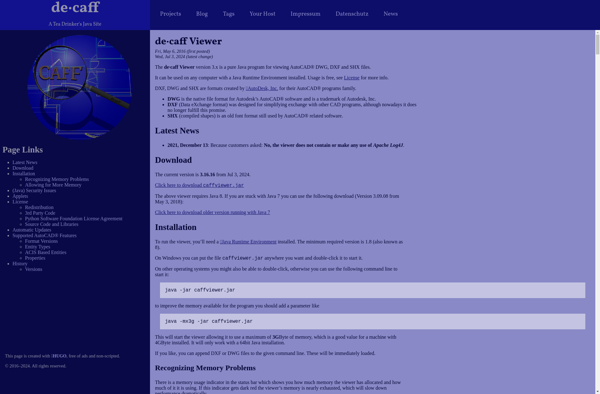
De·caff Viewer

LiteCAD


DWGSee

AIGraph CAD Viewer