Full Video Converter
Full Video Converter: Convert Videos
Convert videos between various formats with Full Video Converter, supporting over 200 input and output formats, including batch conversion, video editing tools, device presets, screen recording, DVD ripping and more.
What is Full Video Converter?
Full Video Converter is a versatile and powerful video conversion application for Windows. It enables users to easily convert video and audio files between a wide range of formats including AVI, MP4, WMV, MOV, MKV, FLV, MP3, WMA, WAV, M4A, and more.
With over 200 supported input and output video and audio formats, Full Video Converter can handle just about any media file you need to convert. It provides presets for a variety of mobile devices so you can easily convert videos for playback on your iPhone, Android phone, tablet, game consoles and more.
Beyond basic video conversion capabilities, Full Video Converter offers a suite of additional features including:
- Batch conversion to convert multiple files at once
- Built-in video editing tools like trim, crop, effects, watermark and more
- Screen recording to record your computer screen and webcam
- DVD ripping to extract and convert DVD video content
- YouTube video downloader to save online videos for offline playback
- Video merger to combine multiple video files into one
- GIF maker to convert video clips into animated GIFs
The intuitive interface makes it simple for novices and tech savvy users alike to customize conversion settings and achieve the desired output quality and file size. Overall, Full Video Converter lives up to its name as a truly full-featured video and media conversion tool.
Full Video Converter Features
Features
- Batch video conversion
- Supports over 200 input and output formats
- Video editing tools
- Device presets for optimized output
- Screen recording
- DVD ripping
- Video downloads from online sites
- GIF creation
- Video merging and splitting
Pricing
- Free
- One-time Purchase
- Subscription-Based
Pros
Cons
Official Links
Reviews & Ratings
Login to ReviewThe Best Full Video Converter Alternatives
View all Full Video Converter alternatives with detailed comparison →
Top Video & Movies and Video Conversion and other similar apps like Full Video Converter
Here are some alternatives to Full Video Converter:
Suggest an alternative ❐
HandBrake

Adobe Media Encoder


FFmpeg

Format Factory


Any Video Converter


XMedia Recode

Wondershare UniConverter

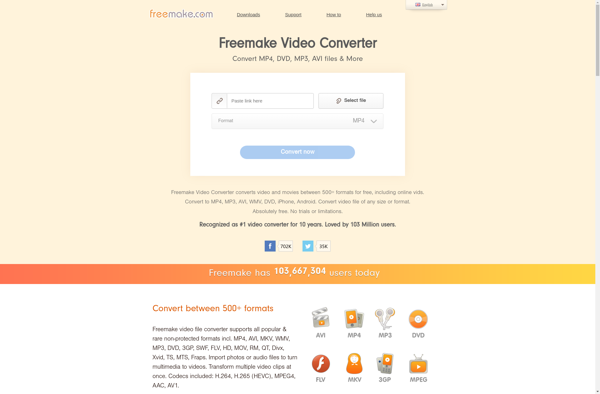
Freemake Video Converter

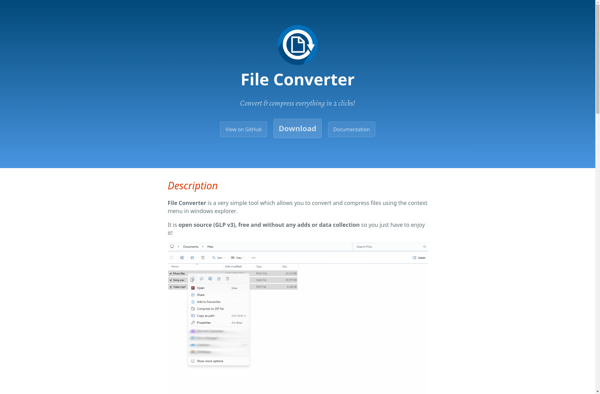
File Converter

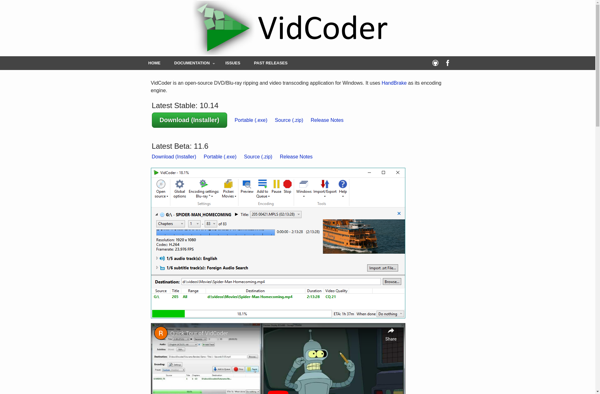
VidCoder

Shutter Encoder

WinFF