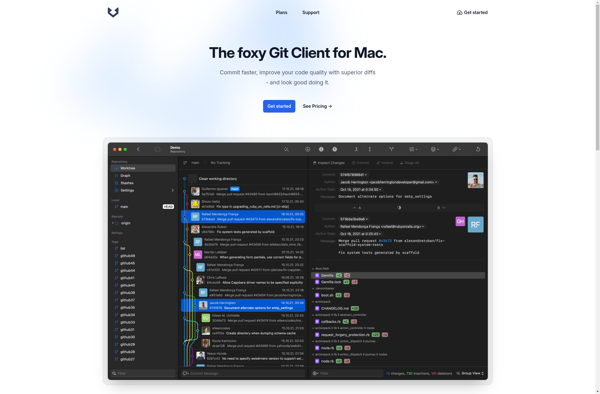
Gitfox is a desktop Git client app designed for simplicity and ease of use. It has an intuitive graphical interface to visualize commits and branches. Gitfox is focused on the most common Git operations to commit, push, pull, merge etc. It is great for new Git users or those look
Desktop Git client with intuitive graphical interface and focus on common Git operations, ideal for new users or simplicity seekers
What is Gitfox?
Gitfox is a user-friendly Git desktop client application available for Windows, Mac and Linux. It provides a simple, intuitive graphical interface to interact with your Git repositories and perform common version control tasks like committing, branching, merging etc.
Some of the key features of Gitfox include:
Visualize your commit history with an interactive graph/timeline
Easily view file changes within commits
Push and Pull changes with remote repositories with one click
Create, switch or merge branches via simple graphical controls
Stage files selectively through checkboxes
Review diffs to see code changes before committing
Blame tool to see who last edited a file
Built-in Git bash terminal for advanced tasks
Gitfox aims to make Git easier for beginners with graphical visualizations while also handling advanced functionality under the hood. The simple user interface is focused on the most common Git operations so users can get started quickly without deep Git knowledge.
Gitfox integrates with popular code hosting platforms like GitHub and Bitbucket. It runs cross-platform on Windows, macOS and Linux desktop environments. The app is free to use for open source projects while business teams can upgrade to a paid Pro version.
Overall, Gitfox simplifies Git version control via an elegant desktop interface so both novice and expert developers can manage code history and collaboration efficiently.
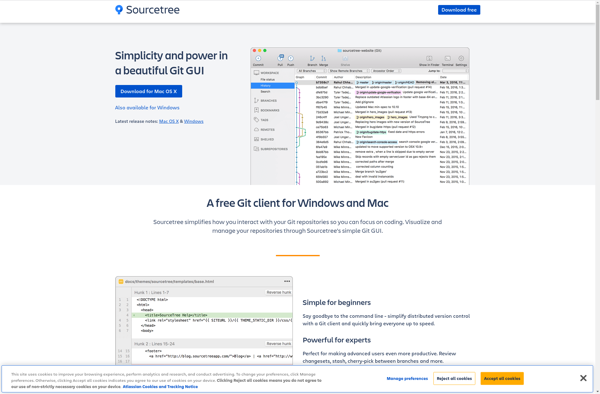
Sourcetree is a free graphical Git and Mercurial client for Windows and Mac. It provides developers with a visual representation of their repositories, branches, commits, and more to help manage, visualize, and navigate source code history.Some key features of Sourcetree include:Interactive graphical interface to visualize repositories, branches, commitsSupports Git and...
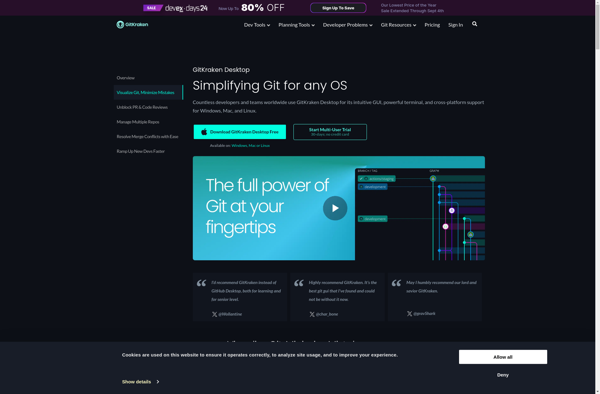
GitKraken Client is a feature-rich graphical Git client and GitHub client. It provides a graphical user interface for common Git commands and workflows, allowing developers to visually interact with their Git repositories rather than using Git via the command line interface.Key features of GitKraken Client include:Intuitive Git GUI - Easy...
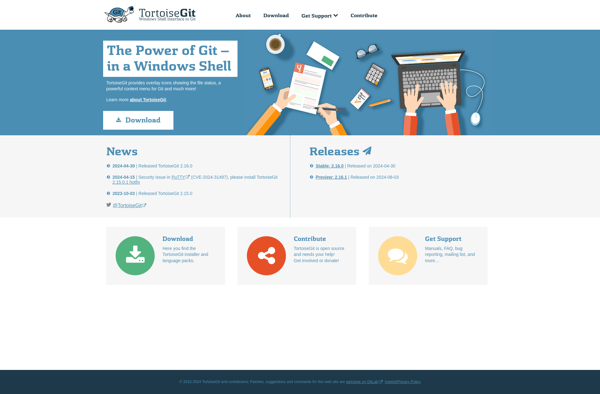
TortoiseGit is a free, open source Windows shell extension and Git client for the Windows operating system. It is based on TortoiseSVN and provides easy version control functionality for software developers working in Windows.Some key features of TortoiseGit include:Integration into Windows File Explorer for easy access to Git commandsSimple GUI...
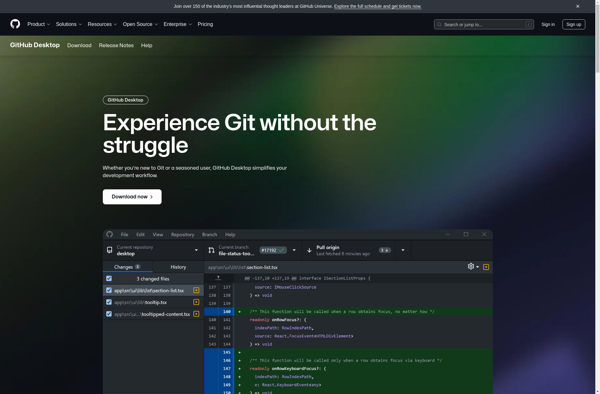
GitHub Desktop is a free, open source desktop application made by GitHub to simplify workflow around Git and GitHub. It provides a visual interface to perform common version control tasks like:Viewing changes to your project over timeCommitting and pushing changes to GitHubPulling the latest changes from GitHub to your local...
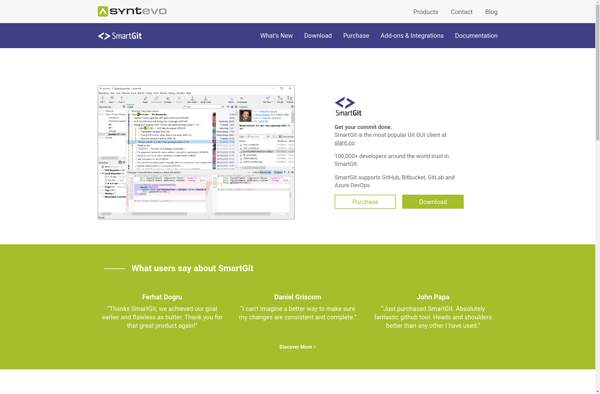
SmartGit is a feature-rich graphical Git client used by developers and teams to efficiently manage Git repositories. It provides a intuitive user interface to visualize changes, stage files, commit changes, push/pull from remotes, merge branches, rebase commits and more.Key features of SmartGit include:Repository browser to visualize project structure, view file...
Git Extensions is a standalone graphical user interface tool that helps manage Git repositories more easily. It provides a user-friendly way to visualize commits, manage branches, push/pull from remotes, resolve merge conflicts, and perform other common Git tasks without needing to use Git command line commands.Key features of Git Extensions...
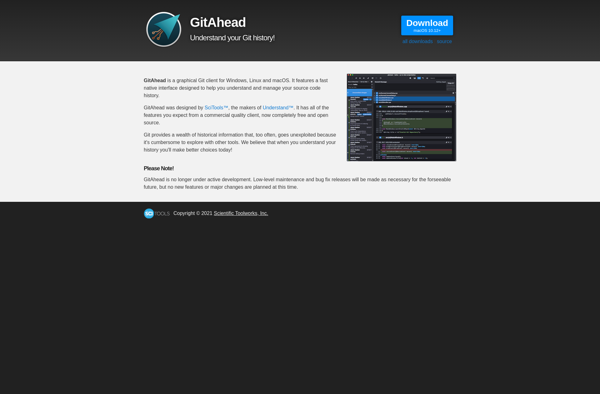
GitAhead is a feature-rich graphical user interface client for managing Git repositories and performing version control tasks. It provides an intuitive way to visualize branches and commits, stage changes, review diffs, merge branches, push/pull changes, and other Git operations through a user-friendly GUI instead of command line.Key features of GitAhead...
gitg is a graphical git client designed to be simple to use. It provides a graphical interface for the most common git operations, allowing you to visualize and manage your repositories and branches.Some of the key features of gitg include:Commit browsing - Easily browse through the timeline of commits in...
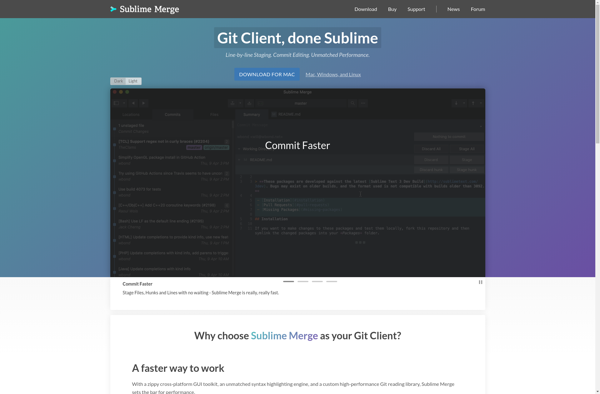
Sublime Merge is a feature-rich Git client developed by Sublime HQ as a companion to their popular Sublime Text editor. It provides a simple yet powerful interface for managing Git repositories and collaborating with teams.Some key features of Sublime Merge include:Cross-platform support for Linux, Mac, and WindowsFast and responsive interface...
Gittyup is a cross-platform Git GUI client built with the goal of creating an intuitive and aesthetically pleasing interface for managing Git repositories. Some key features of Gittyup include:Interactive commit staging allowing partial commitsRebase support with visual merge conflict resolutionSide-by-side branch comparison with detailed diffsRepository search across file content and...
GitX-dev is an open source, graphical user interface for the Git version control system. It provides a visual interface to help users browse repository history, stage files, review commits and perform other common Git tasks.Some key features of GitX-dev include:Browsing branch structure and commit history visually as a graphComparing file...