GSpot
GSpot: Free Codec Detectors
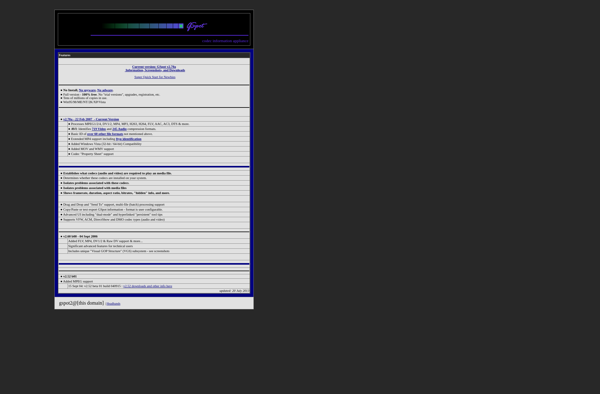
Identify unknown or damaged media files with GSpot, a free Windows utility that analyzes video and audio files for format, codec, dimensions, and other key information.
What is GSpot?
GSpot is a free utility for Windows that analyzes video and audio files to identify the codec, format, dimensions, bitrate and other key details needed to play them. It is useful for diagnosing damaged or incomplete media files that may not play properly.
When you open a video or audio file in GSpot, it will detect the format, codec used for encoding, resolution, frame rate, audio sampling rate and number of channels. This info helps you determine what codec or program is needed to properly play the file.
If GSpot does not recognize the file format or codec, it can help identify what kind of decoding or processing is needed to get the file into a playable state. You may need to install a certain codec pack, convert it to a more common format, or repair the file header if it is corrupt or incomplete.
So in summary, GSpot is a handy utility for getting technical details on mystery media files in order to troubleshoot playback issues. Its detection and reporting capabilities help diagnose problems and guide next steps toward making the file playable through the right codec or conversion process.
GSpot Features
Features
- Identifies the codec needed to play unknown or damaged media files
- Analyzes video and audio files to detect the format, codec, dimensions, and other key information
- Supports a wide range of media file formats
- Provides detailed information about the analyzed files
Pricing
- Free
Pros
Cons
Official Links
Reviews & Ratings
Login to ReviewThe Best GSpot Alternatives
View all GSpot alternatives with detailed comparison →
Top Media & Video and Media Players & Codecs and other similar apps like GSpot
Here are some alternatives to GSpot:
Suggest an alternative ❐
MediaInfo


VideoInspector


AVInaptic

VideoSpec

MediaInfoXP


Media Inspector

MovieScanner


Media Info+


Avicodec

Themonospot