IBlackList
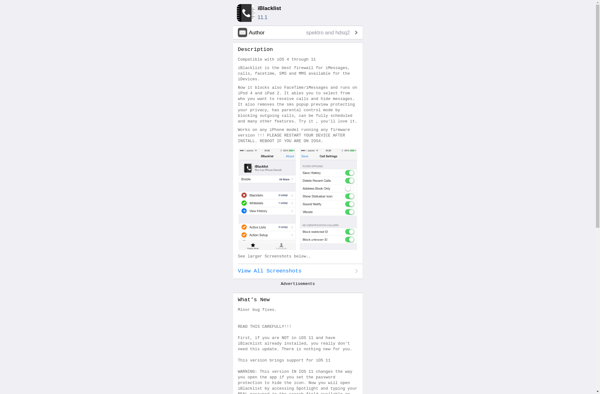
iBlackList: Ad Blocking & Website Blocking Software for Mac
Block ads, tracking scripts, and entire websites across multiple browsers with iBlackList, a powerful VPN-powered ad blocker for Mac.
What is IBlackList?
iBlackList is an ad blocking and website blocking application for Mac OS. It functions as a local VPN that routes all browser traffic through the app, allowing it to block ads, tracking scripts, malvertising, and even entire websites across all major browsers like Safari, Chrome, and Firefox.
Some key features of iBlackList include:
- Blocks ads, tracking scripts, malvertising, and harmful websites across all major browsers
- Easy to configure blacklists and whitelists to customize what is blocked
- Blocks content on iPhone and iPad when connected to the Mac over WiFi
- Open source software with no logs or tracking of user activity
- Supports Safari, Chrome, Firefox and other browsers
- Works on modern Intel-based Macs running macOS 10.10 or higher
Overall, iBlackList aims to provide a simplified, efficient way to block ads, tracking, malware, phishing sites, and other unwanted content across all browsers and devices connected to your Mac. Its VPN-based approach means it can block content other ad blockers are unable to. As an open source software with a strong focus on privacy, it provides a way to browse the web more safely and with less intrusive ads.
IBlackList Features
Features
- Block ads, trackers and malware
- Block entire websites
- Works across all major browsers
- Local VPN routes traffic through blocking engine
- Customizable blacklists and whitelists
- Blocks ads in apps and games
- Blocks ads system-wide
Pricing
- Free
- Subscription-Based
Pros
Cons
Official Links
Reviews & Ratings
Login to ReviewThe Best IBlackList Alternatives
View all iBlackList alternatives with detailed comparison →
Top Security & Privacy and Ad Blockers and other similar apps like IBlackList

MobileGate


MCleaner

Semisilent