ImagePipe

ImagePipe: Free and Open-Source Image Optimization Tool
Losslessly compress images to reduce file sizes while retaining full quality, with a simple drag-and-drop interface and batch optimization support for multiple images
What is ImagePipe?
ImagePipe is a free and open-source graphic optimizer and batch image processor. It can losslessly compress common image formats like JPG, PNG and GIF to reduce file sizes, without losing quality or information.
Key features include:
- Drag-and-drop interface for easy batch image optimization
- Lossless compression of JPG, PNG and GIF files
- Retains full image quality while reducing file size
- Supports batch processing of multiple images
- Advanced settings for custom compression
- Lightweight and fast processing
- Free and open source software
ImagePipe is available on Windows, Mac and Linux. It can optimize images with just a few clicks, making it easy to reduce bandwidth usage and storage requirements for websites, graphic design work, photo collections, and more. The batch processing features make it convenient for handling large volumes of images.
ImagePipe Features
Features
- Lossless image compression
- Retains full image quality while reducing file size
- Supports PNG, JPEG, GIF formats
- Simple drag-and-drop interface
- Batch optimization of multiple images
- EXIF data preservation
- Command line interface
Pricing
- Open Source
Pros
Cons
Reviews & Ratings
Login to ReviewThe Best ImagePipe Alternatives
View all ImagePipe alternatives with detailed comparison →
Top Photos & Graphics and Image Optimization and other similar apps like ImagePipe
Here are some alternatives to ImagePipe:
Suggest an alternative ❐
Metapho


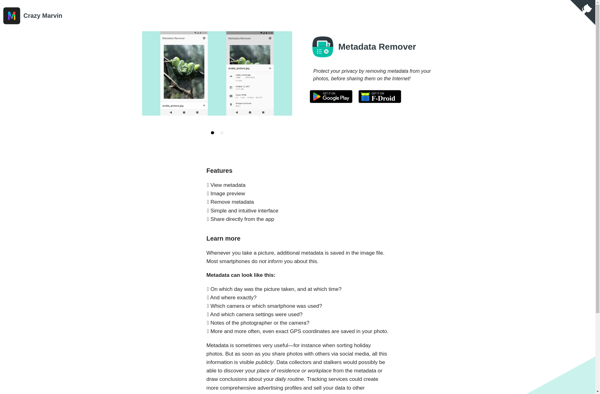
Metadata Remover

Scrambled Exif