Inkpad by Steve Sprang
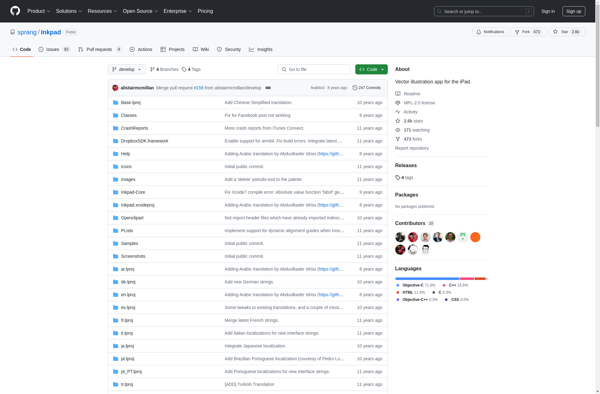
Inkpad: Freehand Vector Drawing Application
Simple, freehand vector drawing app for desktop & mobile, offering tools like pen, pencil, markers, eraser, shapes & text for sketching ideas.
What is Inkpad by Steve Sprang?
Inkpad is a freehand vector graphics editor developed by Steve Sprang for Windows, macOS, iOS and Android platforms. It lets you easily draw vector shapes and lines using tools like pens, pencils, markers, highlighters, etc. It supports pressure-sensitive styli allowing control over stroke width and opacity.
Some of the key features of Inkpad include:
- Minimal, clean interface focused on sketching and drawing
- Multi-touch gestures for easy zooming and navigation
- Versatile vector tools like Bezier pen, streamline pen, French curves, etc.
- Advanced shape recognition that converts scribbles into clean shapes
- Type tool for adding text along paths or inside shapes
- Multiple page documents with layers for organized drawings
- One-click color picker from anywhere inside or outside the app
- Online library to browse, import SVG graphics
- Export clean SVG files for use in other apps and workflows
Inkpad excels at freehand drafting and concept visualization. With its easy learning curve and responsive vector tools, it's a great choice for architects, industrial and fashion designers, illustrators and graphic artists.
Inkpad by Steve Sprang Features
Features
- Vector drawing tools like pen, pencil, markers, eraser
- Shape tools like rectangle, ellipse, polygon
- Text tool with formatting options
- Layers for organizing drawings
- Import/export SVG files
- Available on Windows, Mac, iOS and Android
Pricing
- Free
- Open Source
Pros
Cons
Official Links
Reviews & Ratings
Login to ReviewThe Best Inkpad by Steve Sprang Alternatives
View all Inkpad by Steve Sprang alternatives with detailed comparison →
Top Photos & Graphics and Drawing & Illustration and other similar apps like Inkpad by Steve Sprang
No alternatives found for Inkpad by Steve Sprang. Why not suggest an alternative?







