Instant Color Picker is a free, lightweight web app that allows you to easily pick, save, and copy colors from any image or screen area. It has a simple interface with options to sample any on-screen color and receive the hex, RGB, and HSL values instantly.
Instant Color Picker: Easily Pick Colors from Images
Free, lightweight web app to pick, save, and copy colors from any image or screen area, with hex, RGB, and HSL value options
What is Instant Color Picker?
Instant Color Picker is a handy web-based tool that provides an easy way to sample colors from anywhere on your screen. It's completely free to use, requiring no downloads or sign-ups.

Some key features of Instant Color Picker:
Pick colors from any area on your screen with just a click
Get the hex, RGB, and HSL color values instantly
Dark and light mode options
Save an unlimited number of color palettes
Copy colors with one click to paste into other apps
Simple, intuitive interface that's easy to use
Whether you're a designer, developer, artist or just need to quickly grab a color, Instant Color Picker makes the process seamless. Its cross-platform compatibility allows you to access it from any device with a web browser. There are no ads or bloat either - just a clean, focused tool that does what a color picker should do.
If you're looking for a way to quickly sample colors with minimal hassle, give Instant Color Picker a try.
Instant Color Picker Features
Features
Pick colors from any image or screen area
Get hex, RGB, and HSL color values instantly
Save and manage color palettes
Copy colors with one click
Simple and intuitive interface
Completely free with no ads or tracking
Pricing
Free
Pros
Easy to use
Fast color sampling
Handy built-in color palette management
Convenient copying of color values
Lightweight and fast
Free with no ads or tracking
Cons
Limited features compared to advanced color picker software
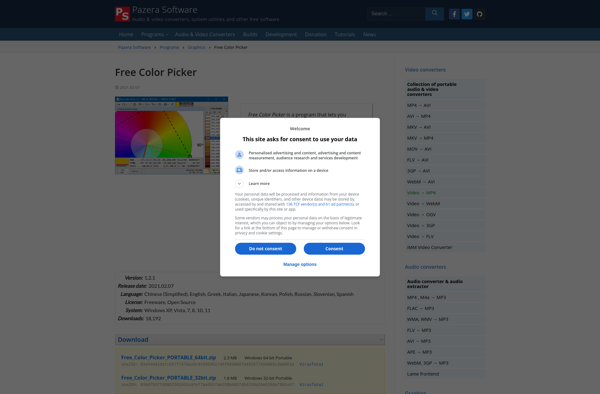
Free Color Picker is an open source color selection tool for Windows that makes it easy for designers, developers, and anyone else to sample colors from anywhere on their screen.Some key features of Free Color Picker include:A magnified color view that allows accurate sampling of on-screen colorsAbility to hover over...
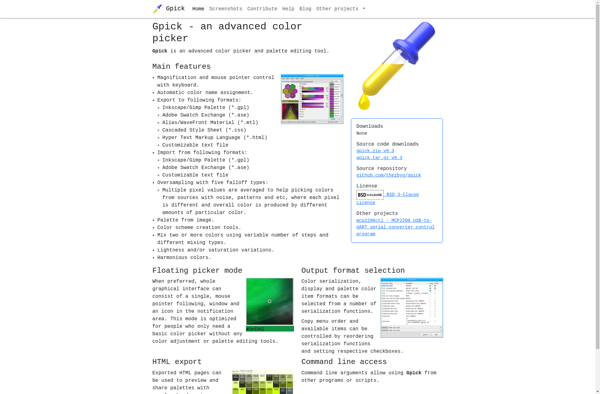
gpick is a free, open source color picker and palette design application for Linux systems. It provides an intuitive graphical user interface for selecting colors from anywhere on your screen or creating custom color palettes.Some key features of gpick include:Pick colors from any point on your screen with just a...
Instant Eyedropper is a handy utility program for Windows that makes it easy to pick up colors from anywhere on your screen. It runs minimized in the system tray, so you can quickly activate it with a hotkey whenever you need to sample a color.Some key features of Instant Eyedropper:Lightweight...
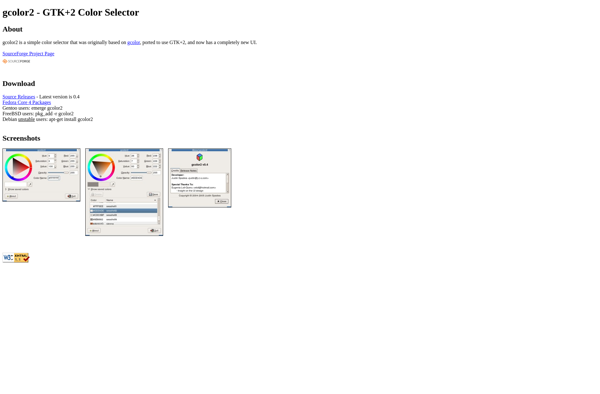
gcolor2 is an open-source color picker and palette creation tool for Linux. Developed using the GTK+ toolkit, gcolor2 provides an intuitive graphical interface for selecting, modifying, and managing custom color palettes.Some key features of gcolor2 include:Intuitive palette editor - Easily create, edit, rearrange, and delete color swatches in custom palettes.Support...
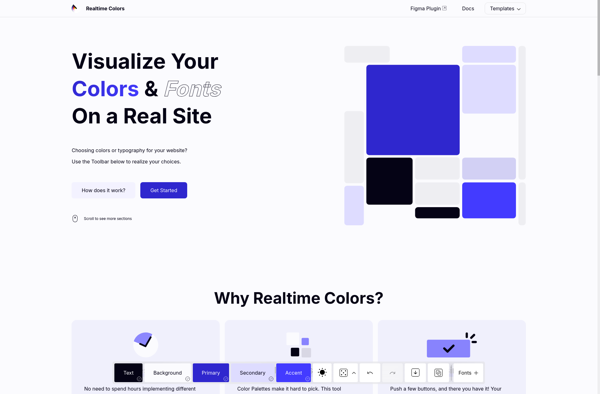
Realtime Colors is a free and easy-to-use color palette and scheme software. It allows designers, artists, and anyone who works with color to easily browse, create, and customize different color combinations.Some key features of Realtime Colors:Intuitive interface for browsing and creating color palettesReal-time updates - see colors change instantly as...
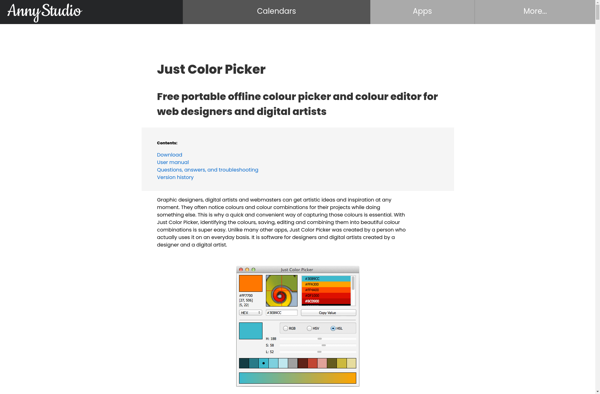
Just Color Picker is a simple yet powerful color selection tool for Windows. Developed by developer Alexey Kolosov, this free software enables designers, developers, and everyday users to quickly and easily pick colors from anywhere on their screen.To use Just Color Picker, simply run the application and hover your mouse...
Agave is an open source, science-as-a-service platform developed by the Texas Advanced Computing Center. It aims to facilitate computational research across a wide range of scientific disciplines including physics, biology, engineering, and more.Some key capabilities and features of Agave include:Data management - Agave enables researchers to store, share, and manage...
Hex Colors is a free web application designed to make working with hex color codes easier for designers, developers, and anyone who needs an easy way to find, adjust, and convert color values. The app has a simple, clean interface with the key features prominently displayed:Color picker tool - Select...
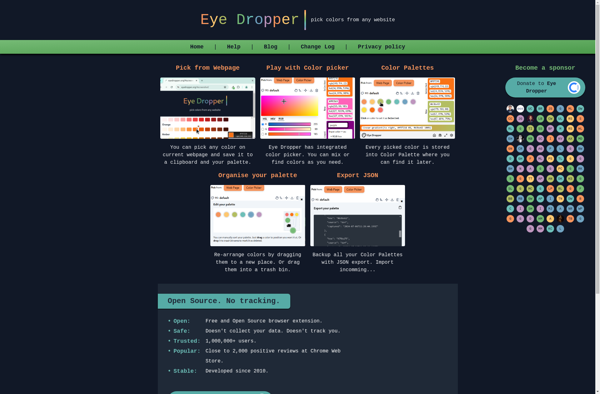
The Eye Dropper is a handy software utility that comes built into many popular programs like Photoshop, Illustrator, CorelDRAW, GIMP, and more. It serves the simple purpose of sampling a color from your screen and providing detailed information about it, including the hex code, RGB values, HSL values, and the...
Color Picker Pro is a feature-rich color selection and manipulation tool for Windows. It enables designers, artists, and other creative professionals to easily pick, sample, and adjust colors on their computer screen.Some key features of Color Picker Pro include:Pick colors from anywhere - Easily eye-dropper colors from webpages, images, desktop,...
HexColorPicker is a handy web application for working with hex color codes and values. It provides a visual color picker that allows you to select any color visually and immediately get the hex code for that color. You can also enter hex values manually to select a specific color.Once you...
Painters Palette Finder is a free web application designed to help visual artists, painters, designers, and anyone who works with color palettes. It allows users to easily generate beautiful, harmonious color schemes for their creative projects.The app is very intuitive to use. You simply choose a base color that you...