Iris Screen Recorder is a free and open-source screen recording software for Windows. It allows users to easily record their screen, webcam, audio, and annotate recordings. Iris is lightweight, customizable, and has no watermarks.
Iris Screen Recorder: Free & Open-Source Screen Recording for Windows
Free screen recording software for Windows, recording screen, webcam, audio, and annotating with customization options, no watermarks.
What is Iris Screen Recorder?
Iris Screen Recorder is a free, open-source, and lightweight screen recording software for Windows. It allows users to record their screen, webcam, audio, and add annotations with ease.
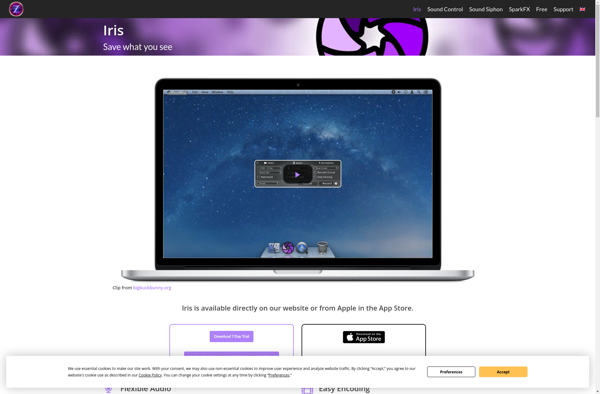
Some of the key features of Iris Screen Recorder include:
Intuitive and minimalist interface making it easy to use
Option to record full screen, specific window, or custom region
Record webcam picture-in-picture or separately
Annotate recordings with lines, arrows, shapes etc.
Draw on the screen in real-time during recording
Add transitions between recordings
Schedule recordings to start and stop automatically
No watermarks on exports
Export recordings as MP4 or animated GIF
Completely free and open-source
As an open-source software, Iris Screen Recorder is customizable and developers can contribute to make it even better. The intuitive interface and wide range of recording and annotation features make it a great choice for creating software tutorials, gameplay videos, video presentations, and more.
Camtasia is a powerful screen recording and video editing app that makes it easy to create professional-looking tutorial videos, software demonstrations, video lessons, and more. It's made by TechSmith and available for both Windows and Mac.Some key features of Camtasia include:Intuitive screen recorder that captures all on-screen activity including cursor...
Free Cam is a free and open-source webcam application for Windows. It provides an easy way to use your webcam to its full potential.With Free Cam, you can record videos, take photos, apply fun effects, and even live stream - all for free. It comes packed with features you would...
ScreenRec is a feature-rich, open-source screen recorder and video editor for Linux systems. It is designed to be user-friendly and provide a wide range of recording and editing options for both basic and advanced use cases.With ScreenRec, users can easily record their entire desktop, specific windows or regions, webcams, and...
SimpleScreenRecorder is an open source screen recording application for Linux operating systems. It allows users to easily record anything on their screen along with audio input and webcam video if desired.Some key features of SimpleScreenRecorder include:Records screen activity including mouse clicks, keystrokes and menusCan record audio from microphone or system...
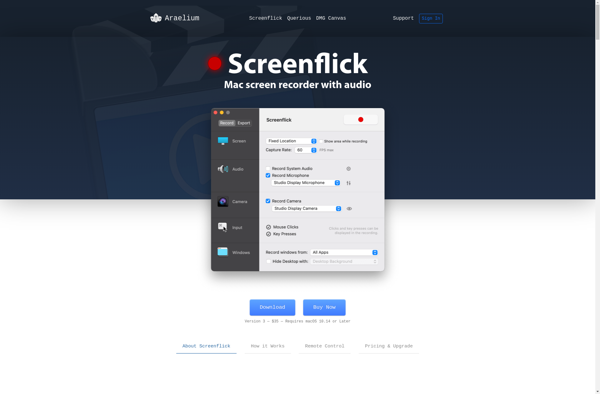
Screenflick is a feature-rich screen recording and screenshot application designed specifically for macOS. It provides an easy way for users to record video and audio directly from their screen and create engaging screencasts, video tutorials, bug reports, and more.Some key features of Screenflick include:Intuitive user interface optimized for macOSFlexible recording...
ScreenStudio is a feature-rich screen recorder and video editor for Windows. It provides an easy way to capture anything on your screen and create professional-looking tutorial videos, product demos, and more.With ScreenStudio, you can record your full screen, specific application windows, webcam feed, microphone audio, and add annotations like text...
ModuleArt Quick Screen Recorder is a fast and intuitive screen recording and editing software for Windows. With an emphasis on simplicity and efficiency, it packs professional-grade recording and editing tools into an accessible package.Some key features include:Record any area of your screen, webcam video, computer audio, and microphone audioDraw directly...
recordMyDesktop is an open source screen recorder software application for Linux operating systems. It allows users to easily capture high quality video and audio recordings of their desktop sessions.Some key features of recordMyDesktop include:Capturing entire desktops, specific windows, or custom regionsRecording audio from microphones or directly from the system audioOutputting...
Snapz Pro X is a feature-rich screen capture and recording software designed specifically for the macOS platform. It provides users with powerful yet easy-to-use tools to record video tutorials, create product demos, save presentations, and more.With Snapz Pro X, you can capture still images of your entire screen, select areas,...
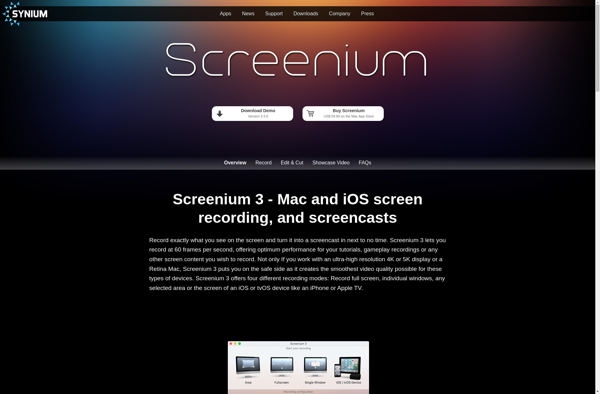
Screenium is a feature-rich yet easy-to-use screen recorder and video editor designed exclusively for macOS. First released in 2008 by Synium Software, Screenium aims to provide Mac users with a powerful but intuitive tool for capturing high-quality screen recordings as well as editing and post-processing recorded videos.Some key features of...
Hippo Video is a comprehensive yet easy-to-use video creation and editing suite aimed at small businesses, entrepreneurs, marketers, and content creators. Without requiring any technical skills, Hippo Video enables users to produce high-quality, professional videos for social media platforms, websites, blogs, advertising campaigns, and more.At the core of Hippo Video...