
JS Blocker
JS Blocker: Control JavaScript on Websites
A browser extension that allows selective JavaScript blocking, giving users granular control over script permissions
What is JS Blocker?
JS Blocker is a browser extension available for Google Chrome, Mozilla Firefox, and Apple Safari. It provides users with enhanced control over JavaScript running on websites they visit.
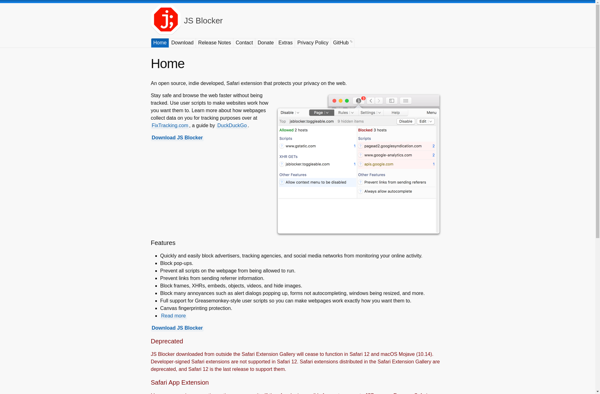
The main feature of JS Blocker is the ability to selectively block JavaScript on a per-site or per-script basis. Upon visiting a website, the extension will show all JavaScript attempting to run, and users can easily block specific scripts they don't want to permit. This allows them to customize scripts on a granular level.
Reasons users may want to block certain JavaScript include improving security, privacy, and performance. Malicious or intrusive scripts can be blocked, while allowing necessary scripts to run. Site speed and browser memory usage can also be improved by blocking unnecessary third-party scripts.
Additional capabilities include blacklisting sites to always block scripts, whitelisting trusted sites to always permit scripts, settings to block scripts globally by default, and more advanced configuration options. JS Blocker puts the user in control over which scripts they want to allow.
JS Blocker Features
Features
- Selectively block JavaScript on websites
- Blacklist or whitelist specific scripts
- Block scripts by domain or URL
- Block third-party scripts
- Block tracking scripts
- Customizable blocking rules
Pricing
- Free
- Open Source
Pros
Cons
Official Links
Reviews & Ratings
Login to ReviewThe Best JS Blocker Alternatives
View all JS Blocker alternatives with detailed comparison →
Top Security & Privacy and Privacy Tools and other similar apps like JS Blocker
No alternatives found for JS Blocker. Why not suggest an alternative?





