KiberInfinity's Screen Shooter (KISS)
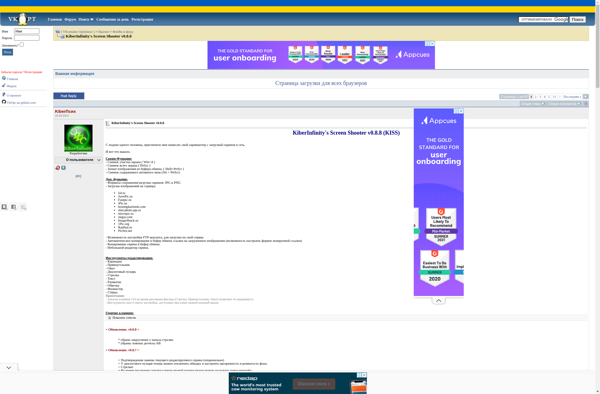
Kiss: Free Screen Capture Utility for Windows
KISS is a free screen capture utility for Windows that allows you to take screenshots and annotate them. It has basic features like fullscreen captures, window captures, scrolling captures, and more.
What is KiberInfinity's Screen Shooter (KISS)?
KiberInfinity's Screen Shooter (KISS) is a lightweight, easy-to-use screen capture program for Windows. It provides an efficient way to take screenshots of your full desktop, active windows, selected regions, as well as scrolling website pages.
With KISS, you can capture screenshots with a single hotkey or by using its floating toolbar. After taking a screenshot, the editor allows you to add annotations like arrows, shapes, text boxes, and blur sensitive information. You can save screenshots as JPG, PNG, GIF, BMP, PDF, and more.
Some key features of KISS include:
- Quick fullscreen, window, region and scrolling captures
- Drawing tools to annotate your screenshots
- Image editor to crop, resize, rotate screenshots
- Support for capturing menus, cursors and video frames
- Share screenshots via email or social networks
- Completely free and open source software
Overall, KISS provides an easy way to capture, annotate and share screenshots on Windows. With its intuitive interface and useful image editing tools, it's ideal for developers, bloggers, testers and regular users alike.
KiberInfinity's Screen Shooter (KISS) Features
Features
- Fullscreen capture
- Window capture
- Scrolling capture
- Drawing tools
- Image annotation
- Hotkeys
- Auto-save
- Copy to clipboard
- Export as image
- Basic editing
Pricing
- Free
Pros
Cons
Reviews & Ratings
Login to ReviewNo reviews yet
Be the first to share your experience with KiberInfinity's Screen Shooter (KISS)!
Login to ReviewThe Best KiberInfinity's Screen Shooter (KISS) Alternatives
View all KiberInfinity's Screen Shooter (KISS) alternatives with detailed comparison →
Top Photos & Graphics and Screen Capture and other similar apps like KiberInfinity's Screen Shooter (KISS)
No alternatives found for KiberInfinity's Screen Shooter (KISS). Why not suggest an alternative?







