Lenslight
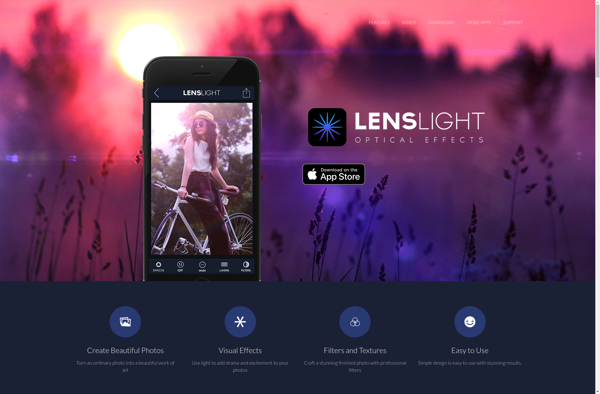
Lenslight is a photo editing software focused on bringing out details and vibrance in images. It has powerful tools for adjusting lighting, color, and clarity to make photos pop.
Lenslight: Photo Editing Software
Lenslight is a photo editing software focused on bringing out details and vibrance in images. It has powerful tools for adjusting lighting, color, and clarity to make photos pop.
What is Lenslight?
Lenslight is a user-friendly photo editing application designed for hobbyist and professional photographers. It provides a wide range of features to enhance and manipulate digital images with an intuitive workflow.
Some key capabilities of Lenslight include:
- Advanced raw photo processing with proprietary algorithms that bring out more details and dynamic range from camera sensors.
- Layer-based editing for applying adjustments and effects to specific parts of an image non-destructively.
- Preset filters that emulate classic film looks or create vibrant HDR-style images with one click.
- Powerful lighting and color editing tools to fix exposures, white balance, and colors or add dramatic contrasts.
- Retouching tools like clone stamp, healing brush, and local adjustments to remove distractions and polish portraits.
- Lens and perspective corrections for architecture and landscape photos.
- Ability to create and manage custom presets, brushes, and workspace layouts.
- Support for batch editing multiple photos at once.
- Can open and edit common photo formats like JPEG, TIFF, PNG, and RAW.
Lenslight makes the photo post-processing workflow more efficient for all skill levels. Its customizable interface and timesaving tools help bring out your creative vision with high-quality results.
Lenslight Features
Features
- Advanced lighting controls
- Color correction tools
- Clarity and detail enhancement
- Lens and perspective corrections
- Masking and layers
- Presets and filters
Pricing
- Subscription-Based
Pros
Intuitive interface
Powerful editing capabilities
Great for bringing out details
Improves lighting and color in photos
Can correct lens distortions
Good selection of presets
Cons
Can be complex for beginners
Requires powerful computer for best performance
Not many sharing options
Limited organization features
Reviews & Ratings
Login to ReviewThe Best Lenslight Alternatives
View all Lenslight alternatives with detailed comparison →
Top Photos & Graphics and Photo Editing and other similar apps like Lenslight
Here are some alternatives to Lenslight:
Suggest an alternative ❐
Camera+
Camera+ is a feature-rich camera and editing app developed specifically for iPhone and iPad. It provides DSLR-style manual controls including separate focus and exposure taps, shutter speed, ISO, white balance, horizon leveling, and various shooting modes from macro to landscape. For editing, Camera+ offers a powerful suite of adjustment tools...

Camera By Google
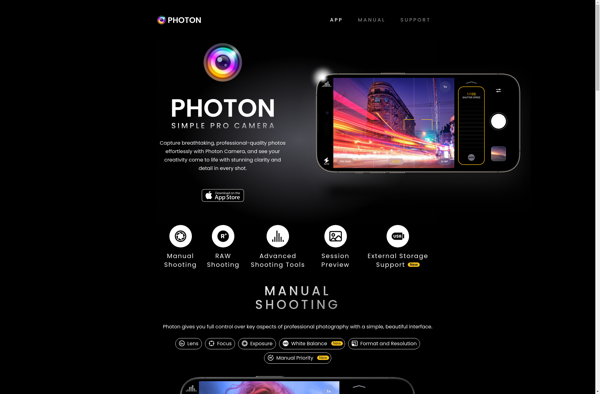
Camera by Google is a free camera and photo editing app developed by Google exclusively for their Pixel phones. It aims to provide a simple but powerful photography experience thanks to Google's advanced computational photography techniques.The app has an intuitive interface with a clean design that gets out of the...

Moment Pro Camera
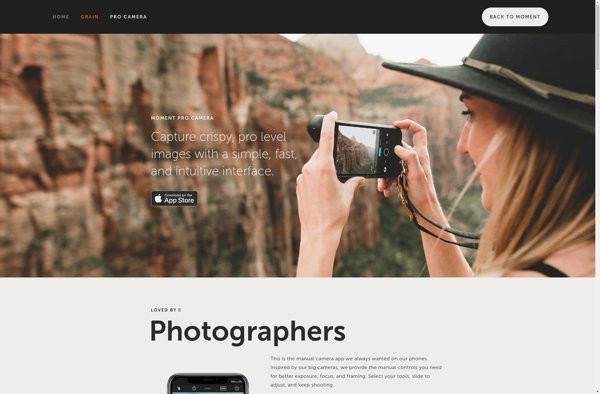
Moment Pro Camera is a feature-packed camera application developed specifically for mobile devices. It goes far beyond the default camera app on iOS and Android by providing full manual controls, powerful editing tools, and the ability to shoot in RAW. Some key features of Moment Pro Camera include:Full manual control...

Retro Camera
Retro Camera is a popular photo editing app developed by iTunes for iOS devices. It lets users apply a variety of vintage camera filters and effects to give photos an old-school, nostalgic look.The app features over 100 realistic filters modeled after classic camera types like Polaroids, toy cameras, and film...

SnapPhoto
SnapPhoto is a free and open-source photo editing application available for Windows, macOS, and Linux operating systems. It provides a simple but capable set of tools for basic photo editing without the complexity of professional-grade software.Some of the key features include:Cropping and resizingColor adjustments like brightness, contrast, saturationFilters like black...