Linuxbrew
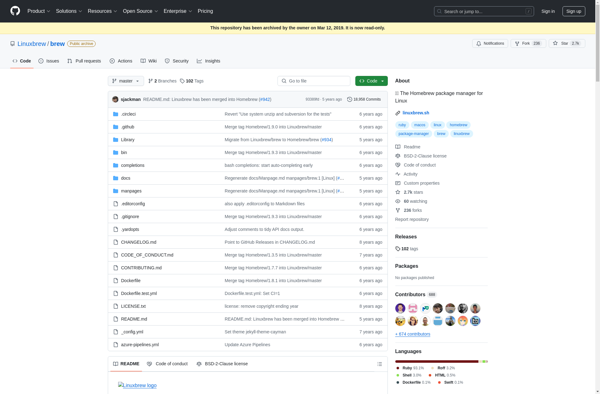
Linuxbrew: Open Source Package Manager for Linuxs
Linuxbrew is a fork of Homebrew, the macOS package manager, for Linux systems. It allows you to install software packages from source in a similar way as Homebrew does on macOS.
What is Linuxbrew?
Linuxbrew is a fork of Homebrew, the popular package manager originally designed for macOS. Linuxbrew allows Linux users to install software packages from source in a similar manner to how Homebrew works on macOS systems.
Some key features and benefits of Linuxbrew include:
- Simple installation of thousands of open source command line software packages
- Installation of software that may not be available through Linux distribution package managers
- Ability to specify versions of packages and easily switch between versions
- Management of dependencies automatically, installing requirements as needed
- A Git repository of formulae (package definitions) for building software
- Integration with GitHub to contribute new formulae and improvements
Linuxbrew can be a useful tool for Linux developers and power users who want more control and options for installing software than what their distribution's packages allow. It makes installing niche, cutting edge, or customized software much easier on Linux. The tradeoff is that software is built from source rather than installed as pre-built binaries.
Linuxbrew Features
Features
- Package manager for Linux
- Installs packages from source
- Manages dependencies
- Integrates with existing package managers
- Simple installation
- Large collection of formulae
Pricing
- Open Source
Pros
Cons
Official Links
Reviews & Ratings
Login to ReviewThe Best Linuxbrew Alternatives
View all Linuxbrew alternatives with detailed comparison →
Top Os & Utilities and Package Managers and other similar apps like Linuxbrew
Here are some alternatives to Linuxbrew:
Suggest an alternative ❐
Homebrew

Chocolatey

Npm


Verdaccio


Just Install