LogoBee - Logo Templates
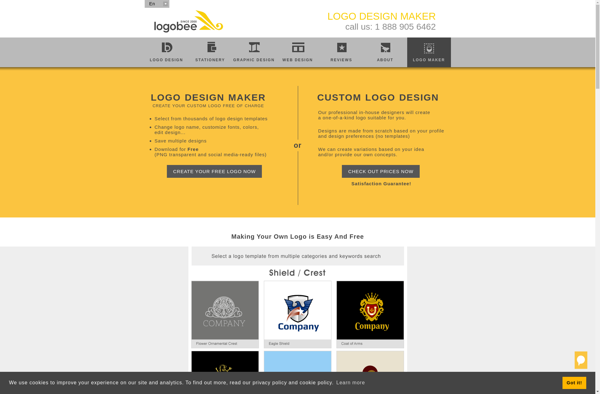
LogoBee: Create Custom Logos in Minutes
Discover an online logo creator with 1300+ templates, customize colors, fonts, icons & more to create a unique logo for your business or project
What is LogoBee - Logo Templates?
LogoBee is an intuitive and easy-to-use online logo maker with a library of over 1,300 stylish templates. It enables entrepreneurs, startups, bloggers, designers, and marketers to create stunning logos within minutes, without any design skills.
With LogoBee's drag-and-drop editor, you can fully customize your logo by changing colors, fonts, icons, graphics and more. It has professionally designed templates for all industries including tech, food & beverage, real estate, sports, nonprofits and more. You can add text, choose from different fonts, edit colors and make the logo exactly how you envisioned.
Once you finish designing your logo, you can download high-resolution image, PDF, SVG and EPS files instantly. LogoBee also provides expert support in case you need any help or have additional design requests. The logo files are free to use for personal and commercial purposes.
Overall, LogoBee is the perfect logo creation platform for entrepreneurs, startups and designers looking for stylish, customized logos without spending time and money on hiring a graphic designer.
LogoBee - Logo Templates Features
Features
- Over 1300 logo templates
- Customizable colors, fonts, icons
- Templates for various industries
- Online logo editor
- Download logo in multiple formats
Pricing
- Freemium
Pros
Cons
Official Links
Reviews & Ratings
Login to ReviewThe Best LogoBee - Logo Templates Alternatives
View all LogoBee - Logo Templates alternatives with detailed comparison →
Top Photos & Graphics and Logo Design and other similar apps like LogoBee - Logo Templates
Here are some alternatives to LogoBee - Logo Templates:
Suggest an alternative ❐
Slidebazaar.com

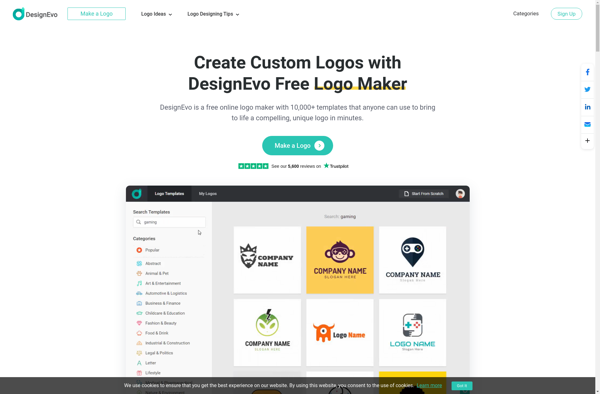
DesignEvo

Logo Foundry

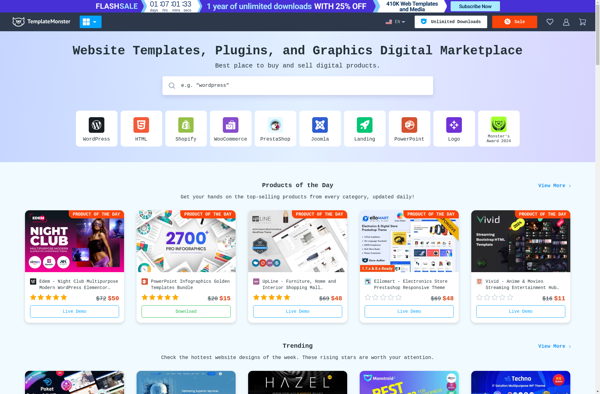
TemplateMonster

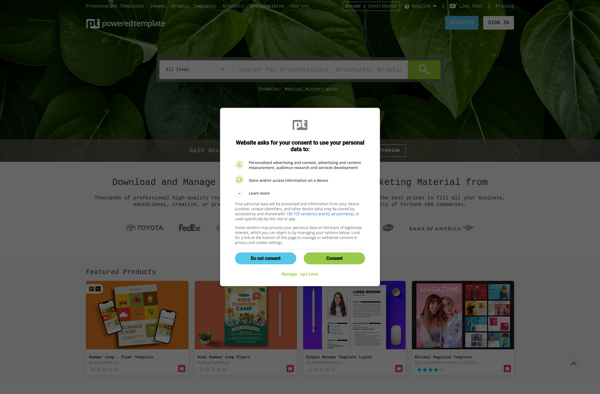
PoweredTemplate.com

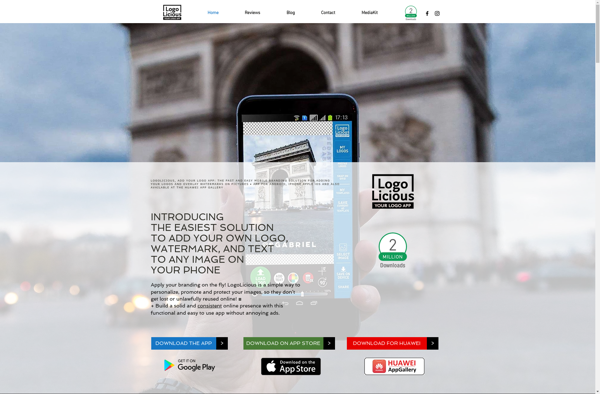
LogoLicious

DesignwithAI

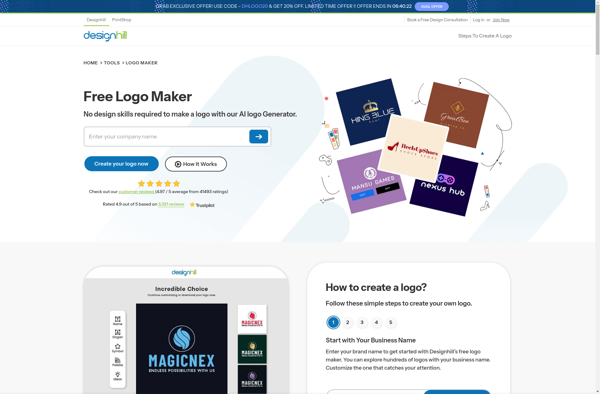
Designhill Logo Maker

Sothink Logo Maker


LogoFreeway