MagicCap
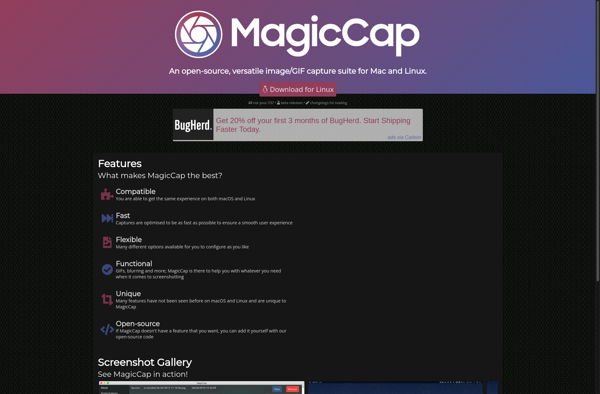
MagicCap: Screenshot Tool with Built-in Editing
MagicCap is a screenshot tool that allows you to easily capture, annotate, and share screenshots. It has built-in editing tools to add arrows, shapes, text, and more to screenshots. MagicCap is free, lightweight, and available for Windows, Mac, and Linux.
What is MagicCap?
MagicCap is a versatile screenshot capture and editing tool for Windows, macOS, and Linux operating systems. It allows users to take customizable fullscreen or region-based screenshots with just a single keyboard shortcut and has built-in annotation features.
After capturing a screenshot with MagicCap, users can access its simple yet powerful editing interface to add text boxes, arrows, shapes, lines, and other graphic elements to visually communicate information. It has an intuitive drag-and-drop interface for placing annotations and features advanced editing options like layers to control placement of objects.
Some key features of MagicCap include:
- Customizable keyboard shortcuts for taking different types of screenshots
- Support for capturing fullscreen, region-based, window-based, and scrolling screenshots
- Basic image editing tools like crop, resize, rotate, flip, filters, and more
- Annotation features for adding text, shapes, arrows, lines, highlights, mosaics, and stickers
- Layer-based editor to easily control placement of annotations
- Cloud sync and backup of screenshots to Google Drive and Dropbox
- Built-in sharing options to quickly send screenshots to popular destinations
- Lightweight app with cross-platform support for Windows, Mac, and Linux
Overall, MagicCap excels at streamlining the screenshot workflow for power users and includes robust tools for basic editing and annotations at no cost. It strikes a great balance between simplicity and utility.
MagicCap Features
Features
- Screenshot capture
- Built-in editing tools
- Annotations and shapes
- Text tool
- Drawing tools
- Blur tool
- Crop tool
- Share screenshots
Pricing
- Free
Pros
Cons
Official Links
Reviews & Ratings
Login to ReviewThe Best MagicCap Alternatives
View all MagicCap alternatives with detailed comparison →
Top Productivity and Screen Capture and other similar apps like MagicCap
Here are some alternatives to MagicCap:
Suggest an alternative ❐
LightShot

Greenshot


Snagit

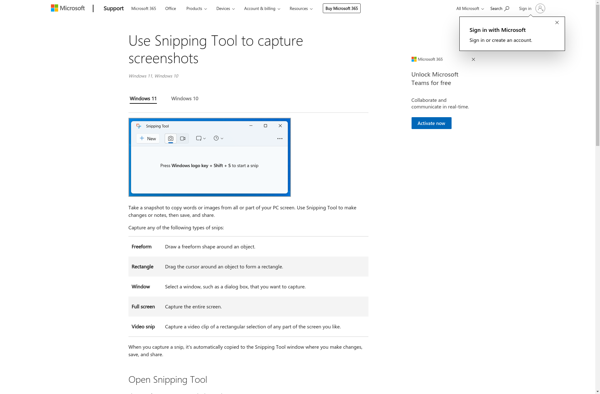
Snipping Tool

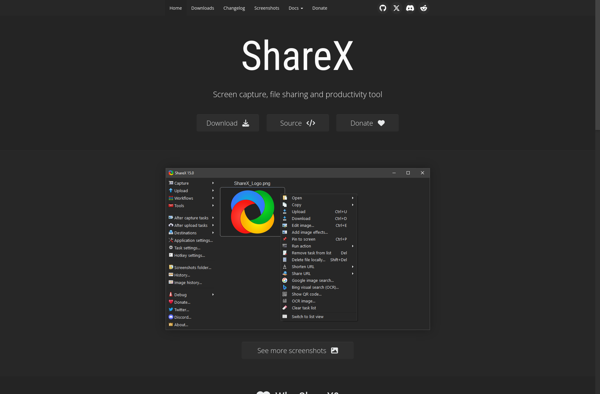
ShareX

Gyazo


CamStudio

Free Snipping Tool

TechSmith Capture