MetaImage
MetaImage: Free Image Metadata Viewer & Editor for Windows
View and edit metadata like EXIF, IPTC, XMP in common image formats like JPG, PNG, TIFF, and RAW with this free and open-source software alternative.
What is MetaImage?
MetaImage is a free and open-source software for viewing and editing metadata in digital images on Windows. It supports the most common image formats including JPG, PNG, TIFF, RAW formats from various camera manufacturers.
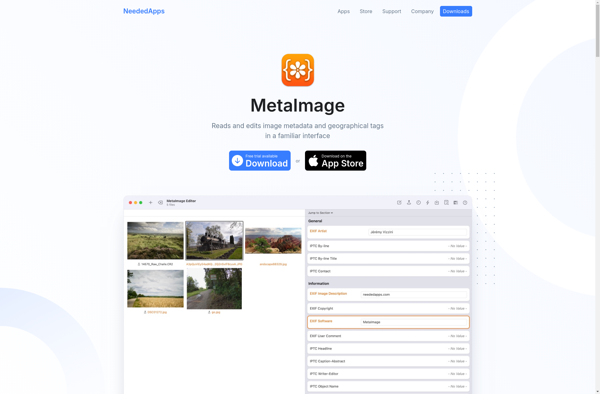
With an easy-to-use interface, MetaImage allows you to view comprehensive EXIF, IPTC, XMP and other technical metadata in your images. You can see details like camera settings, date/time, location and copyright information. It also allows editing or removing metadata easily.
Key features include:
- View technical photo details like ISO, shutter speed, aperture, focal length
- See EXIF, IPTC, XMP and other metadata
- Supports JPG, PNG, TIFF, RAW images
- Edit or remove EXIF and IPTC tags
- Free and open-source software
MetaImage is good for photographers and image editors who need more control over the metadata in their digital images. The editing functions allow fixing or clearing metadata easily. It works well for managing and organizing photo collections by viewing detailed metadata.
MetaImage Features
Features
- View image metadata like EXIF, IPTC, XMP
- Edit image metadata like titles, ratings, tags
- Supports common image formats like JPG, PNG, TIFF, RAW
- Free and open source software
Pricing
- Free
- Open Source
Pros
Cons
Official Links
Reviews & Ratings
Login to ReviewThe Best MetaImage Alternatives
View all MetaImage alternatives with detailed comparison →
Top Photos & Graphics and Image Metadata Editors and other similar apps like MetaImage
Here are some alternatives to MetaImage:
Suggest an alternative ❐
ExifTool
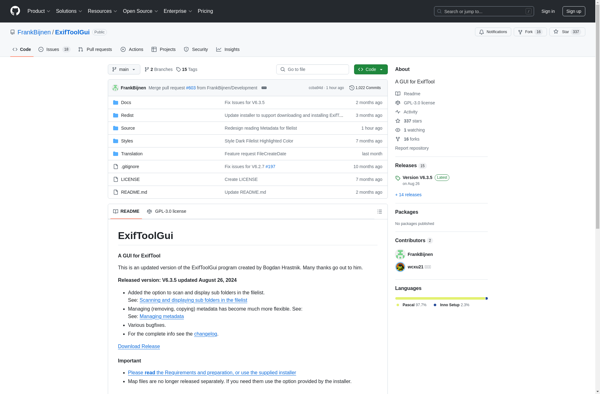
ExifToolGUI

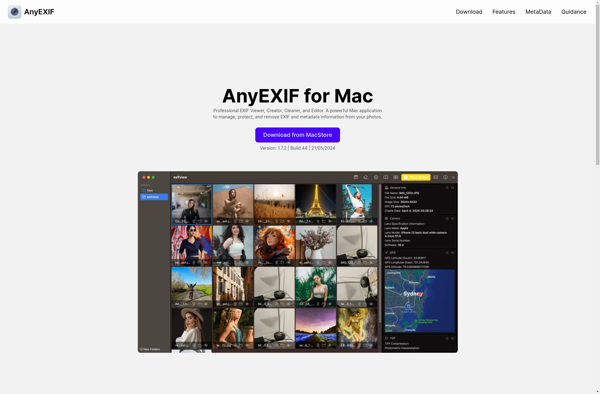
AnyEXIF | Photo EXIF Editor and Viewer.
ExifTool: Edit Metadata