MintNanny
MintNanny: Simple Parental Control
MintNanny is a simple parental control and time management solution for Windows. It allows parents to set time limits and filters for apps and websites for their kids. Basic functionality is free.
What is MintNanny?
MintNanny is a parental control software designed to help parents manage their children's computer and internet usage. It has a simple and intuitive interface that allows parents to:
- Set daily or weekly time limits for how long children can use the computer
- Block access to specific applications and websites that may be inappropriate for kids
- Get reports on how children are spending their time on the computer
Some key features of MintNanny include:
- Filtering website content - parents can block categories like social media, adult content, etc.
- Setting different configurations for each child
- Works across various browsers like Chrome, Firefox, etc.
- Basic functionality is available for free
- Premium paid plans add features like advanced time limits, remote access, etc.
MintNanny is designed to balance giving kids access to technology they need while helping parents set healthy limits. With flexible options and easy tools accessible even for less tech-savvy parents, MintNanny aims to make family computer time safe and conflict-free.
MintNanny Features
Features
- Time limits
- Website blocking
- App blocking
- Schedule management
- Activity reports
Pricing
- Freemium
Pros
Cons
Reviews & Ratings
Login to ReviewThe Best MintNanny Alternatives
View all MintNanny alternatives with detailed comparison →
Top Home & Family and Parental Control and other similar apps like MintNanny
Here are some alternatives to MintNanny:
Suggest an alternative ❐
BlockSite


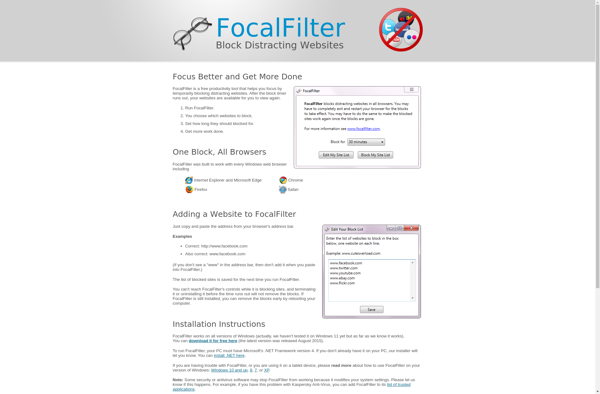
FocalFilter

Block Site Extension