
Mounty for NTFS
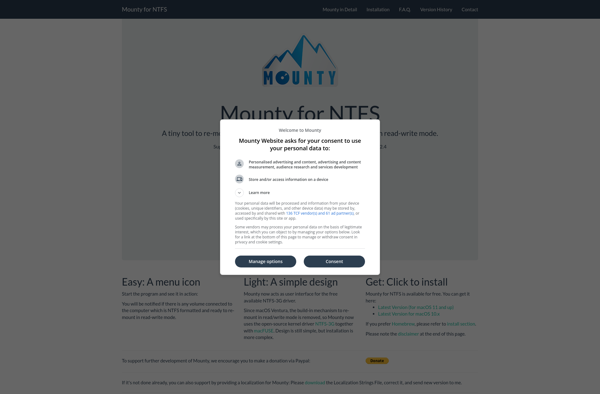
Mounty for NTFS
Read and write on Windows NTFS formatted drives, enable file sharing between macOS and Windows
What is Mounty for NTFS?
Mounty for NTFS is a lightweight utility application that enables macOS to read and write to drives formatted under Windows' NTFS (New Technology File System) file system. NTFS support has long been limited in macOS, making it difficult to share files back and forth between macOS and Windows.
Mounty solves this problem by adding stable read/write NTFS support to your Mac. Once installed, you can easily mount any NTFS drive connected to your Mac, whether it is an external USB drive, flash key, or even network share. Mounty uses advanced algorithms to ensure maximum compatibility and performance with any NTFS volume while preserving the integrity of your data.
Key features include:
- Read and write access to any NTFS partition or share from your Mac
- Supports USB drives, SD cards, and other external storage devices
- Fast and stable with full macOS compatibility
- Simple installation - just download and launch
- Free trial available
Mounty delivers seamless NTFS file system integration right out of the box. No complicated configuration or setup required. Try it today to enable Windows and macOS cross-compatibility for drives and servers in your environment.
Mounty for NTFS Features
Features
- Read and write access to NTFS drives
- Support for USB flash drives, SSD drives, and traditional hard drives
- Automatic mounting of NTFS partitions and drives
- Fast and stable NTFS driver
- Support for NTFS compression, encryption, and permissions
Pricing
- One-time Purchase
Pros
Cons
Official Links
Reviews & Ratings
Login to ReviewThe Best Mounty for NTFS Alternatives
View all Mounty for NTFS alternatives with detailed comparison →
Top File Management and File System Drivers and other similar apps like Mounty for NTFS
Here are some alternatives to Mounty for NTFS:
Suggest an alternative ❐
Paragon NTFS for Mac OS X

Tuxera NTFS for Mac


Mirvago NTFS Mac Mounter

MacFUSE

INTFS








