MyPermissions
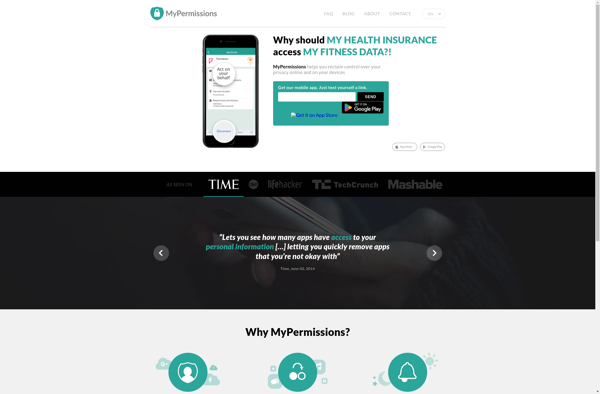
MyPermissions: Centralized Permissions Management
MyPermissions is a permissions management software that allows administrators to control user access and permissions across applications and devices. It centralizes permission controls, enabling admins to set permissions, roles, and policies from one interface.
What is MyPermissions?
MyPermissions is a user permissions management software designed to help IT administrators control and manage employee access and permissions across devices, applications, files, and networks. It provides a centralized interface to set and enforce permissions, roles, policies to align with business security needs.
Key features include:
- Centralized control over user permissions across infrastructure
- Pre-defined roles and access levels to simplify management
- Contextual permissions based on user, device, application etc.
- Audit trails to track permission changes
- Single sign-on (SSO) integration
- Automated user provisioning and deprovisioning
- Integration with Active Directory and other directory services
- Out-of-the-box and customizable reports on permission status
MyPermissions increases efficiency for administrators by consolidating permission controls into one centralized platform. It also enhances security by consistently enforcing least privilege principles and segregation of duties. Companies use MyPermissions to gain visibility into permissions, reduce risk of data breaches due to excessive access, and simplify regulatory compliance.
MyPermissions Features
Features
- Centralized permission management
- Role-based access control
- Policy enforcement
- Application and device permissions monitoring
- Reporting and analytics
Pricing
- Subscription-Based
Pros
Cons
Official Links
Reviews & Ratings
Login to ReviewThe Best MyPermissions Alternatives
View all MyPermissions alternatives with detailed comparison →
Top Security & Privacy and Permissions Management and other similar apps like MyPermissions
Here are some alternatives to MyPermissions:
Suggest an alternative ❐
Bouncer

Gotchya