Painting With Light
Painting With Light: Free Digital Painting Program for Windows, Mac & Linux
A free, open-source digital painting program with a simple interface, including brushes, pencils, eraser, layers and filters.
What is Painting With Light?
Painting With Light is a free, open-source digital painting and illustration application for Windows, Mac and Linux operating systems. It provides a simple but powerful set of painting tools for artists of all skill levels.
The interface is designed to be intuitive and easy to navigate. It includes versatile brush tools with customizable dynamics like size, opacity and scatter. Artists can use pencils and pens for sketching, along with an eraser and clone tool. Layers and groups can be used to separate and organize artwork elements. There are also selection tools for working pixel-precisely.
Painting With Light supports common graphics formats like PNG, JPEG and PSD for saving artwork. It can open and edit many file types too. The software is customizable via plugins and scripts. Hundreds of custom brushes can be installed for unique painting styles.
As an open-source program, Painting With Light is developed collaboratively by a community of artists and programmers. It's available completely free of charge. Users can even access and modify the source code. The project is constantly evolving with new features and improvements added in regular updates.
Painting With Light Features
Features
- Digital painting and drawing tools
- Layers and layer management
- Brush customization
- Basic selection and transformation tools
- Filter effects
Pricing
- Free
- Open Source
Pros
Cons
Reviews & Ratings
Login to ReviewThe Best Painting With Light Alternatives
View all Painting With Light alternatives with detailed comparison →
Top Photos & Graphics and Digital Painting and other similar apps like Painting With Light
Here are some alternatives to Painting With Light:
Suggest an alternative ❐
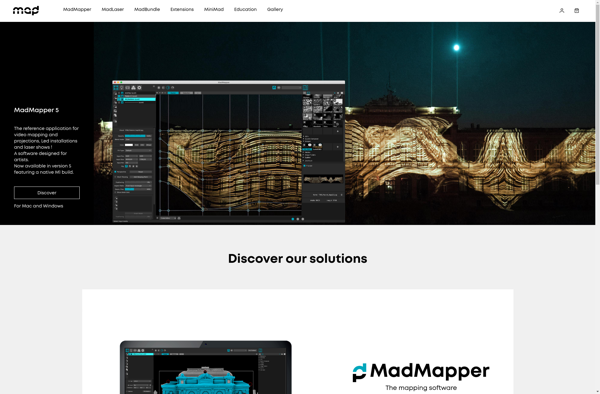
MadMapper

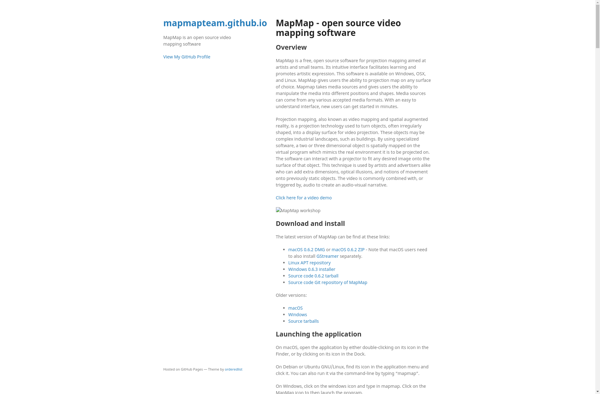
MapMap

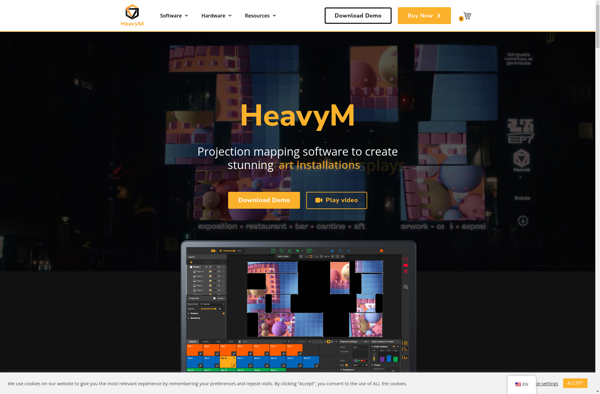
HeavyM
VPT