PC PaintBrush
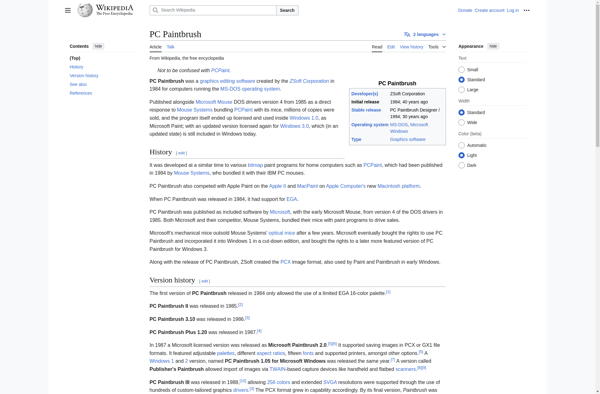
PC Paintbrush: Basic Painting for Microsoft Windows
PC Paintbrush is a basic paint program for Microsoft Windows. It allows users to create simple drawings and edit pixel graphics. Key features include basic shape tools, color palette, brushes, text tool, and basic image editing tools like crop, flip, invert, etc.
What is PC PaintBrush?
PC Paintbrush is one of the early basic paint programs made for Microsoft Windows. First released in 1990 by ZSoft Corporation, it provides users with a simple interface to create pixel drawings, edit images, and do basic painting.
Some key features of PC Paintbrush include:
- Drawing tools like rectangle, ellipse, line, freehand brush
- Shape tools like fill, erase, pick color, magnify
- Text tool with font selection, bold, italic, etc.
- Basic image editing tools like crop, flip horizontally/vertically, rotate, invert colors, etc.
- Support for saving files in PCX, BMP, and other formats
- Intuitive interface optimized for use with a mouse
While more advanced paint programs exist today, PC Paintbrush occupies an important place in the history of painting software for Windows. It demonstrated features that would influence subsequent programs, while remaining compact and fast compared to later feature-rich software.
PC PaintBrush Features
Features
- Basic shape tools
- Color palette
- Brushes
- Text tool
- Basic image editing tools (crop, flip, invert, etc.)
Pricing
- Free
Pros
Cons
Official Links
Reviews & Ratings
Login to ReviewThe Best PC PaintBrush Alternatives
View all PC PaintBrush alternatives with detailed comparison →
Top Photos & Graphics and Painting & Drawing and other similar apps like PC PaintBrush
No alternatives found for PC PaintBrush. Why not suggest an alternative?







