
Pixelshop
Pixelshop: Free Open-Source Raster Graphics Editors
A free, open-source raster graphics editor for digital painting and photo editing, similar to Photoshop with limitations in features and capabilities.
What is Pixelshop?
Pixelshop is a free and open-source raster graphics editor software for digital painting, photo editing, and image manipulation. It provides tools to draw, paint, select parts of an image, retouch photos, and more. It is available for Windows, macOS and Linux.
Pixelshop has a user interface and tools similar to Adobe Photoshop. Key features include layers support, masks, filters and effects, cutting out images, transforming selections, brush tools, text and shapes. It supports common image formats like JPEG, PNG, GIF, TIFF.
As Pixelshop is focused on digital art and painting, it has better support for graphics tablets and pressure sensitivity compared to GIMP. The brush engine is optimized for digital painting. However, it lacks many advanced features of Photoshop and has limited support for printing, color management, automation, and image analysis.
Overall, Pixelshop is good free alternative to Photoshop for hobbyists and digital artists on a budget. But professional designers may find it limiting due to fewer features. It can handle simple image editing and graphic design work but falls short for production and publishing.
Pixelshop Features
Features
- Layers
- Selection tools
- Transform tools
- Painting and drawing tools
- Text tool
- Filters
- Batch processing
- Scripting
Pricing
- Open Source
Pros
Cons
Official Links
Reviews & Ratings
Login to ReviewThe Best Pixelshop Alternatives
View all Pixelshop alternatives with detailed comparison →
Top Photos & Graphics and Image Editing and other similar apps like Pixelshop
Here are some alternatives to Pixelshop:
Suggest an alternative ❐


Desktop for Instagram

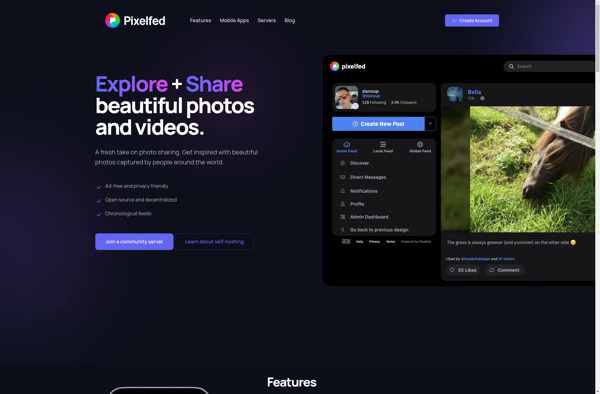
Pixelfed

Belacam

Ditch

Savelist
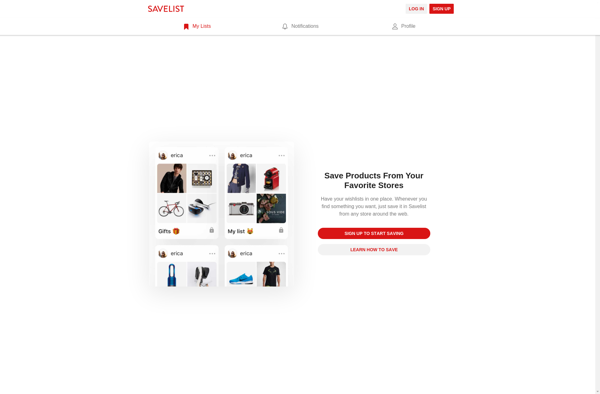

InstaOrders

Steller


TapShop


PhotoUploads

Boo.st

LoveSales