Private Tab
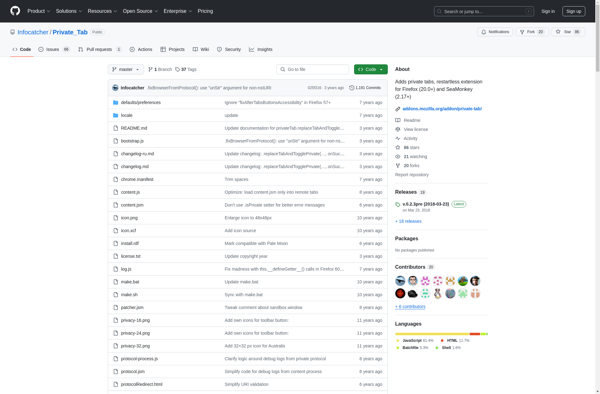
Private Tab: Anonymity-Focused Web Browser
Private Tab is a privacy-focused web browser that allows users to browse the internet anonymously, preventing websites from tracking browsing activity or collecting personal information.
What is Private Tab?
Private Tab is a web browser extension and application focused on privacy protection and anonymous browsing. It opens a new tab that prevents websites from tracking your browsing activity, collecting private information like location data, or building user profiles for advertising purposes.
When the Private Tab is enabled, your browsing session is isolated from normal tabs. Websites you visit in Private Tab cannot access cookies, site data, or information from your other non-private tabs. Your browsing history, downloads, form auto-fill information, and other traces of activity are also not saved by the browser once you close the private session.
Key features of Private Tab include:
- Blocks website trackers and analytics scripts that profile users
- Does not save browsing history, searches, cookies or site data
- Encrypts connections to prevent network eavesdropping
- Hides your IP address from sites you visit
- Available as a standalone app for mobile and desktop
Private Tab provides an extra level of visibility protection if you want to keep certain web activity private from anyone else who uses your device or network. It can be used in conjunction with a standard browser for day-to-day surfing, while the Private Tab allows anonymous access to sensitive sites.
Private Tab Features
Features
- Private browsing mode
- Blocks ads and trackers
- Does not store browsing history
- Encrypts traffic using HTTPS
- Supports extensions
Pricing
- Free
- Open Source
Pros
Cons
Official Links
Reviews & Ratings
Login to ReviewThe Best Private Tab Alternatives
View all Private Tab alternatives with detailed comparison →
Top Security & Privacy and Privacy Tools and other similar apps like Private Tab
Here are some alternatives to Private Tab:
Suggest an alternative ❐
Incognito This Tab

Forget that page

Forget Tab

OpenInPrivate