
QuickHashGUI
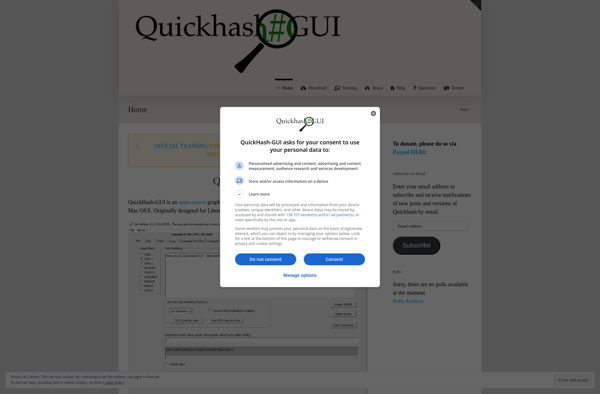
QuickHashGUI: Open-source checksum calculator
QuickHashGUI is an open-source program for computing message digests and checksums on Windows. It supports algorithms like MD5, SHA-1, SHA-256, SHA-512, CRC32, etc. Useful for verifying file integrity and security.
What is QuickHashGUI?
QuickHashGUI is a free, open-source application for Windows that allows users to easily compute message digests and checksums of files. It supports common hashing and checksum algorithms including MD5, SHA-1, SHA-256, SHA-512, CRC32, etc.
With an intuitive graphical interface, QuickHashGUI makes it simple for users to verify file integrity or signature. You can drag-and-drop files directly into the program window or browse to select files or folders. It will then calculate and display the cryptographic hash sums. The results can also be easily copied to the clipboard.
The wide range of supported algorithms makes QuickHashGUI useful for a variety of use cases. For example, you can use it to generate checksums for data verification and ensure files have not been tampered with. Or compute digital signatures of software installations to check their authenticity and security. The batch processing capabilities also aid automation.
As an open-source tool, QuickHashGUI provides a transparent auditing of its code and algorithms. Available completely free of cost, it works well in conjunction with other file verification programs. The intuitive visual interface makes it accessible for novices while still packing useful features for experts. Overall an essential utility for anyone working with sensitive data and software.
QuickHashGUI Features
Features
- Supports popular hashing algorithms like MD5, SHA-1, SHA-256, SHA-512, etc
- Can hash files, text, hex strings
- Generates checksums like CRC32, Adler32
- Has a simple and intuitive GUI
- Open source and free
Pricing
- Open Source
Pros
Cons
Official Links
Reviews & Ratings
Login to ReviewThe Best QuickHashGUI Alternatives
View all QuickHashGUI alternatives with detailed comparison →
Top Security & Privacy and Hash & Checksum Utilities and other similar apps like QuickHashGUI
No alternatives found for QuickHashGUI. Why not suggest an alternative?





