Raise Data Recovery
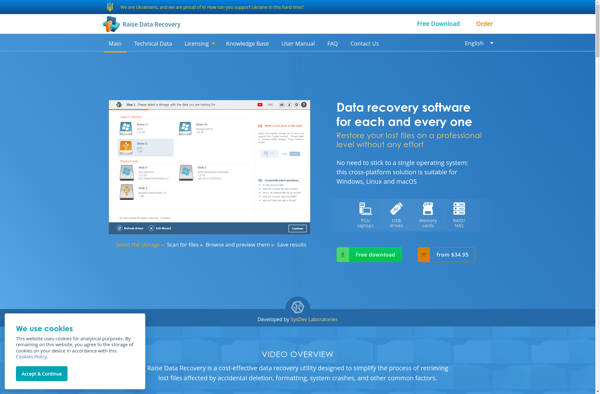
Raise Data Recovery: Restore Deleted Files
Raise Data Recovery is a data recovery software that helps restore deleted or lost files from hard drives, external drives, SSDs, and other devices. It has a user-friendly interface and supports various file systems including NTFS, FAT, EXT, HFS+, and more.
What is Raise Data Recovery?
Raise Data Recovery is an advanced yet easy-to-use data recovery software designed to efficiently recover lost or deleted files from Windows, macOS, and Linux file systems. With an intuitive interface, this software enables quick data scanning and straightforward recovery process regardless of user technical level.
Developed by the data recovery experts of Rescue Data Lab, Raise Data Recovery supports all commonly used devices and file systems like NTFS, FAT, HFS+, EXT, APFS, XFS and more. It can retrieve files from hard drives (HDD/SSD), external storage drives (USB flash drives, SD cards, etc.), RAID arrays, and virtual drives. The software works well with both computers and storage devices having hardware or software-based issues.
Using top-notch data recovery algorithms and scanning techniques, Raise Data Recovery quickly finds traces of lost data and reconstructs files from fragments scattered across the device sectors. The smart data analyzer emphasizes relevant data to made data retrieval faster. Customers are delighted by its effectiveness on severely damaged, unreadable, and formatted drives.
Raise Data Recovery has three scanning modes - Quick scan, Deep scan and File trace. Quick scan quickly browses the drive sectors to retrieve recently deleted files. Deep scan dives deeper to trace older deletions or lost data fragments. File trace helps recover a specific file you can remember. Its filters allow flexible data filtering by attributes like file size, extension, date, etc. The preview feature enables content verification before actual recovery.
One of the distinct qualities of Raise Data Recovery is its user-friendly interface. Even novices can use it easily due to the minimal use of technical terms and wizard guidance for key steps. Data security is also kept high through read-only scanning without modifying source contents.
Hands down, Raise Data Recovery has set a new benchmark in easy, efficient and secure data recovery with its advanced technology, versatility, comprehensive features and affordable pricing. An ideal choice for both professional data recovery service and individual users.
Raise Data Recovery Features
Features
- Recovers deleted or lost files from hard drives, SSDs, USB drives, SD cards, etc.
- Supports NTFS, FAT, exFAT, EXT, HFS+, and APFS file systems
- Has different scan modes for quick, deep, or custom file recovery
- Preview files before recovering them
- Sorts recoverable files by category for easy browsing
- Filters scan results by file size, date, file type, etc.
- Creates disk images to recover data from failing drives
- Supports lost partition recovery
Pricing
- Freemium
- One-time Purchase
Pros
Cons
Official Links
Reviews & Ratings
Login to ReviewThe Best Raise Data Recovery Alternatives
View all Raise Data Recovery alternatives with detailed comparison →
Top Security & Privacy and Data Recovery and other similar apps like Raise Data Recovery
Here are some alternatives to Raise Data Recovery:
Suggest an alternative ❐
Recuva

EaseUS Data Recovery Wizard

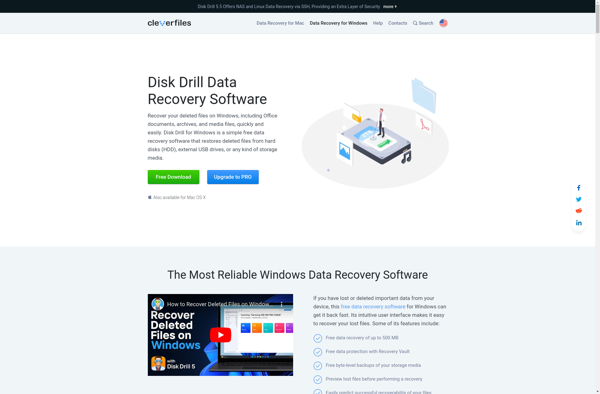
Disk Drill

DiskGenius

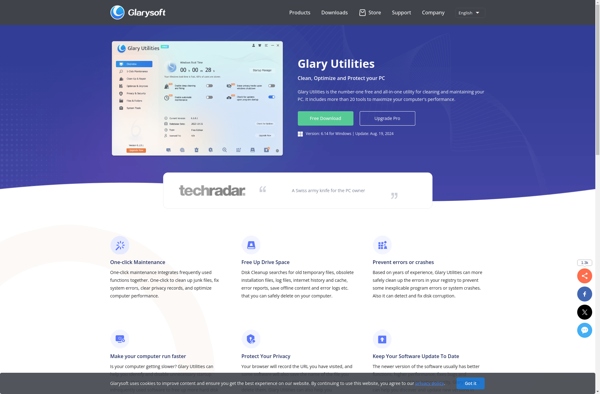
Glary Utilities

GNU ddrescue

PhotoRec
DiskDigger

GetDataBack


Wondershare Recoverit

Free RAW Partition Recovery

R-Studio

Autopsy Forensic Browser

ReclaiMe

ZAR Digital image recovery

RS Partition Recovery

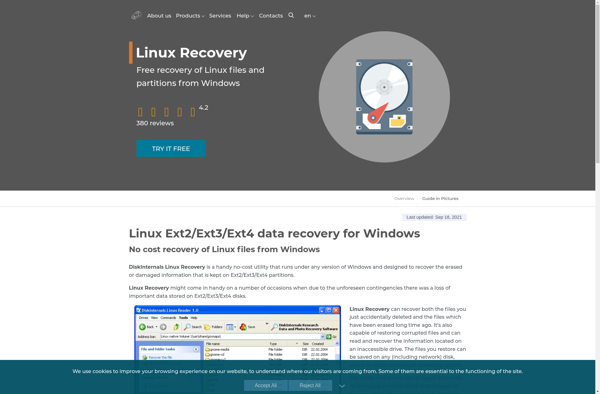
DiskInternals Linux Recovery

Free Raw Drive Data Recovery