SCANN3D
SCANN3D: 3D Scanning Software for Digital Modeling
Create accurate digital 3D models of physical objects with SCANN3D, utilizing structured light scanning technology for detailed shape and color data.
What is SCANN3D?
SCANN3D is a user-friendly 3D scanning software solution developed specifically for design, engineering, and manufacturing professionals. It enables quick and accurate 3D capture of physical objects into watertight 3D models using advanced structured blue light scanning technology.
Key features of SCANN3D include:
- Intuitive workflow for capturing, aligning, merging, and optimizing scans
- Ability to export high quality watertight meshes as well as printable STL files
- Suite of mesh editing tools for fixing holes, reducing noise, smoothing surfaces and more
- Supports both handheld and automated scanner hardware solutions
- Advanced calibration methods for achieving precision results
- 16 mp color texture mapping
With an easy-to-use interface optimized for productivity and advanced algorithms delivering high precision results, SCANN3D enables designers, engineers, 3D artists, and other professionals to effectively leverage 3D scanning in their workflows for concept modeling, design iteration, reverse engineering, quality inspection, and more.
SCANN3D Features
Features
- Real-time 3D scanning
- Automatic scan alignment
- Texture and color capture
- Mesh editing tools
- Multiple export formats
- 3D printing integration
- AR/VR capabilities
Pricing
- Subscription-Based
Pros
Cons
Reviews & Ratings
Login to ReviewThe Best SCANN3D Alternatives
View all SCANN3D alternatives with detailed comparison →
Top Photos & Graphics and 3D Modeling and other similar apps like SCANN3D
Here are some alternatives to SCANN3D:
Suggest an alternative ❐
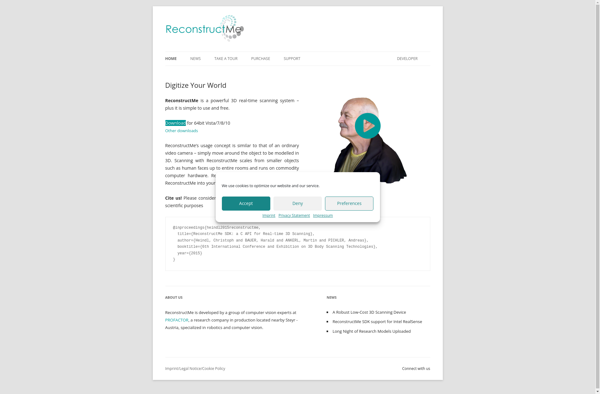
ReconstructMe

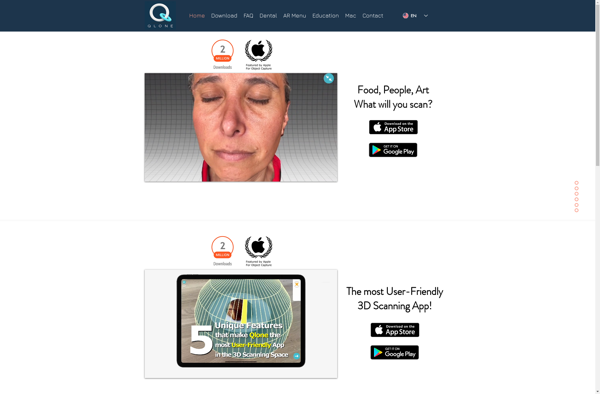
Qlone

Skanect