
Shrink O'Matic
Shrink O'Matic: Advanced Image Compression Software
Shrink O'Matic is an image compression software that allows you to easily reduce image file sizes without losing quality. It uses advanced algorithms to remove unnecessary image data while preserving details.
What is Shrink O'Matic?
Shrink O'Matic is an easy-to-use image compression software designed to reduce image file sizes without sacrificing quality. It utilizes powerful optimization algorithms to analyze image data and remove unnecessary information such as metadata and color profiles.
By stripping away excessive image data, Shrink O'Matic can significantly reduce file sizes by up to 80% in some cases. This makes it easier to share high-quality images without running into file size upload limits or consuming too much storage space.
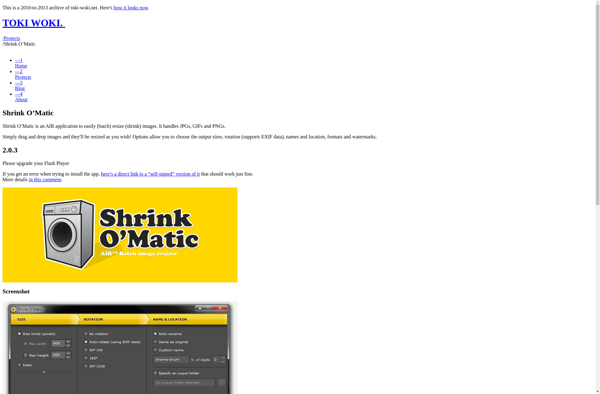
Shrink O'Matic has an intuitive drag-and-drop interface that makes compressing images fast and simple. Just add your desired photos and let the software analyze and compress them automatically. There are also advanced options to fine-tune the compression level and target file size.
Some key features include:
- Lossless image compression to preserve full image quality
- Multiple compression level presets for easy optimization
- Option to manually define target file size
- Batch processing to compress multiple images at once
- Supports all major image formats including JPG, PNG, GIF
Shrink O'Matic is available as a free download for Windows and Mac platforms. The free version has all the core features with an unlimited usage policy. There are no watermarks added to compressed images.
Shrink O'Matic Features
Features
- Lossless image compression
- Preserves image quality
- Batch processing
- Drag and drop interface
- Multiple output formats (JPG, PNG, GIF)
- Resize images
Pricing
- Freemium
Pros
Cons
Official Links
Reviews & Ratings
Login to ReviewThe Best Shrink O'Matic Alternatives
View all Shrink O'Matic alternatives with detailed comparison →
Top Photos & Graphics and Image Editing and other similar apps like Shrink O'Matic
No alternatives found for Shrink O'Matic. Why not suggest an alternative?







