Speedwapp is a web and mobile application performance monitoring tool. It helps developers monitor, troubleshoot and optimize the performance of their web and mobile applications by providing insights into load times, errors, network requests and more.
Speedwapp: Web and Mobile Application Performance Monitoring Tool
Speedwapp is a web and mobile application performance monitoring tool. It helps developers monitor, troubleshoot and optimize the performance of their web and mobile applications by providing insights into load times, errors, network requests and more.
What is Speedwapp?
Speedwapp is a comprehensive web and mobile application performance monitoring and troubleshooting platform. It provides insightful analytics to help developers and teams optimize the speed and user experience of their applications.
Some key features of Speedwapp include:
Real user monitoring - Tracks performance from real user's browsers and devices to identify real-world bottlenecks.
Waterfall analysis - Visualize all network requests triggered by pages to pinpoint optimization opportunities.
Performance benchmarks - Compare site speed over time and against industry standards.
Error monitoring - Get notified of JavaScript errors and track down offending lines of code.
Custom metrics - Ingest and analyze business KPIs like conversion rates in addition to performance.
Team collaboration - Share reports, assign actions, and work together to improve site speed.
Page speed insights - Breaks down optimization opportunities by file type, browser, geography and more.
By providing code-level visibility into UX-impacting issues, Speedwapp gives developers the diagnostics and data they need to confidently improve site speed and user experience.
Speedwapp Features
Features
Real user monitoring
Synthetic monitoring
Performance analytics
Error monitoring
Alerting
Team collaboration
Custom dashboards
Pricing
Free
Freemium
Subscription-Based
Pros
Easy to set up and use
Good value for money
Wide range of monitoring options
Flexible and customizable
Good customer support
Intuitive UI
Free plan available
Cons
Can be pricey for large teams
Limited browser support for RUM
No log management
Synthetic monitoring not as advanced as competitors
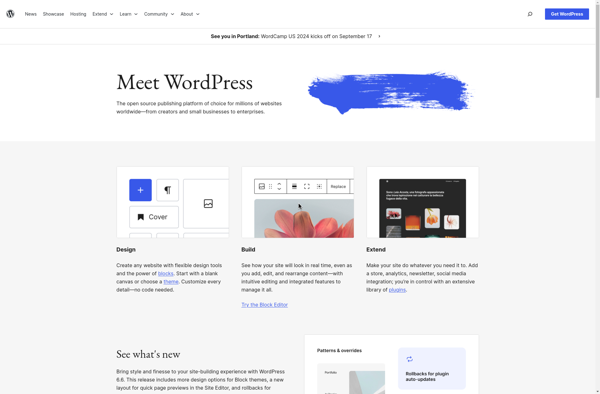
What Is WordPress?WordPress is the world's most popular content management system, powering over 40 percent of all websites on the internet. Originally created as a blogging platform in 2003, it has evolved into a full website builder and application framework used for everything from personal blogs to enterprise websites and...
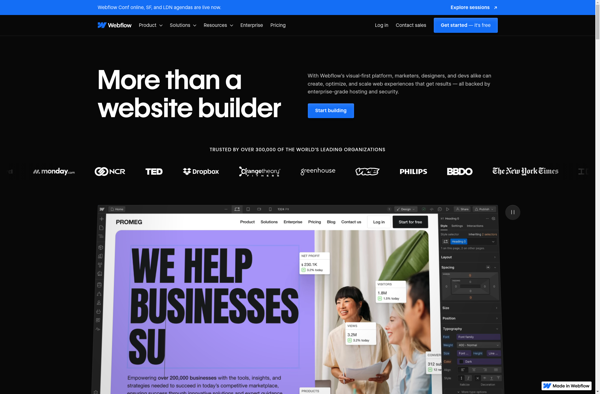
Webflow is a web design and web development software that allows users to build responsive, professional websites visually without needing to write any code. It features a drag-and-drop interface, design templates, animations, interactions and hosting capabilities.Some key features of Webflow include:Visual drag-and-drop builder - Build websites by dragging and dropping...
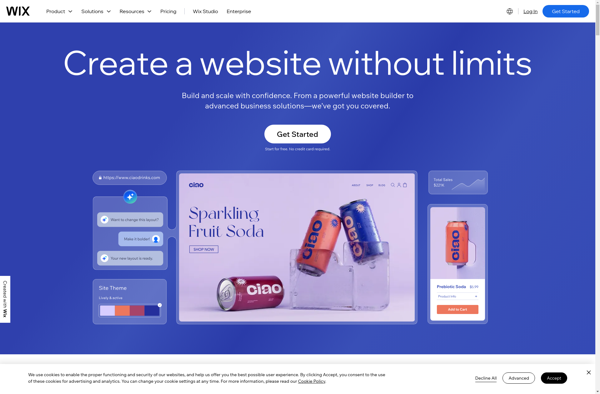
Wix is a leading website builder platform that makes it easy for anyone to create a professional looking website without needing to know how to code. Founded in 2006, Wix aims to provide an accessible yet powerful web design solution for individuals and businesses alike.Some key features of Wix include:Intuitive...
about.me is a free online platform that allows users to create a personal landing page that serves as a central hub for all of their online profiles, links, photos, and background information. It operates on a software as a service (SaaS) model and aims to help individuals and professionals consolidate...
What Is Squarespace?Squarespace is a website builder and hosting platform known for its design-forward templates and all-in-one approach. It provides everything needed to build and run a website — hosting, domains, templates, e-commerce, email marketing, and analytics — without requiring any coding.Key FeaturesSquarespace offers over 100 professionally designed templates that...
Google Sites is a free and easy-to-use website builder from Google. It allows anyone to quickly create simple websites without needing to know how to code. Some key features of Google Sites include:Drag-and-drop interface that makes it simple to add and customize pagesNumerous customizable themes to choose fromIntegrates with other...
Silex is a PHP microframework that makes it easy to build simple yet powerful web applications and APIs. It is built on top of Symfony components and Pimple dependency injection container.Some key features of Silex:Lightweight and fast - Silex has very little overhead which results in good performance for small...
Weebly is a popular website builder and hosting platform ideal for small businesses, online stores, portfolios, and more. With an easy-to-use drag-and-drop interface, Weebly makes it simple for anyone to create a professional-looking website without needing to know HTML or CSS.Some key features of Weebly include:Intuitive drag-and-drop site builder -...
Neocities is a free and open source web hosting platform optimized for hosting static web pages. It was created in 2013 by Kyle Drake as an easy, fast, and free alternative to GeoCities which was closed down in 2009.Some key features of Neocities include:Free subdomain hosting (yoursite.neocities.org)Easy web page builder...
Website X5 is a powerful yet user-friendly website builder designed to help small businesses, entrepreneurs, bloggers and anyone with no coding skills to easily create stunning websites. With an intuitive drag-and-drop interface and A.I. driven features, Website X5 simplifies website creation.Key features include:Hundreds of professional templates for all industriesDrag-and-drop editor...
Jimdo is a user-friendly website builder designed to allow anyone, regardless of technical skill level, to create a website. It was founded in Germany in 2007 and has expanded to serve over 15 million customers globally.Some key features of Jimdo include:Intuitive drag-and-drop interface - Jimdo has an easy WYSIWYG editor...
DEV Community is a free and open source software development community platform launched in 2019. It allows software developers and programmers to publish technical articles, take part in discussions, ask questions, and generally connect with other developers.Some key features of DEV Community include:Article publishing - Developers can publish articles on...