StoriesOnBoard
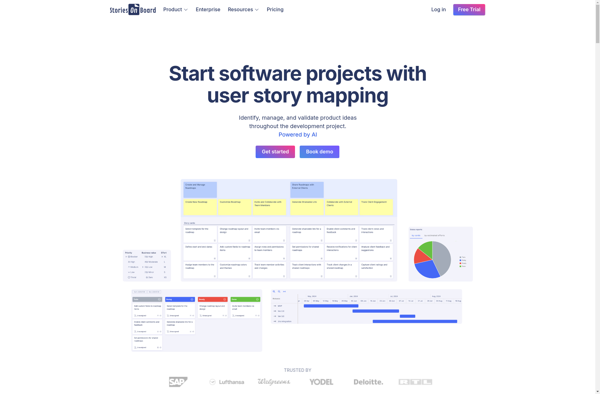
StoriesOnBoard: Visual Storytelling Software
Create engaging stories using drag-and-drop functionality and a virtual canvas, making it easy to translate ideas into shareable narratives
What is StoriesOnBoard?
StoriesOnBoard is a user-friendly visual storytelling application designed to help creators easily translate their ideas into compelling and shareable narratives. With an intuitive drag-and-drop interface, users can visually arrange photos, videos, text, illustrations, shapes, and more onto a virtual canvas to build visually engaging stories.
Key features of StoriesOnBoard include:
- Drag-and-drop functionality for easily adding and arranging media on the canvas
- Diverse library of free images, icons, shapes, backgrounds, and more to use in stories
- Drawing tools for creating custom illustrations and annotations
- Animated transitions between frames to add movement and flow
- Ability to add voice overs and background music to further enhance stories
- Options to share stories via a simple web link or embed on websites
- Analytics to track engagement and impact of stories
- Simple publishing for putting completed stories on blogs, social platforms, etc.
With an emphasis on simplicity and visual design, StoriesOnBoard makes it fast and fun for educators, marketers, trainers, students, and amateur creators to produce compelling visual narratives that engage audiences and promote understanding.
StoriesOnBoard Features
Features
- Drag-and-drop interface
- Customizable templates
- Media library
- Collaboration tools
- Publishing options
Pricing
- Subscription-Based
Pros
Cons
Official Links
Reviews & Ratings
Login to ReviewThe Best StoriesOnBoard Alternatives
View all StoriesOnBoard alternatives with detailed comparison →
Top Education & Reference and Storytelling and other similar apps like StoriesOnBoard
Here are some alternatives to StoriesOnBoard:
Suggest an alternative ❐
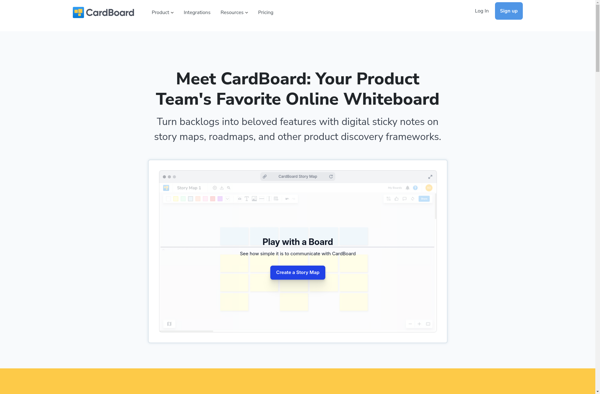
CardBoard by SEP

Collaboard

Featmap

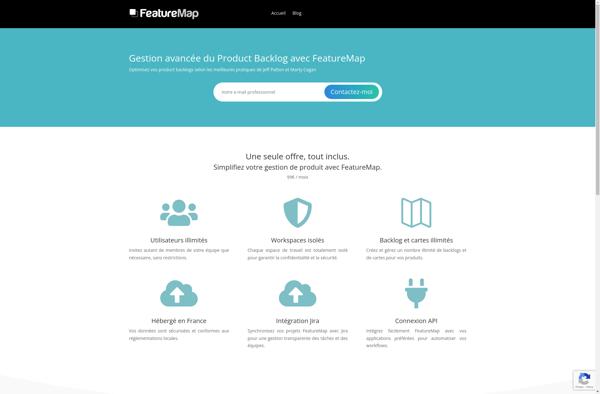
FeatureMap