Synchronize It!
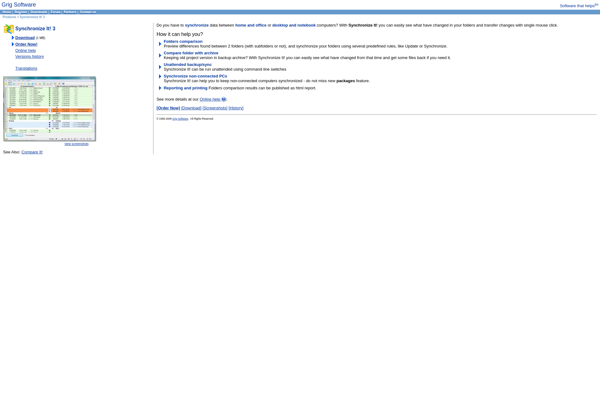
Synchronize It!: File Synchronizations
Synchronize It! is a file synchronization program that allows you to easily sync files between computers, external drives, NAS devices, and cloud storage. It supports two-way sync, so any changes made on one device are updated on the other devices.
What is Synchronize It!?
Synchronize It! is a user-friendly file synchronization utility for Windows designed to help you easily sync, backup, and organize files across multiple devices. It supports syncing between computers on a local network, external drives, NAS devices as well as popular cloud storage services.
Key features include:
- Intuitive setup and configuration - After installation, simply select the folders you want to sync and Synchronize It! handles the rest automatically in the background.
- Real-time two-way sync - Any changes made to files and folders on one device are quickly updated on the other synced devices so everything stays up-to-date.
- Support for syncing to external drives, network shares, NAS devices, MTP devices, FTP sites, and cloud storage services like Dropbox, Google Drive, OneDrive, etc.
- Flexible sync options - Choose one-way or two-way sync as per your needs. You can even configure it to mirror files between devices.
- Automated sync scheduling - Schedule automatic background syncs daily, weekly, upon external drive detection, system startup/shutdown, etc
- File versioning for earlier restore - Restore older versions of files whenever needed.
- Data encryption and network traffic compression to ensure secure and fast sync.
With an easy-to-use interface, reliable sync engine, wide device support, and advanced configuration options, Synchronize It! is a complete solution to help you efficiently sync, backup and manage files across computers and devices.
Synchronize It! Features
Features
- Two-way sync to keep files up-to-date across devices
- Real-time sync for instant file updates
- File versioning to restore previous versions
- End-to-end encryption for secure transfers
- Bandwidth throttling to limit data usage
- Automated sync with customizable schedules
- Selective sync to only transfer needed files
- Conflict resolution to handle sync errors
- Cross-platform - works on Windows, Mac, Linux
Pricing
- Free
- Freemium
- Subscription-Based
Pros
Cons
Official Links
Reviews & Ratings
Login to ReviewThe Best Synchronize It! Alternatives
View all Synchronize It! alternatives with detailed comparison →
Top Backup & Sync and File Synchronization and other similar apps like Synchronize It!
No alternatives found for Synchronize It!. Why not suggest an alternative?