Tab Cookies

Tab Cookies: Save Opened Browser Tabs
Tab Cookies is a browser extension that allows you to save open browser tabs as cookies so you can easily reopen them later. It helps you pick up browsing where you left off and manages your tabs.
What is Tab Cookies?
Tab Cookies is a browser extension available for Chrome, Firefox, and Edge that allows you to save your open browser tabs as cookies, so you can easily reopen them later even if you close the browser. It serves as a tab manager, helping you pick up browsing where you left off.
Some key features of Tab Cookies include:
- Save any set of open tabs as a cookie with one click
- Reopen those tabs later, restoring your tab session
- Organize saved tab cookies into folders
- Search tab cookies to quickly find a previous tab session
- Set tab cookies to reopen when you open the browser
- Share tab cookie folders with others
Overall, Tab Cookies improves tab management and picks up where you left off in your browsing. It reduces tab clutter and ensures you can continue research or other browsing tasks even after closing the browser. The ability to organize and search through tab history makes it easy to find that perfect set of tabs you had open previously.
Tab Cookies Features
Features
- Save open browser tabs as cookies
- Easily reopen saved tabs later
- Helps resume browsing from where you left off
- Manages your open tabs
Pricing
- Free
Pros
Cons
Reviews & Ratings
Login to ReviewThe Best Tab Cookies Alternatives
View all Tab Cookies alternatives with detailed comparison →
Top Web Browsers and Browser Extensions and other similar apps like Tab Cookies
Here are some alternatives to Tab Cookies:
Suggest an alternative ❐
Self-Destructing Cookies

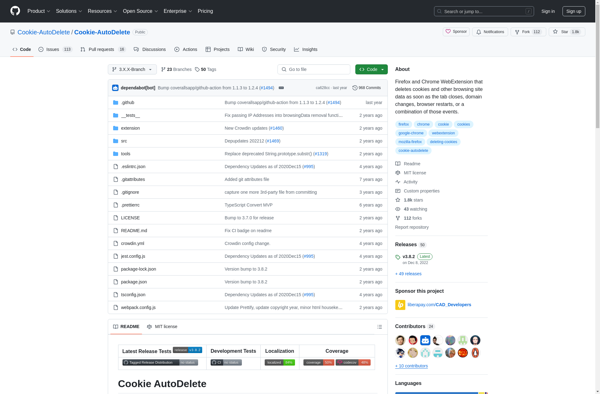
Cookie AutoDelete

Self Destroying Cookies