Skip to content
Tempest Browser

Tempest Browser

Tempest is a privacy-focused web browser that aims to protect user data and prevent tracking. It has built-in ad blocking, anti-fingerprinting technology, and a secure encrypted proxy to hide IP addresses.
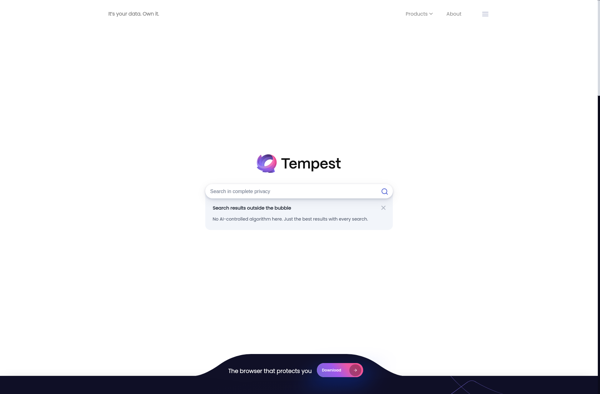
Tempest Browser screenshot

Tempest Browser: Privacy-Focused Web Browsers

Tempest is a privacy-focused web browser that aims to protect user data and prevent tracking. It has built-in ad blocking, anti-fingerprinting technology, and a secure encrypted proxy to hide IP addresses.

What is Tempest Browser?

Tempest is a privacy-focused web browser that aims to protect user data and prevent tracking. It has the following key features:

  • Built-in ad blocking blocks ads, popups and tracking from most sites for faster browsing.
  • Anti-fingerprinting technology prevents websites from capturing unique device data that could be used to track users across sites.
  • A secure encrypted proxy hides the user's real IP address to prevent location tracking.
  • Tempest doesn't store browsing data like history, cookies or cache on local devices so users leave no trace on their computers.
  • Enhanced encryption protocols like HTTPS Everywhere for secure connections to websites.
  • Supports most Chrome extensions for added functionality.

Overall, Tempest is designed for users who prioritize privacy and anonymized web browsing. It prevents companies, ISPs and spy agencies from collecting personal data by blocking trackers and hiding real IP addresses. The encrypted proxy routes traffic through remote servers which anonymizes web activity as well. For those wanting enhanced privacy protection, Tempest Striker browser takes things even further by routing traffic through the TOR network.

Tempest Browser Features

Features

  1. Built-in ad blocker
  2. Anti-tracking and anti-fingerprinting
  3. Encrypted proxy
  4. Tab isolation
  5. Dark mode
  6. Customizable UI

Pricing

  • Free

Pros

Strong privacy protection

Blocks ads and trackers

Hides IP address

Lightweight and fast

Open source

Cons

Limited extension support

Less customizable than other browsers

Mobile app still in beta

Reviews & Ratings

Login to Review
No reviews yet

Be the first to share your experience with Tempest Browser!

Login to Review

The Best Tempest Browser Alternatives

View all Tempest Browser alternatives with detailed comparison →

Top Web Browsers and Privacy Focused and other similar apps like Tempest Browser


Vivaldi icon

Vivaldi

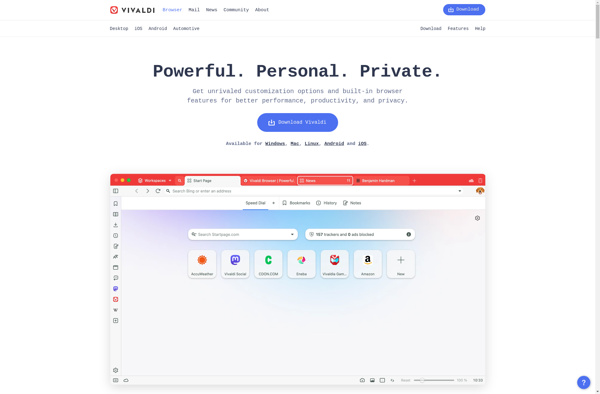
Vivaldi is a feature-rich, customizable web browser that places user control and privacy at its core. It is developed by Vivaldi Technologies, a company founded by Jon von Tetzchner who was also a co-founder of the Opera browser.Some key features of Vivaldi include:Customizable user interface - Users can tweak toolbars,...
Vivaldi image
Google Chrome icon

Google Chrome

Google Chrome stands as a leading web browser, known for its speed, simplicity, and security. Engineered by Google, Chrome offers users a seamless and efficient online experience, setting the standard for web browsing in the modern digital landscape. At the core of Chrome's appeal is its rapid page loading and...
Microsoft Edge icon

Microsoft Edge

Microsoft Edge represents the evolution of web browsing, offering users a modern and feature-rich experience. Developed by Microsoft, Edge combines speed, security, and customization to create a browser that caters to the diverse needs of users in today's digital era. Speed is at the forefront of Edge's design, with efficient...
Mozilla Firefox icon

Mozilla Firefox

Mozilla Firefox stands as a beacon of user-centric web browsing, championing the values of openness, privacy, and customization. Developed by the Mozilla Foundation, Firefox is an open-source browser that empowers users with a fast, secure, and personalized online experience. Speed is a hallmark of Firefox, with a robust rendering engine...
Brave icon

Brave

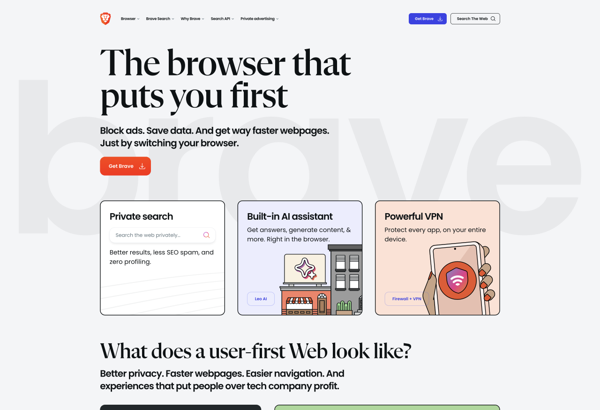
What Is Brave Browser?Brave is a privacy-focused web browser built on Chromium that blocks ads and trackers by default. It offers a unique revenue model where users can opt into privacy-respecting ads and earn Basic Attention Token (BAT) cryptocurrency for viewing them.Key FeaturesBrave Shields blocks ads, trackers, fingerprinting, and third-party...
Brave image
Tor Browser icon

Tor Browser

Tor Browser is a free, open source web browser that allows users to access the internet anonymously and protect their privacy. It is based on Firefox but has been modified to route internet traffic through the Tor network, which encrypts data and bounces communications around a distributed network of relays...
Tor Browser image
Opera icon

Opera

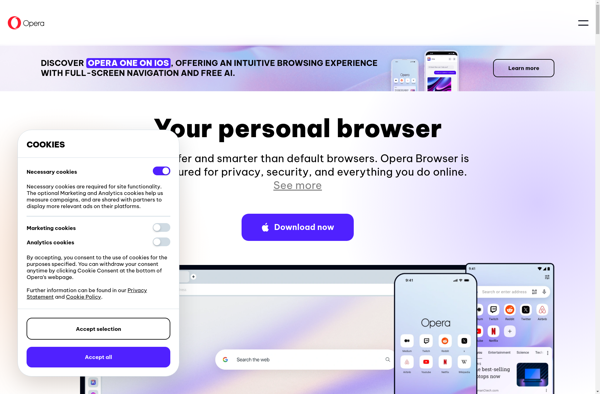
What Is Opera?Opera is a web browser with built-in features that other browsers require extensions for — including a free VPN, ad blocker, messenger sidebar, and cryptocurrency wallet. Built on Chromium, it supports all Chrome extensions while adding its own unique capabilities.Key FeaturesOpera's built-in free VPN encrypts traffic without bandwidth...
Opera image
Chromium icon

Chromium

Chromium is an open-source web browser project that is the basis for Google's Chrome browser. It is developed as an open source project by volunteers and Google developers, allowing anyone to contribute code and improvements.Some key features of Chromium include:Speed - Chromium utilizes Google's V8 JavaScript engine and other performance...
Chromium image
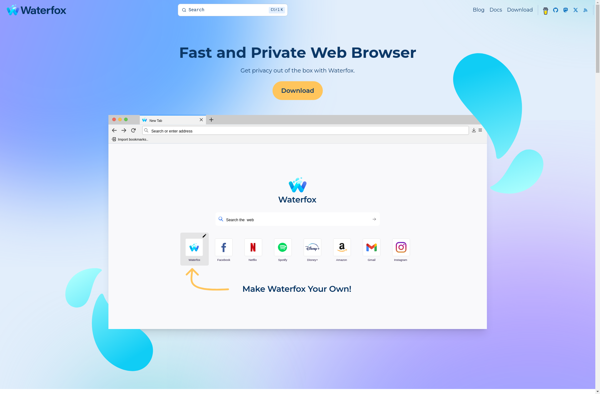
Waterfox icon

Waterfox

Waterfox is an open-source web browser that is based on Firefox but developed independently with a focus on power users, customization options, speed, and privacy. Unlike Firefox, Waterfox does not include any telemetry or data collection and strives to provide a lean and efficient browsing experience out of the box...
Waterfox image
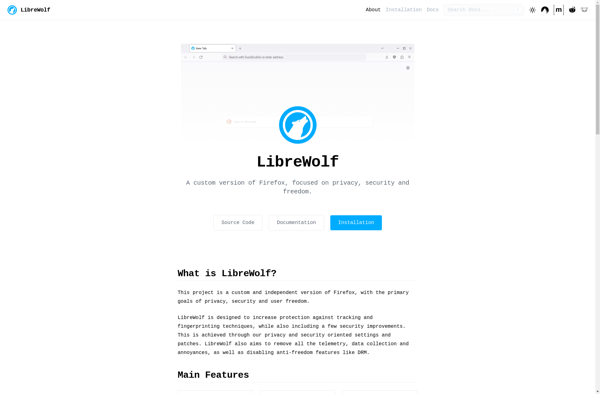
LibreWolf icon

LibreWolf

What Is LibreWolf?LibreWolf is a privacy-hardened fork of Firefox maintained by an independent community. It ships with aggressive privacy defaults — telemetry disabled, tracking protection set to strict, and uBlock Origin pre-installed — so users get strong privacy protection out of the box without manual configuration.Key FeaturesLibreWolf removes all Mozilla...
LibreWolf image
Ungoogled Chromium icon

Ungoogled Chromium

What Is Ungoogled Chromium?Ungoogled Chromium is a set of patches applied to the Chromium source code that systematically removes all Google web service dependencies and telemetry. The result is a browser that looks and works like Chrome but sends zero data to Google.Key FeaturesEvery connection to Google servers is removed...
Ungoogled Chromium image
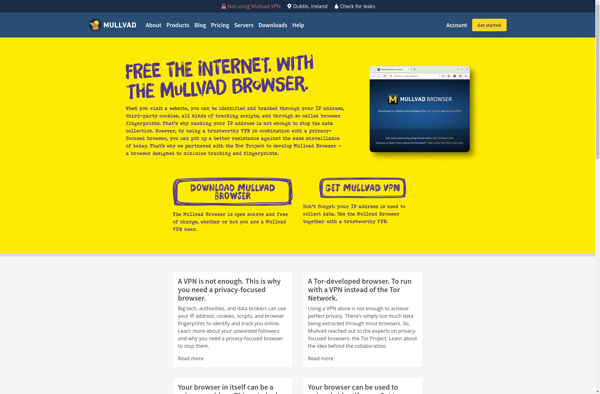
Mullvad Browser icon

Mullvad Browser

Mullvad Browser is a web browser developed by Mullvad VPN. It is built on the Chromium open-source browser project and aims to provide an extra layer of privacy protection for users while browsing the web.Some key features of Mullvad Browser include:Built-in VPN connectivity powered by the Mullvad VPN service. All...
Mullvad Browser image